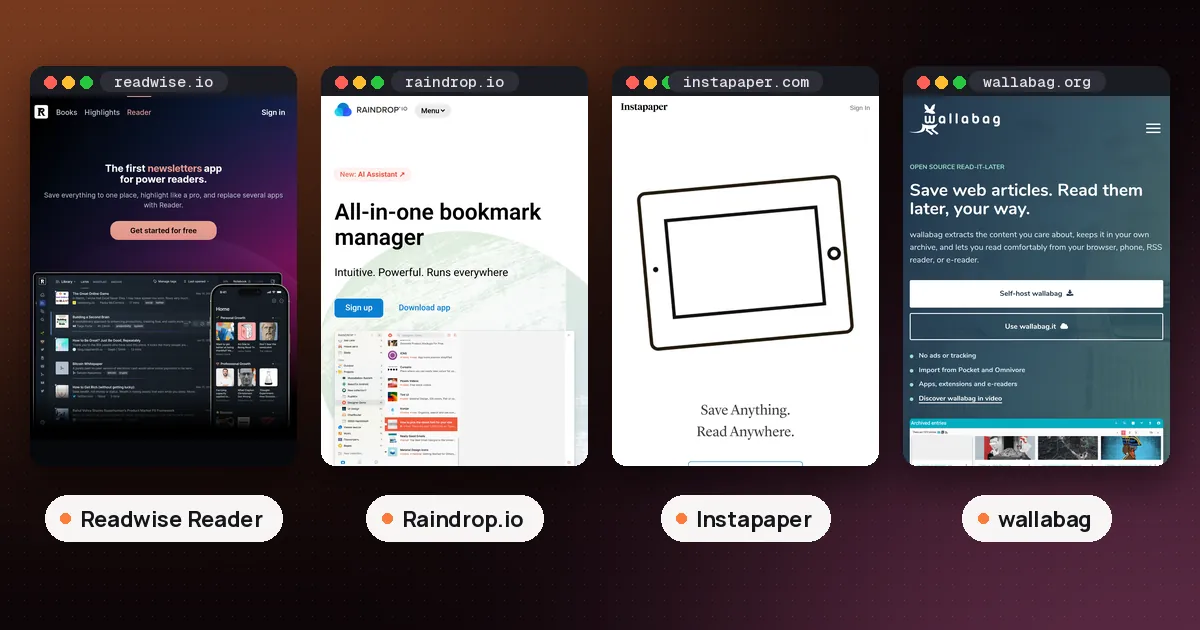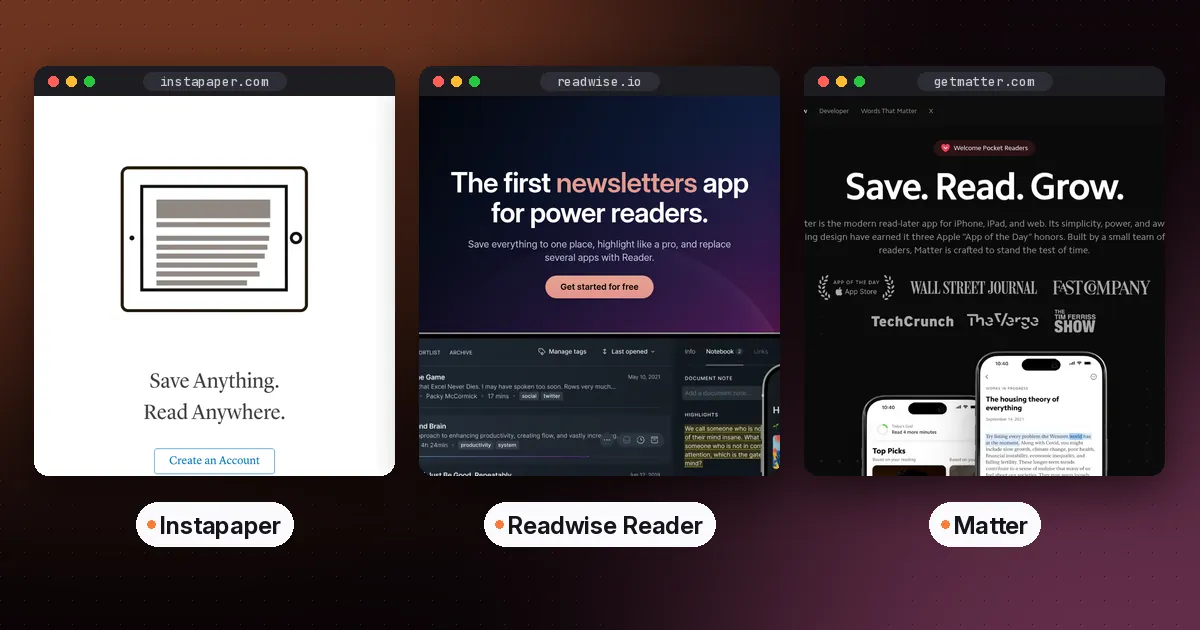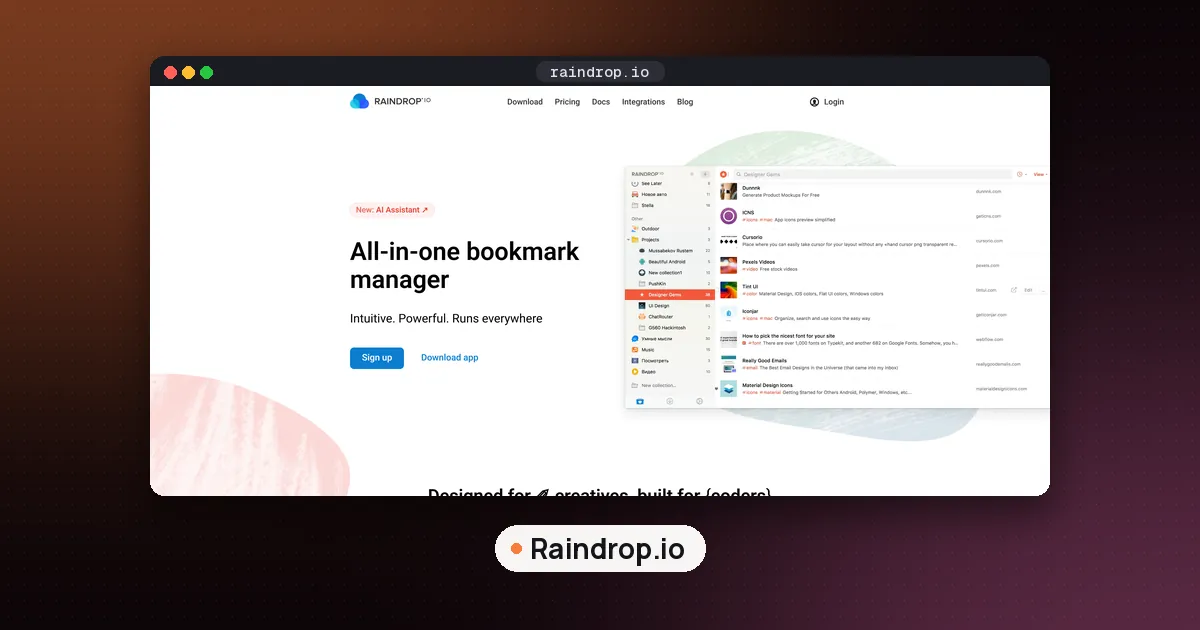
Here's how to use Raindrop.io in three steps: create a free account at raindrop.io, install the browser extension or the iOS or Android app, then save pages with one click or the share sheet. New saves land in Unsorted until you put them in a collection and add tags. The free plan has no time limit and allows unlimited bookmarks, collections, tags and devices, so you can run this whole workflow without paying.
This guide walks through setup on desktop and phone, Safari on iPhone, collections and tags, reading and highlights, Stella AI on Pro, and exactly what Free vs Pro includes. Features and limits come from Raindrop's Quickstart, Limits page, Pro page and related help docs, checked on November 6, 2026. We did not test the apps first hand for this guide.
What is Raindrop.io?
Raindrop.io is a bookmark manager with a clean article view. You save links, files and pages into collections, add tags, highlight passages, and search later. It is closer to a bookmark list than a dedicated read it later app such as Instapaper, though you can still read saved pages inside Raindrop without ads. If you want a side by side with a paid reading app, see our Readwise Reader vs Raindrop comparison. For how Instapaper itself works, see how to use Instapaper. Our best read it later app guide places Raindrop next to Instapaper, Matter, Readwise Reader and wallabag.
Step 1: Create your account and install the apps
Sign up at raindrop.io, or in the iOS or Android app. Raindrop's mobile app help says the iOS app needs iOS or iPadOS 17 or higher, and the Android app needs Android 7.0 or higher. You can also use the web app and a desktop app. Your library syncs across every device where you are signed in.
You do not need Pro to start. Use Free for a week or two and upgrade only if you miss a Pro feature listed later in this guide.
Step 2: Save with the browser extension
On a computer, the fastest path is the browser extension. Raindrop's extension guide lists official builds for Chrome, Safari, Edge and Firefox. Arc, Vivaldi, Opera and Brave can use the Chrome extension.
- Install the Raindrop.io extension for your browser.
- Pin the icon to the toolbar so saving takes one click.
- Open any page and click the Raindrop.io icon. Pick a collection and tags if you want, then save.
- Optional: right click the icon, open Settings, and turn on Saved page indicator so a badge shows when the current page is already bookmarked.
- Optional: enable Save automatically under Appearance, Clipper, if you want one click saves straight into Unsorted or the last used collection.
You can also open the full Raindrop app as a sidebar in Chrome, Edge and Firefox with Ctrl+. on Windows or Linux, or Cmd+. on Mac. Safari does not support that sidebar. To search bookmarks from the address bar in supported browsers, type rd, press Tab, then type your query.
How to use Raindrop.io with Safari
On a Mac, install the Safari extension from Raindrop's extension page and pin it like any other browser. On iPhone or iPad, install the Raindrop.io app first. The Safari extension ships with the app. Open Safari, tap the Extensions control (the puzzle icon next to AA), tap Manage Extensions, and turn on Raindrop.io. You can then save and highlight from Safari. Other mobile browsers such as Chrome or Firefox on phones do not support extensions, so use the share sheet instead.
Save without an extension
If you cannot install extensions, open app.raindrop.io, paste a URL, and save. Raindrop also documents a bookmarklet that opens a small save dialog with no extra permissions. On phones, the share menu is usually enough.
Step 3: Save from your phone
After you install the app:
- On Android, Raindrop appears in the share sheet of any app with no extra setup. If it is buried at first, use it once and it moves up the list.
- On iOS, tap Share in Safari or another app, swipe the icon row, tap More, and enable Raindrop.io. Optionally move it to the front of the list.
- Optional on iOS: enable the Add to Unsorted action under Edit Actions for one tap saving.
Raindrop's mobile FAQ says the apps need an internet connection to sync and save. Offline reading of already cached content is not the product's focus the way it is in some read it later apps.
Organize with collections and tags
Collections work like folders. Every bookmark lives in one collection. Saves with no collection chosen go to Unsorted, which is the built in inbox. Tags work like labels: one bookmark can carry several tags such as to-read, work or gift.
Create a collection from the sidebar on web and desktop, or from the create control on iOS and Android. You can nest collections, reorder them, set custom icons, and pick a layout per collection (list, grid, headlines or moodboard). To move a bookmark, drag it onto a collection on desktop, or use Move on mobile. Deleting a collection sends its bookmarks to Trash rather than erasing them at once.
A practical habit: keep Unsorted small. Either file new saves into a collection at save time, or clear Unsorted once a week.
Read articles and add highlights
Open a bookmark and use Preview (web and desktop) or tap the item (mobile) to read in Raindrop's clean article view. You can change theme, font and text size. The same preview covers many videos, PDFs, EPUBs and images, according to Raindrop's articles help.
Highlights are free. Raindrop's highlights help says you select text and save a highlight, with color coding, and highlights sync across devices. On the web, with the extension installed, highlights can show again when you revisit the original page. The Limits page caps highlights at 100 per bookmark. Adding a note on a highlight (an annotation) needs Pro. You can highlight PDFs and EPUBs inside Raindrop, but not inside your browser's own PDF viewer.
Is Raindrop.io free?
Yes. Raindrop's Pro FAQ and Limits page say you can use Raindrop for free with no time limit, on unlimited devices, with unlimited bookmarks, collections, tags and collaborators. Free file uploads are capped at 100 MB per month, with 100 MB as the max single file size.
Pro is billed monthly or yearly. Yearly is usually about 20% cheaper. Raindrop shows the exact Pro price on its checkout page, so check raindrop.io/pro/buy before you subscribe. Payment on the web goes through Paddle. There is a 30 day money back guarantee if you email info@raindrop.io. Cancel anytime; you keep Pro until the end of the billing period, then drop back to Free.
Pro adds:
- Full text search across bookmark content, PDFs, EPUBs and YouTube transcripts
- Web archive copies of saved pages (and YouTube transcripts)
- Stella AI assistant (in beta)
- Reminders on bookmarks
- Annotations on highlights
- Broken link checker and duplicate finder
- Automatic backups
- Higher upload limits (10 GB per month, 300 MB per file)
If you leave Pro, bookmarks, collections, tags and highlights stay. Web archive copies become inaccessible and are deleted after about a month, per the web archive help. Full text search and new Pro only tools stop.
Ask Stella (Pro)
Stella lets Pro users chat with their library: find vaguely remembered pages, summarize articles or YouTube transcripts, suggest organization, and answer product how to questions. Big changes need your confirmation first. Raindrop says Stella is in beta, runs on its own infrastructure with an open source LLM, keeps data on its servers, and does not use your data for training. New bookmarks need a few minutes to index. You can hide the Ask button under Settings, App.
Import an existing library
You do not have to start empty. Raindrop's import guide accepts browser bookmark exports and files from many apps, including Instapaper (CSV), Readwise Reader (CSV), Notion link exports, Evernote web clips, Pinboard and others. Export from the old tool, then upload the file in Raindrop. That is useful if you are leaving Pocket style apps or consolidating browser bookmarks.
Is Raindrop.io open source?
The client apps are. Raindrop's security page says every app (web, desktop, mobile, browser extension) is open source on GitHub so you can inspect what each client collects. The raindropio/app repository holds the web app, extensions and related desktop work under an MIT license. Separate Android and iOS repositories exist under the same GitHub org. The hosted cloud service and your bookmark database still run on Raindrop's servers (AWS in Frankfurt, Germany). Open source clients do not mean you self host the whole product the way you would with wallabag.
Is Raindrop.io safe?
Raindrop publishes a clear security model. Collections are private by default. Data lives on AWS in Frankfurt with three copies across German data centers. Connections use HTTPS. Revenue comes from Pro subscriptions, not ads or selling user data, and the company describes itself as independent and bootstrapped. Two factor authentication is available. Uploaded file links expire after ten minutes even if someone obtains a direct URL. You can export your library and delete your account. Those claims come from Raindrop's own security documentation; we did not audit the service.
When to pick something else
Stay on Raindrop if you mainly need a free, unlimited bookmark manager with collections, tags, free highlights and optional Pro AI. Choose Instapaper if you want a classic unread queue with strong listening and ebook reader options. Choose Readwise Reader if heavy highlighting, Ghostreader and export into a notes workflow matter more than a free forever bookmark plan. Choose wallabag if you want a fully self hosted open source read later stack. Many people keep Raindrop for every link and send long reads into Reader or Instapaper.
FAQ
How do I use Raindrop.io for the first time?
Create a free account, install the browser extension or mobile app, save a few pages into Unsorted or a new collection, then open those bookmarks in Preview to read and highlight. That is the whole core loop.
Does Raindrop.io work offline?
The mobile apps need an internet connection to sync and save new bookmarks, according to Raindrop's mobile FAQ. Plan on being online when you capture links.
Can I collaborate on collections for free?
Yes. Raindrop's Pro FAQ says collaboration works on the free plan, with unlimited collaborators per collection on both Free and Pro.
What happens to my web archive if I cancel Pro?
Your bookmarks stay. Archived page copies become inaccessible and are permanently deleted after about a month, per Raindrop's web archive docs.
Can I use Raindrop.io and Readwise Reader together?
Yes. Raindrop can sync highlights into Readwise, and you can import a Reader CSV into Raindrop. Our Readwise Reader vs Raindrop guide covers that split in more detail.
Is there a Raindrop.io Safari extension on iPhone?
Yes. Install the Raindrop.io iOS app, then enable the Safari extension under Safari's Manage Extensions. Desktop Safari has its own extension listing on Raindrop's install page.