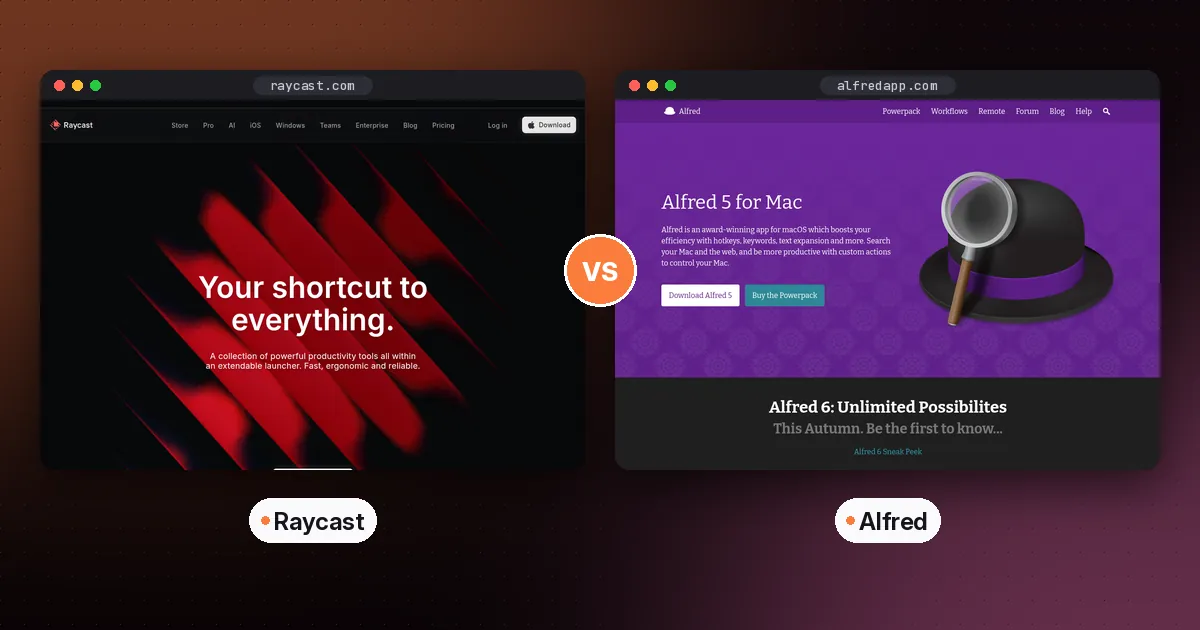
In Raycast vs Alfred, pick Raycast if you want the most features for free, built-in AI with dozens of models, and apps for Mac, Windows and iPhone. Pick Alfred if you want a fast, private, Mac-only launcher that you pay for once, with deep automation through workflows. If you only need to open apps, find files and search your clipboard, the latest macOS Spotlight may be all you need.
All three replace the habit of hunting through menus and folders with a single keyboard shortcut. This guide compares what each does for free, how they handle AI, what they cost, and who each suits. Details come from the Raycast, Alfred and Apple websites, checked on October 5, 2026.
Raycast vs Alfred vs Spotlight at a glance
| Item | Raycast | Alfred | Spotlight |
|---|---|---|---|
| Platforms | Mac, Windows, iOS | Mac only | Mac (built in) |
| Price model | Free for personal use; Pro subscription for AI and sync | Free core app; Powerpack is a one-time purchase | Free |
| Paid tier | Pro, from $8 a month | Powerpack, £34 single license or £59 with lifetime upgrades | Not applicable |
| Clipboard history | Free | Powerpack | Yes |
| Snippets and text expansion | Free | Powerpack | No |
| Window management | Free | Not built in | No |
| Extensions or workflows | Free community store | Workflows need Powerpack | No |
| AI | Built in on Pro, with many models | ChatGPT workflow using your own OpenAI key | Ask Siri with Siri AI |
| Teams | Free Team plan with limits; paid per user | Not a focus | Not applicable |
What you get for free
Raycast
Raycast gives away most of its launcher. According to Raycast's pricing FAQ, the free plan covers all built-in extensions, such as Clipboard History, Calendar and Window Management, plus access to every public extension built by its community. The free plan can be used at work too, so you don't need to upgrade just because you're on a company laptop.
Alfred
Alfred's free app handles the essentials well: launching apps, finding files, searching the web with custom keywords, quick calculations, spelling and definitions, and system commands like sleep or empty trash. It learns which results you pick and puts them first. Clipboard history, snippets, workflows and most power features need the Powerpack.
Spotlight
Spotlight has quietly caught up on basics. Apple's Spotlight guide lists clipboard history for text and files you've copied, unit and currency conversions, word definitions, and, with Siri AI turned on, the ability to ask Siri a question right from Spotlight. It costs nothing and needs no setup.
Verdict: Raycast's free plan does the most. Alfred's free app is a solid launcher but keeps its best features behind the Powerpack. Spotlight now covers the basics that used to be a reason to switch.
AI: the biggest difference
Raycast treats AI as a core feature. Its Pro page describes AI Chat, Quick AI one hotkey away, and AI Extensions that connect to your everyday tools, so you can ask it to check your tasks or block time on your calendar. You can choose from dozens of models from providers including OpenAI, Anthropic, Google, Mistral, Perplexity, DeepSeek and xAI.
AI usage is measured in credits. Every paid plan includes a monthly amount that renews, and unused credits roll over for one extra billing cycle. Advanced models are included with Pro+ and Max. Raycast doesn't sell Pro without AI, but you can switch AI off completely in settings.
Alfred takes a lighter approach. The Alfred team publishes a ChatGPT workflow that lets you query ChatGPT and DALL·E from Alfred's bar. It needs your own OpenAI API key, so you pay OpenAI directly for usage, and workflows require the Powerpack. The workflow page itself reminds you that language models often give wrong information.
Verdict: if AI in your launcher matters, Raycast is far ahead. If you'd rather keep AI separate, or pay only for what you use through your own key, Alfred keeps things simple.
Pricing: subscription vs one-time
Raycast is free for personal use, and Pro starts at $8 a month. Pro adds AI, cloud sync between your Macs, custom themes and more. Eligible new accounts can start a free Pro trial, and verified students get 50% off Pro.
Alfred's shop page lists the Powerpack as a one-time purchase: a single license at £34, which currently includes a free upgrade to Alfred 6, or a Mega Supporter license at £59 with free lifetime upgrades. There's no subscription.
Here's how that plays out. Over three years, Raycast Pro costs at least $288, which is $8 a month for 36 months. Alfred's Mega Supporter license costs £59 once. If you don't need AI or sync, Alfred is much cheaper over time. If you'd pay for an AI chat subscription anyway, Raycast Pro bundles one into your launcher.
Platforms
Raycast now runs well beyond the Mac. Raycast for Windows supports Windows 10 and later, installs through WinGet, and includes the app launcher, file search, clipboard history, snippets, quicklinks, a calculator and Quick AI. The iOS app needs iOS 18 and brings AI chat, notes, snippets and quicklinks to your phone, with Whisper-based voice dictation and a custom keyboard. Syncing between devices requires Pro.
Alfred is Mac only. Its companion app, Alfred Remote, turns an iPhone or iPad into a control panel for your Mac rather than a launcher of its own.
Alfred 6 is on the way
Alfred's developers published a first sneak peek of Alfred 6 on October 2, 2026, and the Alfred site says it's coming this autumn. Anyone buying a single Powerpack license now gets the Alfred 6 upgrade free. If you're on the fence, it's worth watching for the release before you decide.
Pros and cons
Raycast
- Pros: a very capable free plan, built-in AI with model choice, a large extension store, and apps for Mac, Windows and iOS.
- Cons: AI and sync need a subscription, and it has more features than some people want.
Alfred
- Pros: fast and focused, a one-time price, powerful no-code workflows, and a long track record on the Mac.
- Cons: Mac only, key features need the Powerpack, and AI depends on bringing your own API key.
Spotlight
- Pros: free, built in, and now includes clipboard history and Siri AI.
- Cons: no snippets, extensions or window management.
Who should choose which
- You want AI in your launcher: Raycast Pro.
- You use both Mac and Windows: Raycast, the only one of the three on both.
- You dislike subscriptions: Alfred with the Powerpack.
- You build custom automations: Alfred workflows or Raycast extensions both work, so pick the one whose community has what you need.
- You only launch apps and search files: Spotlight.
Good first uses for either launcher
- Clipboard history. Set a hotkey and stop losing things you copied earlier.
- Snippets. Save your email signature, address and common replies, and expand them with a short keyword.
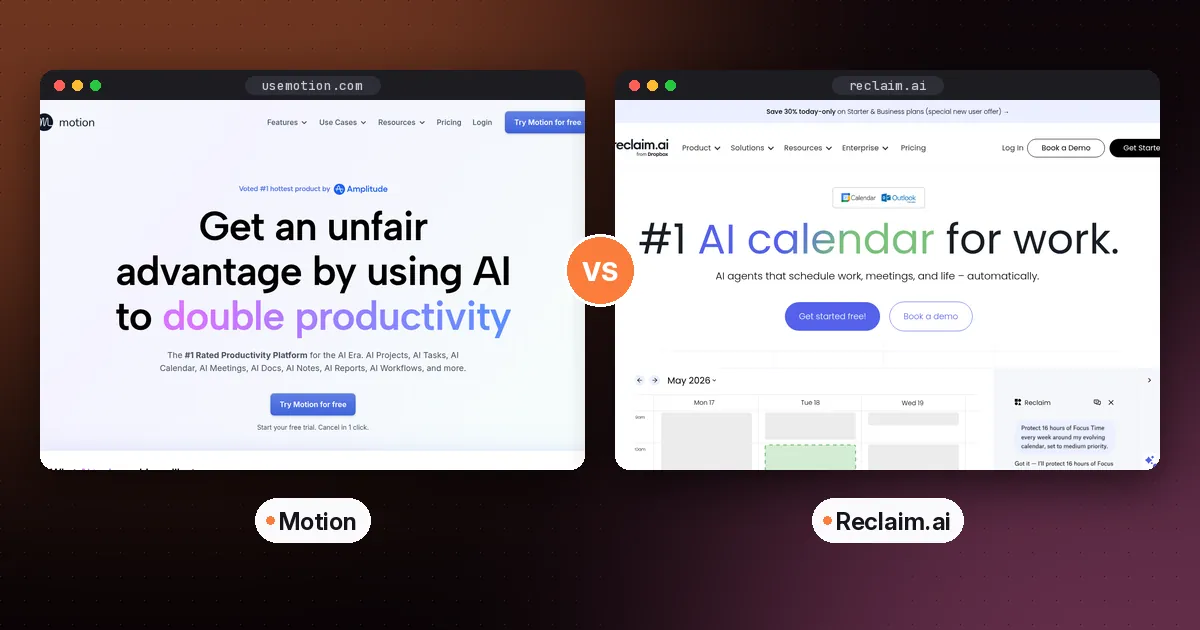
- Calendar and tasks. Raycast's Calendar extension shows upcoming meetings, and scheduling tools such as Reclaim offer a Raycast extension. Our Motion vs Reclaim guide covers AI calendars.
- Quick AI questions. In Raycast, ask a question without opening a browser. For bigger research jobs, an AI browser may suit you better; see our guide to the best AI browser.
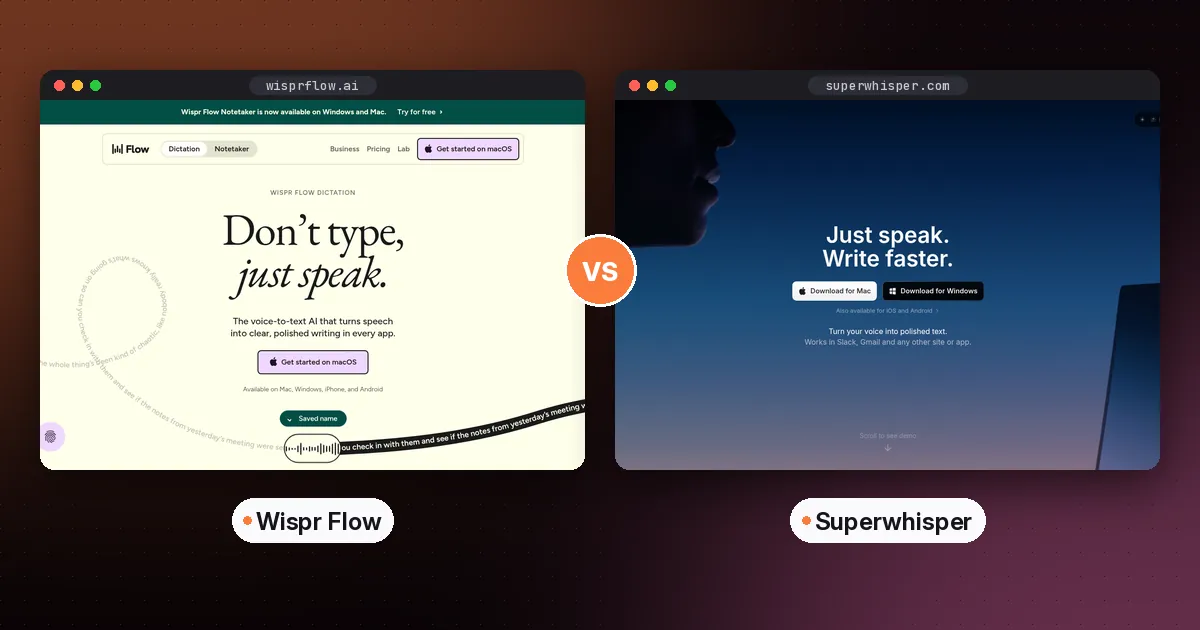
- Dictation. Raycast's iOS app includes voice dictation, but for writing on your computer a dedicated app like Wispr Flow or Superwhisper is more capable. See Wispr Flow vs Superwhisper.
FAQ
Is Raycast better than Alfred?
Raycast is better if you want AI, a free plan with clipboard history and window management, or Windows and iOS apps. Alfred is better if you want a Mac-only launcher you pay for once, with powerful workflows and no subscription.
Is Raycast free?
Yes. Raycast is free for personal use, including built-in extensions like Clipboard History, Calendar and Window Management, and all public community extensions. AI and cloud sync need a Pro plan.
Is Raycast available on Windows?
Yes. Raycast for Windows supports Windows 10 and later and installs through WinGet. It includes the launcher, file search, clipboard history, snippets and Quick AI.
Is Alfred free?
The core Alfred app is free. The Powerpack, which adds workflows, clipboard history and snippets, is a one-time purchase starting at £34 for a single license.
Is Spotlight good enough instead of Raycast or Alfred?
For many people, yes. Spotlight now includes clipboard history, conversions and Siri AI. Choose Raycast or Alfred if you want snippets, extensions, window management or custom automations.