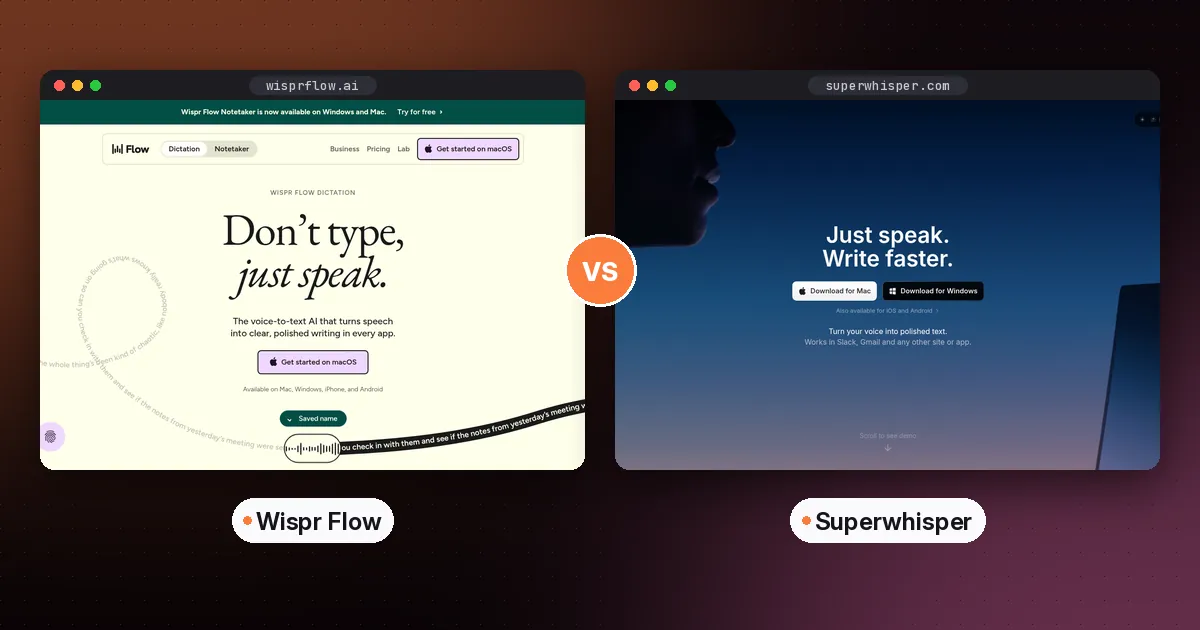
In Wispr Flow vs Superwhisper, choose Wispr Flow if you want polished dictation that just works in every app with almost no setup, and you're fine with cloud processing. Choose Superwhisper if you want the option to run fully offline on your own device, build custom AI modes, or pay once instead of every month. Both run on Mac, Windows, iPhone and Android, and both clean up filler words. The real differences are privacy, control and how you pay.
Prices and features below come from each vendor's own pages, checked on October 5, 2026.
Wispr Flow vs Superwhisper at a glance
| Item | Wispr Flow | Superwhisper |
|---|---|---|
| Processing | Cloud | On-device (offline) or cloud, your choice |
| Platforms | Mac, Windows, iOS, Android | macOS, Windows, iOS, Android |
| Free plan | Yes, 2,000 words per week | Yes, free tier that doesn't expire |
| Pro price | $15 per user per month, or $12 billed annually | $8.49 per month or $84.99 per year |
| One-time purchase | Not offered | Lifetime license, $249.99 |
| Customization | Personal dictionary and snippets, shared on teams | Built-in modes plus your own modes with custom prompts |
| File transcription | Not a focus | Yes |
| Meeting notes | Notetaker (Mac and Windows) | Transcribe saved recordings as files |
| Languages | 100+ | 100+ |
How they differ in daily use
Wispr Flow: dictation that writes like you type
Wispr Flow types wherever your cursor is: email, Slack, documents, chat apps and AI tools. Its pitch is turning what you said into what you meant to write. It removes "ums" and false starts, adds punctuation, and formats lists and paragraphs. It learns names and jargon over time, and you can add dictionary words and text snippets yourself.
Wispr Flow processes speech in the cloud. Its pricing page says it's SOC 2 Type II and ISO 27001 certified, offers HIPAA-ready dictation with a signed BAA, and lets you opt out of model training at any time. The paid tiers add team features like a shared dictionary, centralized billing and admin controls. Wispr has also added a Notetaker for meetings and voice memos. Wispr Flow's homepage lists it as available on Mac and Windows, while dictation itself runs on Mac, Windows, iPhone and Android.
Superwhisper: dictation you can configure
Superwhisper lets you choose between local speech models that run entirely on your device and cloud models. Offline mode is the headline feature. Your audio never has to leave your computer, and it works on planes or poor Wi-Fi. Superwhisper also separates transcription from AI rewriting through modes. You can use plain transcription, built-in modes for email and messages, or your own modes with a custom prompt, such as "turn this into a polite client update".
Superwhisper also transcribes audio and video files. Its own comparison page lists SOC 2 Type II and HIPAA compliance.
Pricing in detail
Wispr Flow is free to start, with no credit card and no trial countdown. The free plan allows 2,000 words a week. Pro is $15 per user per month, or $12 billed annually, and gives unlimited dictation. Growth and Enterprise tiers add SSO, org-wide HIPAA enforcement and admin tools.
Superwhisper has a free tier that doesn't expire. Pro costs $8.49 a month or $84.99 a year, and a lifetime license is $249.99. Over three years, the lifetime license costs less than either subscription. Superwhisper's pricing comparison page also says Pro comes with a 30-day refund and that adding more devices is free. Keep in mind that this page is written by Superwhisper, so treat its claims about Wispr Flow as a competitor's view and confirm them on Wispr's own site.
Here's a simple example for one person who dictates every day for a year on annual billing. Wispr Flow Pro comes to $144, which is $12 times 12 months. Superwhisper Pro comes to $84.99. For a single user, Superwhisper is cheaper. For teams, compare the admin and compliance features you need, not just the sticker price.
Check Wispr Flow's pricing and Superwhisper's comparison page for current terms, since both companies change plans often.
Pros and cons
Wispr Flow
- Pros: very little setup, natural cleanup and formatting, consistent across four platforms, strong team and compliance options.
- Cons: cloud only, a tight free word limit, and pricier than Superwhisper on a subscription.
Superwhisper
- Pros: offline option, deep customization with modes, file transcription, lifetime license, cheaper subscription.
- Cons: more settings to learn, and local models depend on your hardware.
Who should choose which
- Busy professionals who dictate emails and Slack messages all day: Wispr Flow, for the least friction.
- Lawyers, clinicians and anyone with strict confidentiality needs: Superwhisper in offline mode, after checking your organization's policy. Wispr Flow's BAA option is the alternative if cloud is acceptable.
- Writers and students who want custom styles: Superwhisper, because you can build a mode for each kind of writing.
- Teams rolling out dictation to many people: Wispr Flow, with shared dictionaries and admin controls.
- People who hate subscriptions: Superwhisper's lifetime license.
Tips for more accurate dictation in either app
- Mind the microphone. A headset or a mic close to your mouth beats a laptop mic across the room. Wispr Flow's own guidance makes the same point.
- Speak in whole thoughts. Pausing mid-sentence often produces odd punctuation. Think first, then say the full sentence.
- Teach it your words early. Add colleagues' names, product names and acronyms to the dictionary in your first week.
- Say the structure out loud. Phrases like "new paragraph" or "bullet list" help, depending on the app and mode.
- Always reread numbers. Dates, prices and phone numbers are where speech-to-text errors cost the most.
What about built-in dictation?
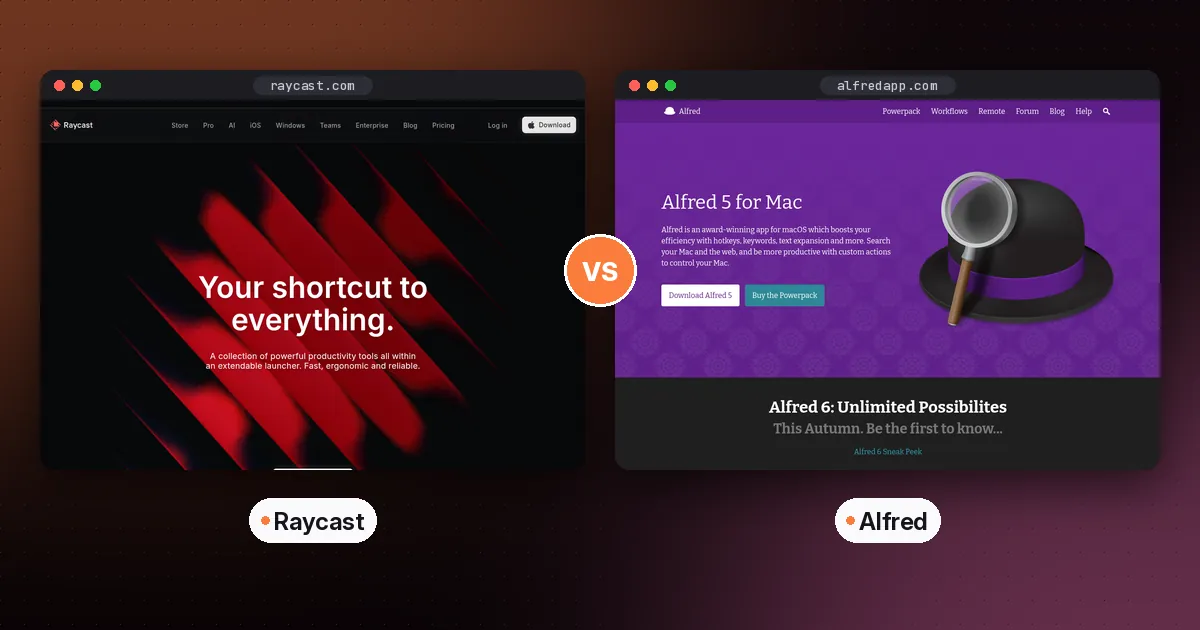
Apple, Google and Microsoft all include free dictation. On a Mac, for example, Apple's dictation guide shows how to turn it on in System Settings. Those tools mostly type exactly what you say, word for word. AI dictation apps add cleanup, formatting and personal vocabulary. That's the reason to pay. Launchers are getting voice features too; Raycast's iPhone app includes dictation, as covered in Raycast vs Alfred. Try your built-in dictation for a day first. If you spend more time fixing text than speaking it, an AI tool is worth testing.
How to test both in one afternoon
- Install both free versions on the same computer.
- Pick three real tasks: a short email, a long Slack update with a list, and a paragraph full of names or jargon.
- Dictate each task once in each app, at your normal pace.
- Count the edits you had to make afterwards.
- Try Superwhisper offline (turn off Wi-Fi) to see how its local model performs on your machine.
The app that needs fewer edits for your voice and vocabulary is the right one.
Dictation and meetings
Dictation captures your own words. Meeting tools capture everyone's. If you also want automatic notes from calls, or a pocket recorder for in-person conversations (see our AI note taker device guide), pair your dictation app with a meeting tool like Granola or Otter. Our guide to the best AI note taker for meetings compares the options. If dictation is mostly about cleaning up your writing afterwards, see Grammarly vs QuillBot for the editing side.
FAQ
Is Superwhisper better than Wispr Flow?
Superwhisper is better if you want offline processing, custom modes or a one-time payment. Wispr Flow is better if you want the most polished result with the least setup, and you're comfortable with cloud processing.
Does Wispr Flow work offline?
No. Wispr Flow processes speech in the cloud, so it needs an internet connection. Superwhisper can run local models fully offline.
Is Wispr Flow free?
Wispr Flow has a free plan that allows 2,000 words per week with no credit card required. Unlimited dictation needs Pro, at $15 per user per month or $12 billed annually.
Does Superwhisper work on Windows and Android?
Yes. Superwhisper lists macOS, Windows, iOS and Android as supported platforms.
Is AI dictation better than Apple dictation?
For long-form writing, usually yes. AI dictation apps remove filler words, add punctuation and formatting, and learn your vocabulary. Built-in dictation is free and fine for short messages.