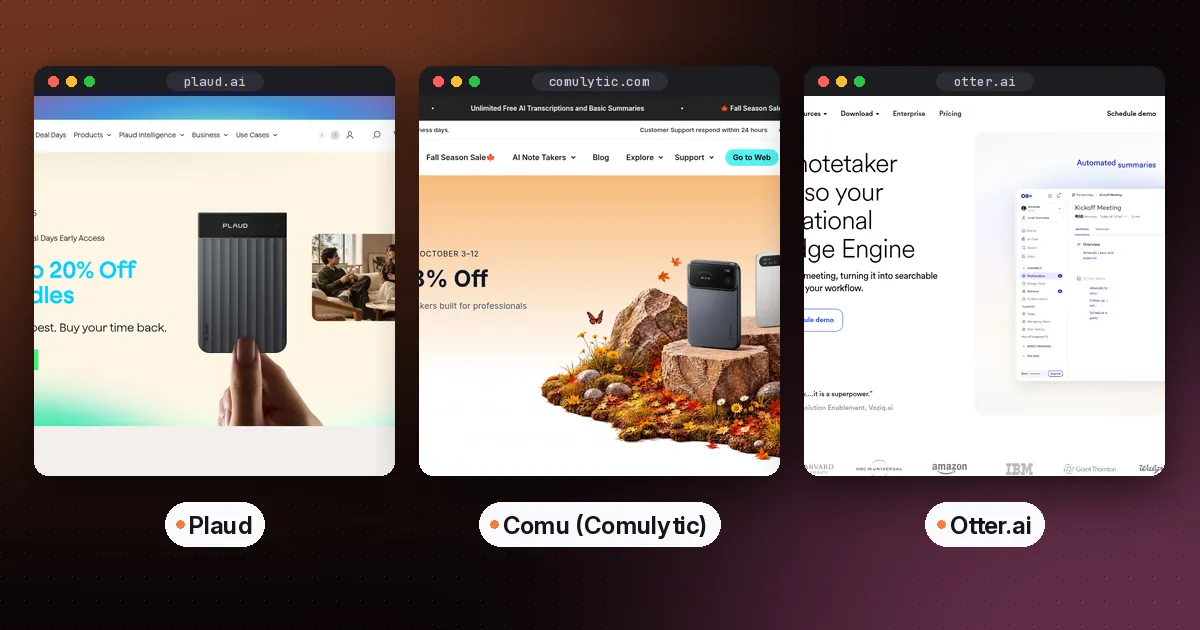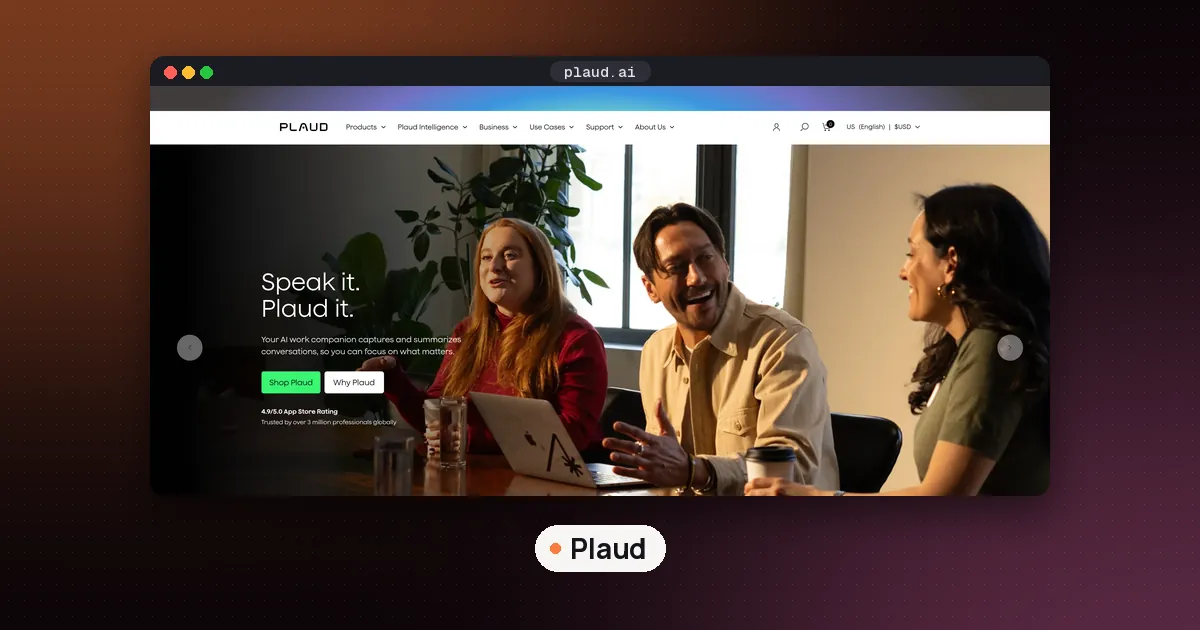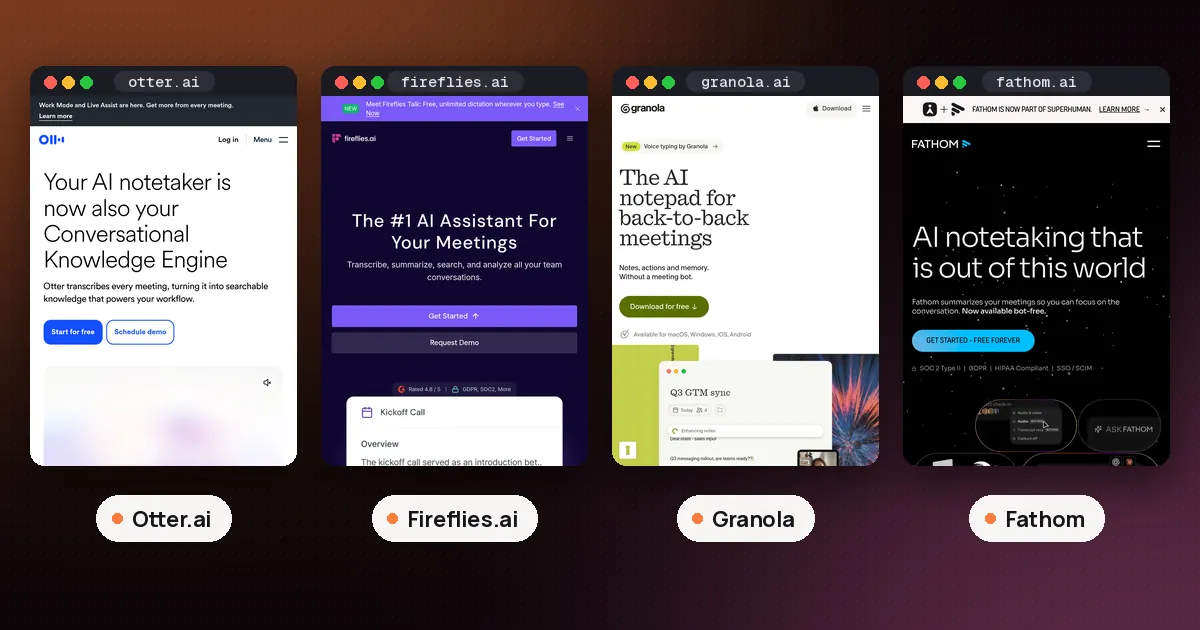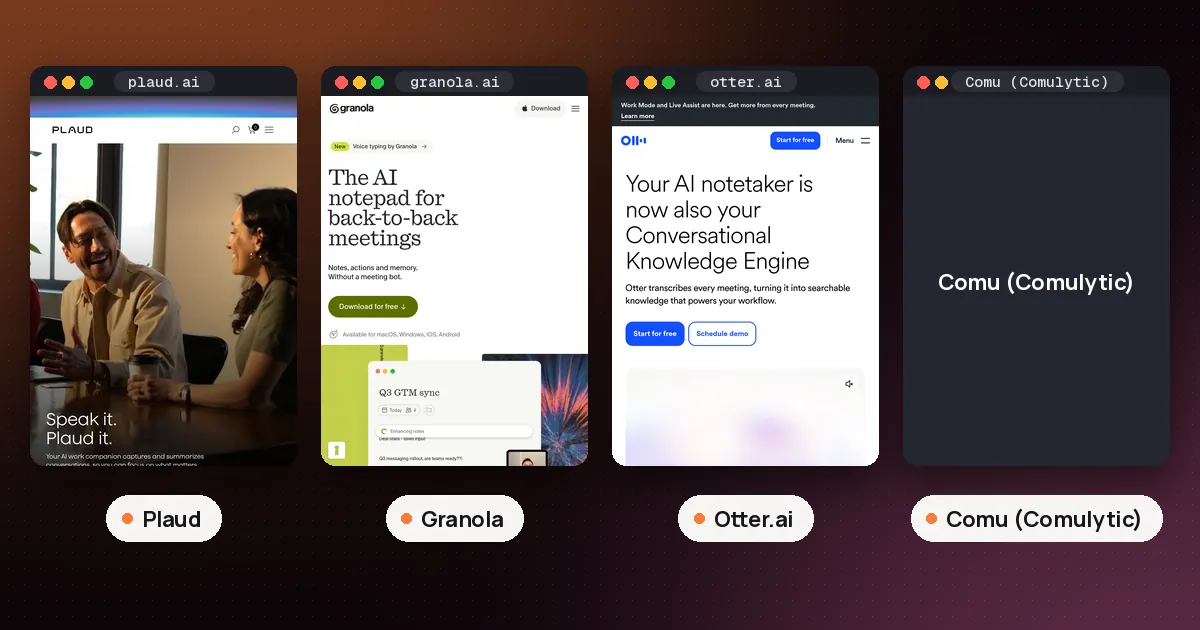
In the Plaud vs Granola choice, pick Granola if most of your meetings happen on a laptop and you want clean notes for free without buying anything. Pick Plaud if your important conversations happen away from a computer (in person, on the phone, on site) and you want to keep the actual audio. Granola is software that keeps only a transcript and notes; Plaud is a hardware recorder plus an app that keeps your recordings in its cloud.
That one difference, audio kept or audio thrown away, drives most of the rest: price, what you can replay, how calls work and how much the free plan really gives you. Everything below comes from Plaud's and Granola's own pricing pages, help centers and store listings, checked on November 10, 2026. We have not used either product first hand.
Plaud vs Granola at a glance
| Item | Plaud | Granola |
|---|---|---|
| What it is | Card or pin recorder plus app | AI notepad app for desktop and phone |
| What you buy | Hardware, from $159 | Nothing for the free plan |
| Free plan | 300 transcription minutes a month | 30 days of meeting history |
| Main paid plan | Pro, $8.33 a month billed annually | Business, $14 per user per month |
| Keeps the audio? | Yes, recordings sync to your account | No, audio is deleted after transcription |
| Online meetings | Plaud Desktop on Mac and Windows | Desktop app on Mac and Windows |
| Phone calls | Note and Note Pro, held on the phone | Outbound calls through its own dialer |
| Upload old recordings | Yes, audio import is listed | No, live transcription only |
What each one actually is
Plaud is a hardware company first. Its recorders are small devices you clip on or stick to the back of your phone. You press a button, it records, and the Plaud app or Plaud Desktop turns that audio into a transcript and a summary. The audio file itself stays in your account, so you can play it back later.
Granola is an app. On a Mac or Windows computer it listens to your microphone and your system audio during a call, shows a live transcript, and then rewrites your rough notes into a clean summary. No bot joins the meeting. Granola's help page on how transcription works says it passes audio straight to its transcription provider and "does not record or save audio or video at any point during the call." What survives is the transcript and your notes. Our guide on whether Granola records audio covers that storage question in detail.
So the question is less "which AI is smarter" and more "do I need a device and a saved recording, or just good notes from calls on my computer?"
Price: hardware plus minutes vs a free app
Plaud's store listed these prices on November 10, 2026: Plaud Note Pro at $189, Plaud Note at $159, NotePin at $159 and NotePin S at $179. Sales change these often, so check before you buy. Plaud's pricing page also lists a free 30 day return.
On top of the device, Plaud's plan pricing page lists:
- Starter: free with every device, 300 transcription minutes a month.
- Pro: $8.33 a month billed annually or $17.99 billed monthly, 1,200 minutes a month.
- Unlimited: $20 a month billed annually or $29.99 billed monthly, up to 24 hours a day.
Unused minutes do not roll over. If you run out, Plaud says recording and playback keep working and only transcription pauses until the month resets or you buy a top up of 600, 3,000 or 6,000 minutes.
Granola's pricing page is simpler. Basic is $0 per user per month and includes AI meeting notes, bot free device audio capture, the desktop, iOS, Android and Apple Watch apps, templates and voice typing. The catch is meeting history: Basic shows 30 days. Business costs $14 per user per month and adds unlimited history, pre meeting briefs, follow up emails, API access and integrations with Notion, HubSpot, Attio, Affinity and Zapier. Enterprise is $35 per user per month.
Verdict on cost: Granola is far cheaper to start, since the free plan needs no purchase. Plaud costs at least $159 before your first minute, but the Starter plan's 300 minutes come with it, and there is no per seat software fee if those minutes are enough.
Online meetings on Zoom, Teams and Google Meet
Both tools now record online meetings without a bot, so this is closer than it used to be.
Granola's desktop app captures your device audio, so it works with Zoom, Google Meet, Microsoft Teams and other call apps. You start it by clicking the meeting notification or opening a note, and it stops when the call ends, after 15 minutes of silence, or when your computer sleeps. Speaker tags with participant names work for Google Meet, Zoom and Teams on macOS and Windows.
Plaud has Plaud Desktop, a beta app for Windows and macOS that captures meeting audio from your computer without joining the call. Its help article on meeting detection lists Google Meet, Zoom and Teams in the browser, the Zoom and Teams desktop apps, Slack huddles, Webex and Lark. You can set it to record automatically, prompt you, or start by hand. One requirement to note: Plaud's download guide lists a Plaud device bound to your account under "Before you start," so Plaud Desktop is not a standalone free app for people without the hardware.
Verdict: for laptop meetings only, Granola does the job with no purchase, and its notes are built around what you typed. Plaud Desktop makes sense once you already own a Plaud device.
In person meetings and lectures
This is Plaud's home ground. The recorders are built for rooms: you can set one on a table or wear a NotePin, and it records without your phone screen staying on. Our AI note taker device comparison covers microphones, range and battery for the Plaud models against Comu and Pocket.
Granola can do in person notes too, but on your phone. Its mobile getting started guide says the iPhone and Android apps take notes "during in person meetings and outbound phone calls," and the mobile app can recognize different speakers face to face. The same page adds a limit: phones do not let apps capture audio from other apps, so Granola on mobile cannot transcribe a Zoom or Teams call.
Verdict: if you record lectures, interviews or site visits often, Plaud's dedicated hardware is the better fit. For an occasional coffee meeting, Granola on your phone is enough.
Phone calls
The two tools handle calls in completely different ways.
Plaud Note and Note Pro attach to the back of your phone and pick up the call through a vibration sensor. Plaud's help center says the NotePin models have no such sensor and cannot record calls. You can't use headphones in call mode, and you press Record every time. Our step by step guide on how to use Plaud to record calls walks through the buttons and common failures.
Granola uses a built in dialer instead. Its phone calls help page says you verify your number once, then place calls from inside Granola. The person you call sees your own number as caller ID, and calls run over Wi-Fi or mobile data rather than your plan's minutes. Granola says it does not support inbound calls.
Verdict: if you need to capture calls people make to you, Granola can't help and a Plaud Note or Note Pro can. If you mostly place calls yourself, Granola's dialer needs no extra hardware.
Privacy: saved audio vs text only
Your choice here depends on what you are worried about.
Granola keeps less. Audio is deleted once transcription finishes on every plan, and its pricing page lists SOC 2 Type II and a setting for transcript retention and auto deletion. Granola says outside AI providers may not train on your data, while Granola itself may train on anonymized data unless you opt out in Settings. It also offers a feature that posts an automated message at the start of a meeting to tell others you are using it.
Plaud keeps more, by design. Its pricing page lists private cloud sync, unlimited cloud storage, encryption in transit and at rest, and SOC 2 Type II, HIPAA, GDPR and EN 18031 compliance. A saved recording is useful when you need the exact words or tone, but it is also one more sensitive file to manage.
Either way, tell people before you record. Plaud's pricing page asks you to get others' okay, and Granola recommends asking permission before transcribing anyone.
Which should you choose?
- Mostly video calls, little budget: Granola Basic. Upgrade to Business only if you need history past 30 days or integrations.
- Lectures, interviews, field work or in person sales: Plaud Note Pro, with Plaud Desktop covering your laptop meetings too.
- You need to record incoming phone calls: Plaud Note or Note Pro. Granola only handles outbound calls.
- You want to replay audio or import old recordings: Plaud. Granola keeps no audio and does not accept uploaded files.
- You want notes shaped by what you typed during the meeting: Granola.
If neither fits, an app like Otter keeps both audio and transcript without hardware; see Granola vs Otter for that matchup, Granola vs Fireflies if you want a bot that attends calls for you, or our best AI meeting note taker roundup for the wider field.
FAQ
Is Granola better than Plaud?
Neither is better across the board. Granola is better for laptop meetings and costs nothing to start. Plaud is better for in person conversations and incoming phone calls, and it keeps the audio, but you have to buy a device first.
Can I use Plaud without buying a device?
Not really. Plaud's free Starter plan comes with a device, and Plaud's own setup guide for Plaud Desktop lists a Plaud device bound to your account as a requirement before you install it.
Does Granola work for in person meetings?
Yes, through the iPhone and Android apps. Granola says its mobile apps are designed for in person meetings and outbound phone calls, and they can recognize different speakers. They cannot transcribe Zoom or Teams calls on the phone.
Is Plaud's free plan enough?
It covers 300 transcription minutes a month, which is about ten 30 minute meetings. Minutes do not roll over. If you record most working days, Plaud itself suggests Unlimited once you pass 20 hours a month.
Can Granola transcribe a recording I already have?
No. Granola's help center says it handles live transcription only and does not accept uploaded audio files such as MP3s. Plaud lists audio import on its plans.
Do Plaud and Granola join my meeting as a bot?
No. Granola's desktop app and Plaud Desktop both capture audio from your own computer, so nothing extra appears in the participant list.