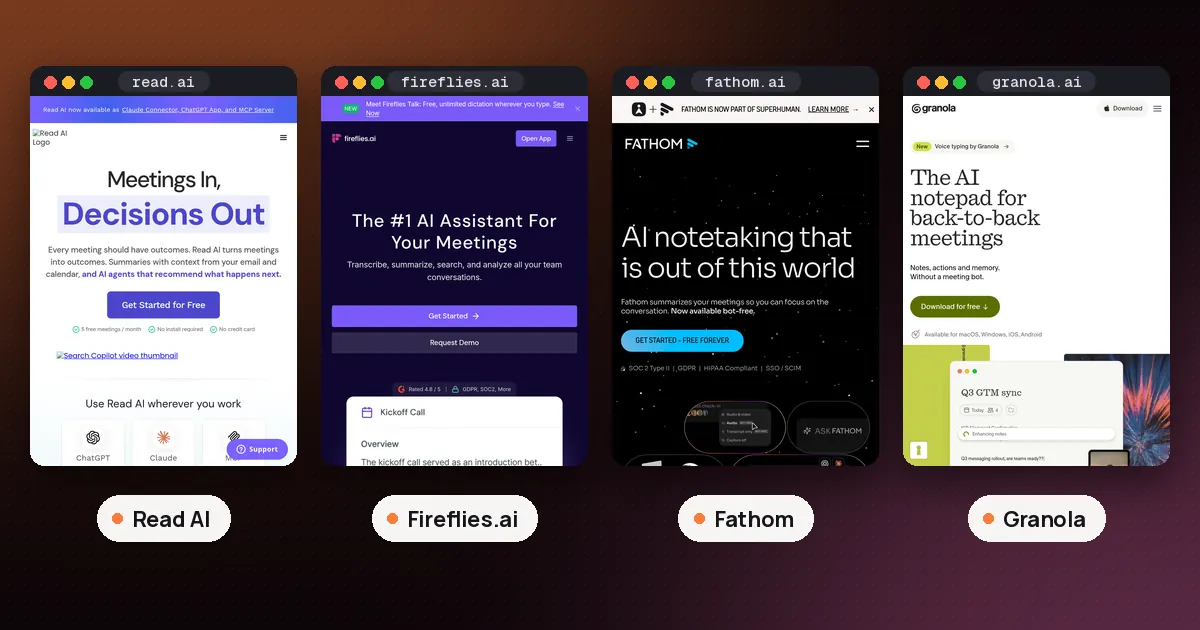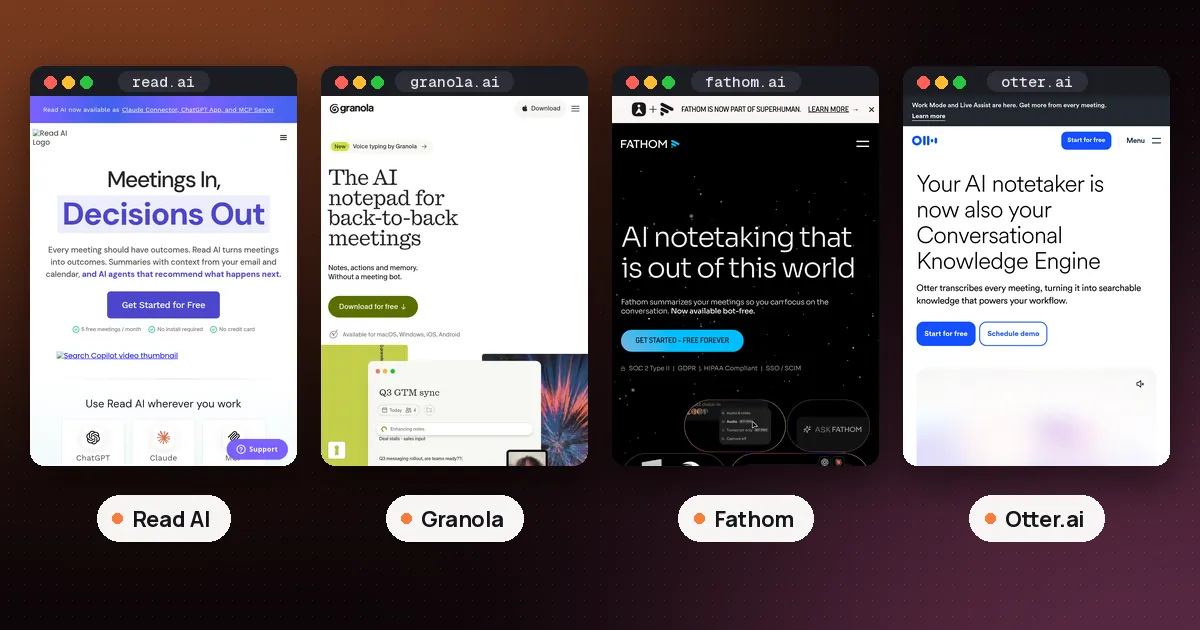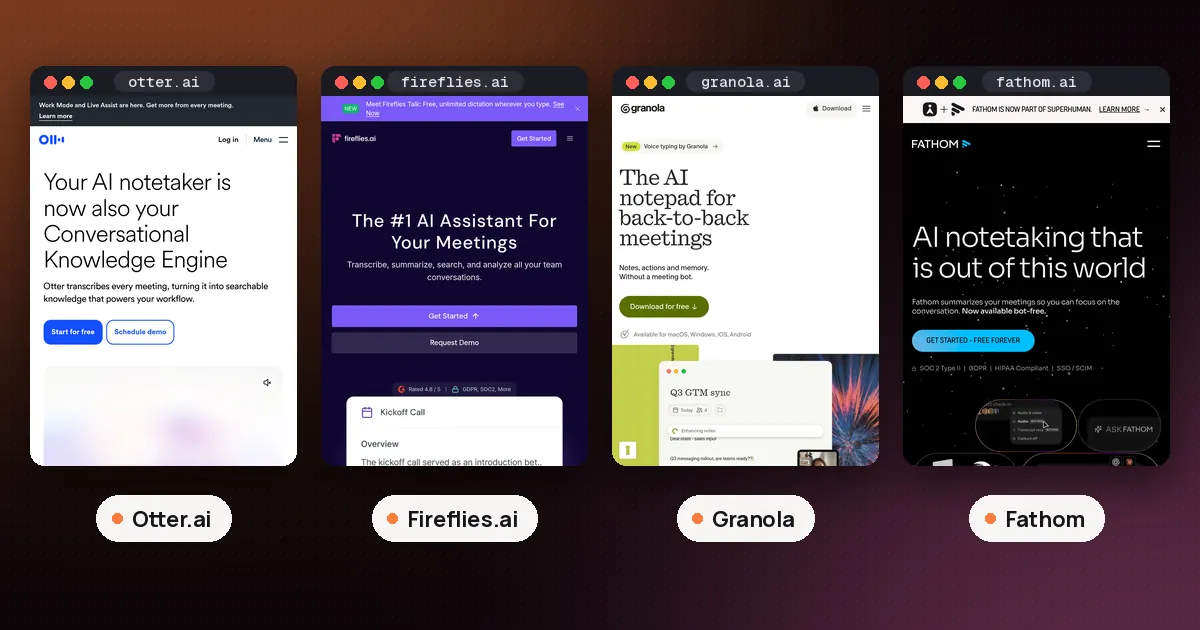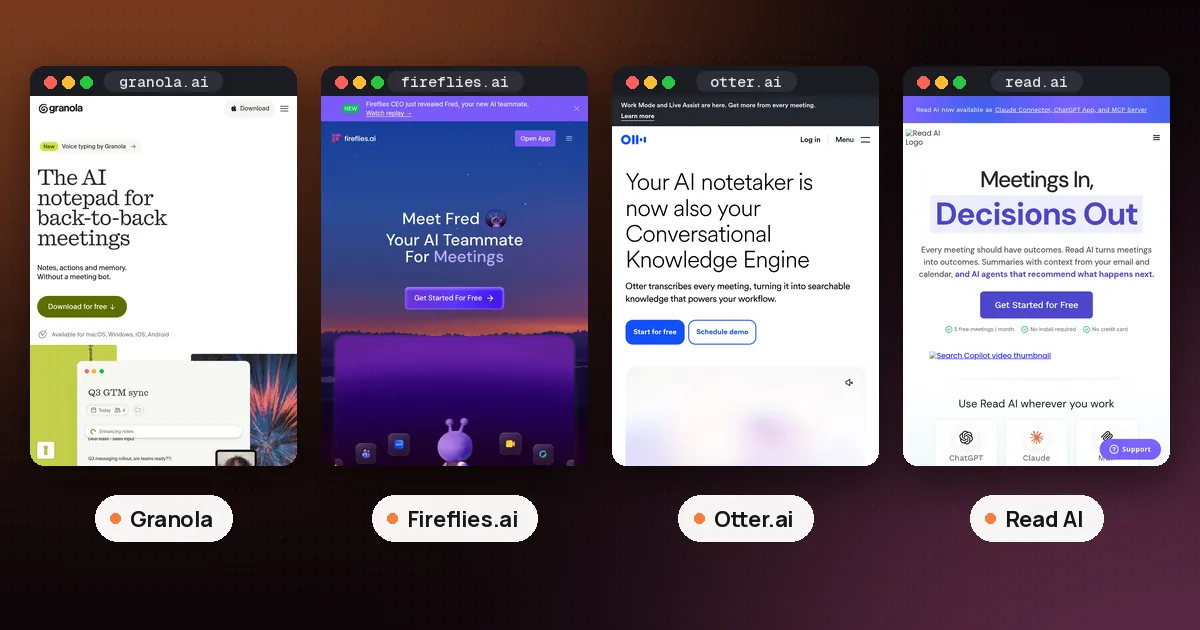
In the Granola vs Fireflies choice, pick Granola if you attend your own meetings on a Mac or Windows laptop and want notes built around what you typed, with no bot in the call and no audio kept. Pick Fireflies if you want a note taker that joins calls you skip, keeps recordings you can replay, or accepts old audio files. On price they start close: Granola Business is $14 per user a month, and Fireflies Pro is $10 per seat a month billed annually or $18 monthly.
The two products start from opposite ends. Granola is a notepad: you jot rough notes during the call and it fills them in from a live transcript of your own device audio. Fireflies is a recorder first: its bot, fred@fireflies.ai, joins Zoom, Google Meet and Microsoft Teams calls, and it also has a desktop mode that takes notes without a bot. Every fact below comes from each company's pricing page, help center or blog, checked on November 13, 2026. We have not installed either app or recorded a test meeting for this guide.
Granola vs Fireflies at a glance
| Item | Granola | Fireflies |
|---|---|---|
| How it captures | Device audio on your computer, no bot | Bot joins the call; desktop Take Notes mode without a bot; Chrome extension for Google Meet |
| Free plan | No meeting cap listed, 30 days of history | Unlimited transcripts with Auto join on, limited AI summaries, 400 minutes of storage |
| First paid plan | Business, $14 per user a month | Pro, $10 per seat a month billed annually ($18 monthly) |
| Covers calls you skip | No | Yes, the bot records without you |
| Keeps the audio | No, audio is deleted after transcription | Bot meetings yes; Take Notes mode no |
| Upload old recordings | No | Yes, on every plan |
| Phones | In person notes and outbound calls | Mobile app for in person recording |
How each one gets into your meeting
Granola never joins a call. Its help page on how transcription works says the desktop app captures audio from your device, so it works the same way in Zoom, Google Meet, Microsoft Teams and any other app that plays sound through your computer. It starts only when you click a meeting notification, open the meeting's note after the start time or start a new note, and it stops when it detects the call has ended, after 15 minutes with no new audio, or when your computer sleeps. Speaker tags with display names work for Google Meet, Zoom and Teams on macOS and Windows; elsewhere you see "Me" and "Them." Our guide on how to use Granola AI with Zoom shows the Zoom setup, including why speaker names need the Zoom desktop app.
Fireflies offers three routes. Its meeting FAQ says you can turn on Auto join, add the bot to a calendar invite or use "Add to live meeting." The bot appears as Fireflies.ai Notetaker, needs to be admitted from a lobby, waits up to 10 minutes on Google Meet and 15 minutes elsewhere, and records even if you never show up. Fireflies links one calendar per account (Google or Outlook), so a second calendar means inviting the bot by hand.
If a bot is unwelcome, Fireflies has a desktop answer. Its guide to recording without a bot describes a Take Notes button on the Windows and Mac app that captures system audio, shows a live transcript and produces a summary when the call ends. The tradeoffs: no audio or video file is saved, speakers show up as Speaker 1 and Speaker 2, and Sales Assist does not work.
Verdict: if you always attend your own calls, both can stay out of the participant list, but Granola is built for that from the ground up. If you need notes from meetings you can't attend, only Fireflies does it.
Free plans compared
Granola's pricing page lists Basic at $0 per user a month with AI meeting notes, bot free device audio capture, the desktop, iOS, Android and Apple Watch apps, speaker tagging, templates, voice typing in any app, shared folders and a Slack integration. The limit is history: Basic shows 30 days of meetings, AI chat across meetings runs on "Auto" only, and the MCP connection for tools such as Claude and ChatGPT covers personal notes from the last 30 days.
Fireflies' free plan is generous on transcripts and tight on AI. Its article on unlimited free transcriptions says accounts that signed up on or after September 1, 2026 get unlimited transcripts only with the Auto join calendar meetings toggle on; with it off, the default is 3 meeting transcriptions. The "Only when I invite fred@fireflies.ai" option does not count. Summaries, action items and analytics still depend on credits. The Free plan overview says a new account starts with 3 transcription credits from the website, 5 from the Chrome extension or 10 from the mobile app, and each summary uses one. You also get 20 AI credits a month for AskFred and AI Skills, and 400 minutes of storage (the pricing page says per team, the help article says per seat).
So a free Granola account suits someone with many calls who mostly needs this month's notes, each one fully written up. A free Fireflies account suits someone who wants a searchable transcript of every calendar meeting and can live without a summary for most of them.
Paid plans and prices
Granola lists three plans:
- Basic: $0, with the limits above.
- Business: $14 per user a month. Unlimited notes and history, advanced AI models with model selection in chat, pre meeting briefs, follow up emails, a workspace dictionary, integrations with Attio, Notion, HubSpot, Affinity and Zapier, MCP access to workspace notes, and API access.
- Enterprise: $35 per user a month. Adds SSO (for workspaces of 50 or more users), SCIM, workspace wide retention and sharing rules, an audit API, HIPAA compliant workspaces and admin enforced notices that Granola is in use.
Fireflies' pricing page lists four:
- Free: $0, with the limits above and a 2 hour recording limit per meeting.
- Pro: $10 per seat a month billed annually, or $18 monthly. Unlimited transcripts and AI summaries, 8,000 minutes of storage per seat, video recording, downloads, the Personal Assistant and Email Assistant, AI Skills, Voice Agents and 20 AI credits.
- Business: $19 per seat a month billed annually, or $29 monthly. Unlimited storage, 30 AI credits, multi language mode, conversation intelligence and team analytics for admins.
- Enterprise: $39 per seat a month, annual billing only. Adds 50 AI credits, a rules engine, SSO and SCIM, audit logs, private storage, custom retention and HIPAA readiness with a BAA.
On annual billing, Fireflies Pro is $4 a month cheaper than Granola Business. On monthly billing, Granola is $4 cheaper. What you buy differs more than the price: Granola Business mainly lifts the history limit and adds integrations, while Fireflies Pro lifts the summary rationing and adds storage, recordings and the email and assistant features.
What changed this week
Both companies shipped big updates on November 11, 2026, and both point the same way: your meetings as context for other AI tools.
Fireflies relaunched Fred as an "AI teammate." Its launch post lists email sorting and drafts, Slack summaries, daily briefs, knowledge search across connected apps and Voice Agents, with some features live and others on a waitlist. Our guide to Fireflies Fred AI separates what works today from what is coming.
Granola launched Agent Briefs: a snapshot of your priorities, projects, people and writing style, written from your meetings and rewritten every night, that Claude, ChatGPT or another agent can read once you connect it. Agent Briefs need the Business or Enterprise plan.
The difference is where the work happens. Fireflies wants Fred to do the follow up inside Fireflies. Granola hands your context to the assistant you already use.
Privacy and what each tool keeps
Granola keeps less. Its transcription page says audio goes straight to its transcription provider and that it "does not record or save audio or video at any point during the call." Its pricing page lists SOC 2 Type II on every plan, per user transcript retention and auto deletion, and a data processing agreement. Our explainer on whether Granola records audio covers the details. Granola says outside AI companies may not train on your data, while Granola trains on anonymized data unless you opt out in Settings; on Enterprise that is off by default.
Fireflies keeps more, because replay is a feature. Bot meetings produce recordings you can play back, and video capture appears on the paid plans. Its pricing page lists SOC 2 Type II, GDPR, ISO 42001 and HIPAA readiness on Enterprise with a BAA and private storage, and says Fireflies does not use your meeting data to train AI models. Custom retention is an Enterprise feature.
Both put consent on you. Granola recommends asking permission and can send an automated message at the start of each meeting. Fireflies' Take Notes mode offers an audio consent message, a meeting chat notice on Mac and an "AI Taking Notes" watermark on your camera. The bot itself shows in the participant list and posts in the meeting chat, and Fireflies says that alone may not meet consent laws.
Uploads, phones and voice typing
If you have old recordings, Fireflies is the only option of the two. Its free plan accepts MP3, MP4, WAV or M4A files up to 100 MB and 150 minutes each, at one transcription credit per file; downloading those transcripts needs a paid plan. Granola's help center says it handles live meetings only and does not accept uploaded files.
On phones, Granola's mobile guide says the iPhone and Android apps are for in person meetings and outbound calls, and that phones cannot capture audio from other apps, so Granola on mobile can't transcribe a Zoom call. Its phone calls page explains the built in dialer: you verify your number, the other person sees your own caller ID, and inbound calls are not supported. Fireflies' mobile app records in person conversations, and its desktop app can capture iPhone calls on a Mac or Android and iPhone calls on Windows through Phone Link.
Both include free dictation. Granola lists voice typing in any app on every plan, covered in our Granola Voice Typing guide. Fireflies says Fireflies Talk, its voice dictation in the desktop app, is unlimited on every plan, including Free.
Which should you pick?
- You attend your own calls and hate bots: Granola Basic.
- You need notes from meetings you can't join: Fireflies, with Auto join on.
- You want to replay audio or video: Fireflies, since Granola deletes audio.
- You have a backlog of recordings to transcribe: Fireflies.
- You want your meeting context inside Claude or ChatGPT: Granola Business, with MCP and Agent Briefs.
- You want an assistant that also handles email and Slack: Fireflies Pro or higher.
If neither fits, see how each one fares against Otter in Granola vs Otter and Otter.ai vs Fireflies.ai, or compare Granola with Read AI in Read AI vs Granola. Our roundup of the best AI note taker for meetings covers the wider field.
FAQ
Is Granola better than Fireflies?
Neither wins outright. Granola is better if you attend your own calls on a laptop and want polished notes with no bot and no saved audio. Fireflies is better if you need a bot to cover calls you miss, want recordings to replay, or have files to upload.
Does Fireflies work without a bot like Granola?
Yes. The Fireflies desktop app for Windows and Mac has a Take Notes mode that captures system audio with no bot in the call. It saves no audio or video file and labels speakers as Speaker 1 and Speaker 2. On Google Meet, the Chrome extension also records without the bot.
Is Granola free?
Yes. Granola Basic costs $0 and has no meeting cap on its pricing page, but it shows only the last 30 days of meetings, and AI chat across meetings uses the Auto model only. Business at $14 per user a month removes the history limit.
Which is cheaper, Granola or Fireflies?
On annual billing Fireflies Pro is cheaper at $10 per seat a month against $14 for Granola Business. On monthly billing Granola is cheaper, since Fireflies Pro is $18. For larger companies, Granola Enterprise is $35 per user a month and Fireflies Enterprise is $39 per seat, billed annually.
Can Granola record calls when I'm not there?
No. Granola only transcribes when you open a meeting note on your own computer or phone, so it can't cover a call you skip. Fireflies can, because its bot joins from your calendar and records even if you never arrive.
Does Granola or Fireflies keep my audio?
Granola does not: audio is deleted after transcription on every plan. Fireflies keeps recordings from bot meetings for playback, though its desktop Take Notes mode saves no audio or video file.