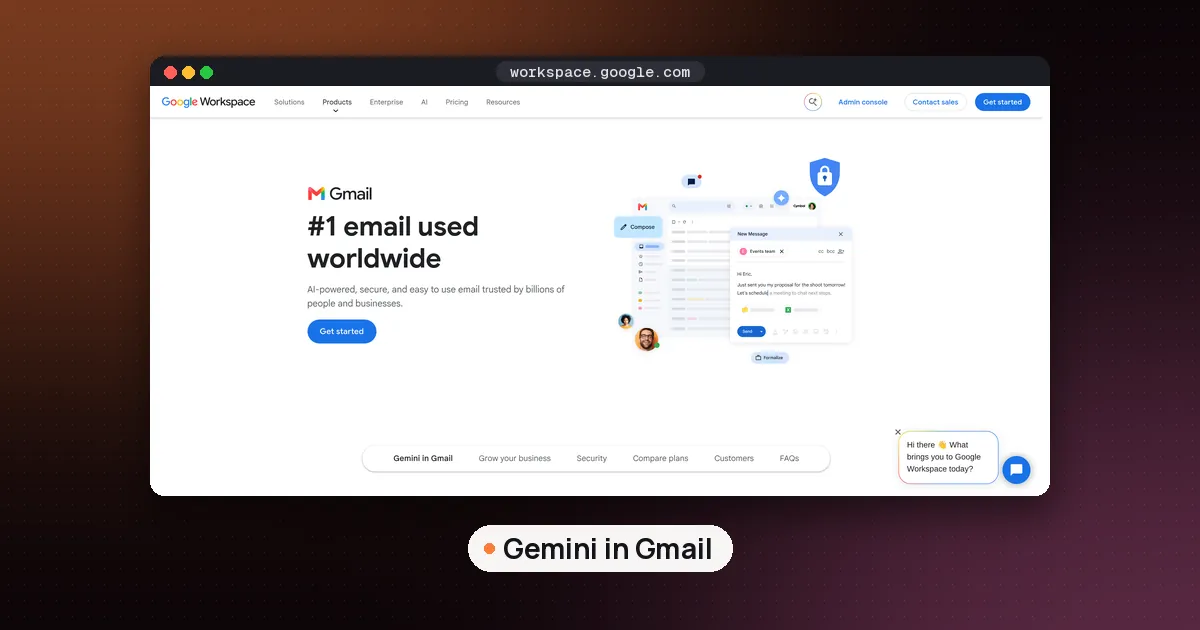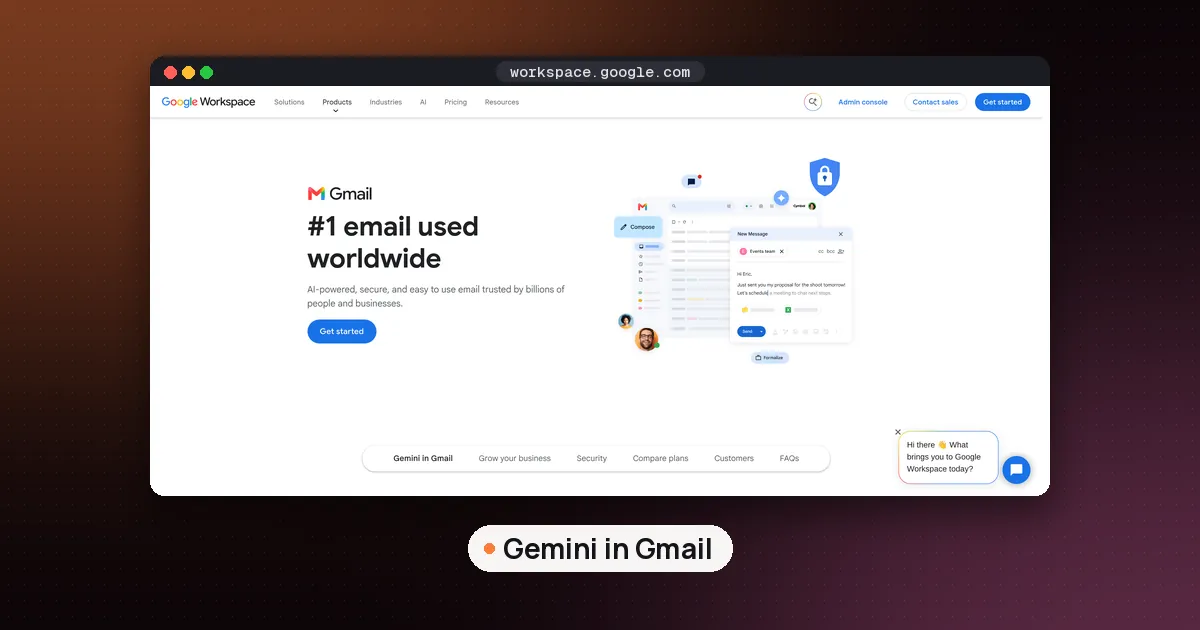
To use Help Me Write in Gmail on a computer, click Compose (or open a reply), type what you want in the prompt bar at the bottom of the window (click Help me write if the bar is hidden), then click Create. On an iPhone or Android phone, tap Compose, tap Help me write at the top right, enter a prompt, tap Create, then Insert. Since November 10, 2026, Google has been turning it on for every Google Workspace user aged 18 and older, so many work and school accounts are seeing it for the first time this month.
Help Me Write is Gemini's drafting tool inside Gmail. It writes a full email from a short prompt, or rewrites something you already typed to be shorter, more formal or friendlier. It has been free on personal Gmail accounts in the US since January 2026, but plenty of people only had it on certain paid Workspace plans. That changed this week, which is why so many people are searching for how it works, why it isn't showing and how to switch it off.
This guide covers the steps on each device, who has access now, how to write prompts that produce a usable draft, and what to check before you hit send. If you already know you don't want it, our guide to turning off Gemini in Gmail has the full switch by switch walkthrough.
What changed in November 2026
On November 10, 2026, Google's Workspace Updates blog announced that two Gemini features in Gmail are expanding to all Google Workspace users aged 18 and older:
- AI Overview conversation summaries: a summary at the top of long email threads that pulls together the key points and replies.
- Help Me Write (non personalized): drafts a complete email or refines existing text from a simple prompt.
The post says both features are on by default, users can turn them off, and admins can disable Gemini features in Gmail for their organization. The rollout is gradual, with up to 15 days for the features to become visible, starting November 10 for both Rapid Release and Scheduled Release domains. In plain terms, if your work account doesn't show the button yet, it should arrive by around November 25. The Verge summed it up as Google bringing Help Me Write to work accounts over the next two weeks.
Note the word "non personalized" in Google's post. Gmail's help page explains that the personalized version of Help Me Write can pull details from your other emails and Drive files, such as flight times or booking codes, to fill in a draft. The version reaching all Workspace users is labeled non personalized, so expect it to work from your prompt and the email in front of you rather than searching your mailbox for facts.
Who can use Help Me Write in Gmail
Google's Gemini features in Gmail page lists availability by account type:
| Account | Help Me Write availability | Languages |
|---|---|---|
| Google AI Plus, Pro or Ultra | Global | English, French, German, Italian, Japanese, Korean, Portuguese, Spanish |
| Eligible Google Workspace plan | Global | Same eight languages |
| Personal Gmail account, no paid plan | US only | Same eight languages |
It works on the web, iOS and Android. The November announcement adds that you must be 18 or older and have smart features in Gmail turned on. Personal accounts outside the US still need a paid Google AI plan.
The same page lists features that are not part of this rollout. Proofread (tone and style suggestions beyond spelling) requires Google AI Plus, Pro or Ultra or an eligible Workspace plan and runs on the web only. Help Me Schedule, which proposes meeting times inside an email, is for eligible Workspace plans in English in the US. AI Inbox remains a paid feature, covered in our Gmail AI Inbox guide.
How to use Help Me Write in Gmail on a computer
These steps follow Google's Draft emails with Gemini in Gmail help page:
- Open Gmail in your browser.
- Click Compose at the top left. You can also reply to an email or open an existing draft.
- Type your message in the body, or leave it blank if you want Gemini to write from scratch.
- At the bottom of the compose window, type your prompt in the prompt bar. If you don't see the bar, click Help me write.
- Click Create.
To refine the result, type a new instruction into the same bar, such as "Make it more professional" or "Mention the Friday deadline". Three quick options sit in the bar as well: Formalize, Friendly and Shorten. If a rewrite makes things worse, use Undo and Redo at the right of the prompt bar to move between versions.
How to use Help Me Write on iPhone and Android
The Gmail app works a little differently from the web, and the steps are the same on iPhone, iPad and Android:
- Open the Gmail app and tap Compose at the bottom right (or open a reply).
- Tap Help me write at the top right of the window.
- Enter a prompt, for example "A thank you letter for my job interview".
- Tap Create.
- Tap Recreate if you want a different version. Google warns that you can't go back to the previous version after you recreate.
- Tap the generated text to edit it, then tap Insert.
To rework a draft you wrote yourself, type it first, tap Help me write, and pick Polish, Formalize, Elaborate or Shorten. Tap Replace to accept the new text. If you want to start over with a different prompt, tap Close at the top right of the draft and enter a new one.
How to write prompts that give usable drafts
Google's own advice is to be specific. A good prompt names the recipient, the subject, the action you need and the tone. Compare these two:
- Weak: "Email about the meeting."
- Better: "Write a short, friendly email to Priya declining Thursday's budget meeting because I'm traveling, and offer two times next Tuesday afternoon."
The second one gives Gemini everything it needs, so the draft needs fewer edits. A few habits help:
- Put facts in the prompt. With the non personalized version, Gemini won't look up your calendar or old emails. Dates, names, prices and order numbers should come from you.
- Write a rough draft first for important messages. Then use Polish or Formalize. You keep control of the content and Gemini only adjusts the wording.
- Ask for length. "Three sentences" or "under 100 words" works better than hoping Shorten gets it right.
- Keep your voice. Drafts tend to sound generic. Swap in your usual greeting and sign off, and cut phrases you would never say.
If you write a lot of email in other tools too, our guide to the best AI email assistant compares Gemini with Superhuman, Shortwave, Spark and others.
Check every draft before you send it
Help Me Write produces text that reads well, which makes errors easy to miss. Google's help page says Gemini features may suggest inaccurate or inappropriate information, that suggestions don't represent Google's views, and that you shouldn't rely on them for medical, legal, financial or other professional advice.
Before you send, check:
- Names and dates. A draft can confidently state a day or a figure you never gave it.
- Promises. Generated replies sometimes agree to things ("I'll send it by Monday") that you didn't intend.
- Tone for the recipient. Formalize can sound stiff to a close colleague, and Friendly can be too casual for a client.
- Sensitive content. If your organization has rules about AI tools and client data, follow them, and ask IT if you're unsure whether Gemini is approved for your account.
If a draft is wrong or looks unsafe, click Good suggestion or Bad suggestion below the generated text to send feedback to Google.
Help Me Write not showing? Try these fixes
"Not showing" is one of the top search suggestions for this feature, and most causes come down to a few things:
- The rollout hasn't reached you. Workspace accounts can take up to 15 days from November 10.
- Smart features are off. The November post makes smart features in Gmail a requirement. Our Gemini in Gmail turn off guide shows where those switches live, so you can turn them back on the same way.
- Your admin has disabled Gemini. Workspace admins can switch off Gemini features in Gmail for the whole organization. Only they can change it.
- Your account isn't eligible. Personal accounts without a paid plan get Help Me Write only in the US, and users under 18 are excluded.
- Unsupported language. Google says your device language needs to be a supported one. Help Me Write supports eight languages, listed above.
- A temporary glitch. Google's troubleshooting advice is to try again later, reload the browser, or close and reopen the Gmail app.
How to turn off Help Me Write in Gmail
Google says end users can disable the new features themselves. Help Me Write is part of Gmail's Gemini smart features, so switching those off on a computer removes it: open Settings, then See all settings, and in the General tab click Manage Workspace smart feature settings, switch off Smart features in Google Workspace, and save. That also removes thread summaries and other Gemini features, while basics like Smart Compose stay. Our step by step turn off guide covers phones and work accounts too.
If you would rather keep Gemini but write without it, you can simply ignore the button. On work accounts, admins decide whether the features are available at all.
Help Me Write compared with other options
Help Me Write is the easiest choice when you already live in Gmail: no extension, no extra account, and for most people no extra cost. It is weaker when you want an assistant that learns your style across hundreds of emails or drafts replies automatically.
- Grammarly checks tone and clarity across Gmail and other sites, which suits people who switch between many apps.
- Superhuman and Shortwave replace the Gmail interface with their own clients and add AI drafting and search on top.
- Fyxer drafts replies in your inbox ahead of time, a different approach covered in our SaneBox vs Fyxer comparison.
For a free, quick first draft, start with Help Me Write. Move to a paid tool only when you hit a clear limit, such as needing automatic drafts or search across your whole mailbox.
FAQ
Is Help Me Write in Gmail free?
Yes for many people. Google made it free on personal Gmail accounts in the US in January 2026, and on November 10, 2026 it started rolling out to all Google Workspace users aged 18 and older. Outside the US, personal accounts need a Google AI Plus, Pro or Ultra plan.
Why can't I see Help Me Write in Gmail?
The most common reasons are that the Workspace rollout hasn't reached your account yet (it can take up to 15 days from November 10), smart features are turned off, your admin has disabled Gemini, or your account or language isn't eligible. Reloading the page or reopening the app can fix a temporary glitch.
Does Help Me Write read my other emails?
The personalized version can pull details from your other emails and Drive files, and on a computer you can click Sources to see which ones it used. The version Google is adding for all Workspace users is labeled non personalized, so it works from your prompt and the current email.
Can I use Help Me Write on my phone?
Yes. In the Gmail app on iPhone, iPad or Android, tap Compose, then Help me write at the top right. You can also polish, formalize, elaborate or shorten a draft you typed yourself.
How do I turn off Help Me Write in Gmail?
Turn off Gmail's Gemini smart features in Settings. On a computer, go to See all settings, General, Manage Workspace smart feature settings, and switch off Smart features in Google Workspace. This removes other Gemini features too. On work accounts, your admin can also disable it for everyone.