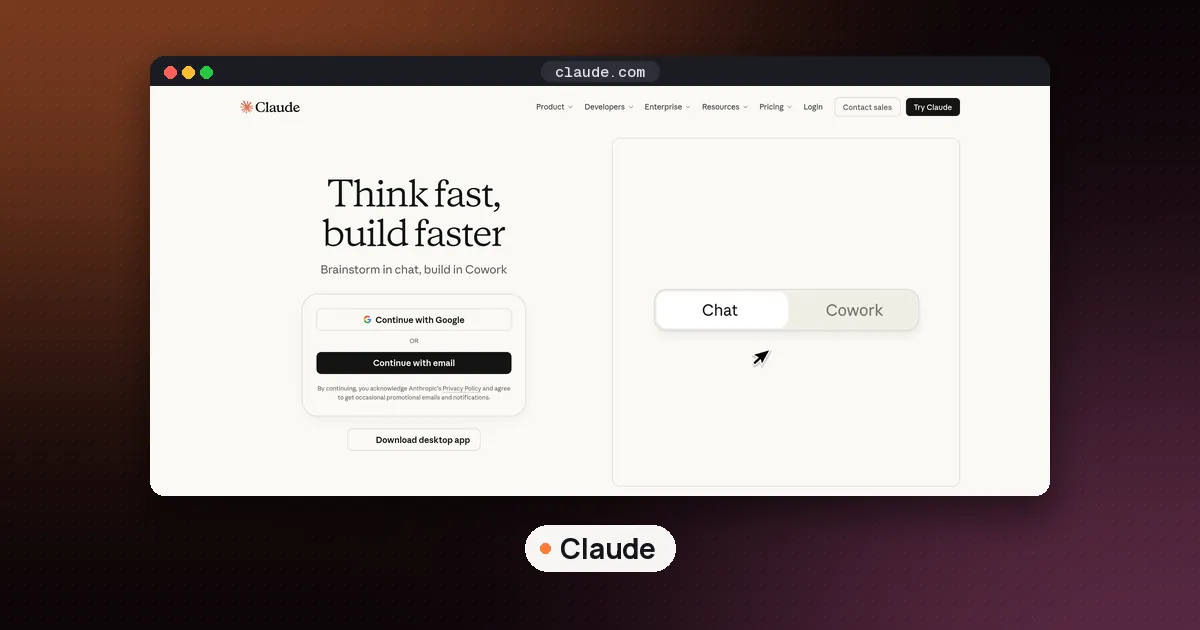
Claude Docs, Claude Slides and Claude Design are free on every Claude plan as of October 8, 2026, including the Free plan. Open Claude, ask for a doc, deck or design (or pick a template in the Artifacts tab), edit it beside the chat, then export to Word, PowerPoint, PDF, Google Docs or Google Slides. Usage still counts toward your normal plan limits.
This guide covers what each template does, the exact steps to create and export one, what is still paid-only, and when a dedicated tool like Gamma or Grammarly is a better fit. Facts were checked against Anthropic's official pages on October 10, 2026.
What changed on October 8, 2026
Anthropic's Dashboards and Motion announcement says Claude Docs, Slides and Design left beta and are available on every plan, including Free. The same post says people have made more than 45 million docs, decks and designs in Claude since those templates launched inside every conversation.
Two related features are not free for everyone:
| Feature | Status | Who can use it |
|---|---|---|
| Claude Docs | Out of beta | Free, Pro, Max, Team, Enterprise |
| Claude Slides | Out of beta | Free, Pro, Max, Team, Enterprise |
| Claude Design | Out of beta | Free, Pro, Max, Team, Enterprise |
| Claude Dashboards | Beta | Paid plans (Pro, Max, Team, Enterprise) |
| Claude Motion | Beta | Team and Enterprise |
Anthropic's pricing page lists Design, Slides and Docs under the Free plan. Enterprise admins can turn Docs, Slides and Design on today; Anthropic says they default on October 15, 2026 (except in HIPAA-enabled organizations).
What Claude Docs, Slides and Design each do
All three are artifact templates. An artifact is something Claude builds beside your chat that you can edit, revisit and share. Anthropic's Artifacts overview and help center article on artifacts describe the three everyday templates like this:
- Claude Docs — living rich-text documents you write with Claude and (on plans that allow it) your teammates. Good for specs, status reports, briefs and onboarding guides.
- Claude Slides — presentations built from your notes, files or the chat itself. You can edit slides, present inside Claude, and export to PowerPoint, PDF or Google Slides.
- Claude Design — visuals, mockups, one-pagers and landing pages on a canvas, with optional design-system branding.
Before September 16, 2026, many people made decks inside Claude Design. Anthropic split that work into Claude Slides so decks are easier to find. The standalone site at claude.ai/design stays open until December 14, 2026, then redirects into Claude.
How to turn on Artifacts if you don't see them
Docs, Slides and Design need Cloud code execution and file creation enabled. On Free, Pro and Max, open Settings > Capabilities and turn that on. On Team and Enterprise, an owner sets it under Organization settings > Capabilities. Anthropic's artifacts help page flags this as required.
If the templates still don't appear, ask for a doc or deck in chat anyway — Claude often creates the artifact from a clear request even when you skip the template picker.
How to use Claude Docs
According to Anthropic's Get started with Claude Docs guide:
- Open Claude on the web, desktop or mobile.
- In any conversation, ask for a document, type /docs, or choose Output > Docs in the message box. Or open the Artifacts tab and pick a Docs template.
- Say what the doc is for, who will read it, and what it must cover. Name any files or connected apps Claude should use.
- Claude asks a few clarifying questions, then drafts the doc beside the chat.
- Edit by typing in the doc, asking Claude for a rewrite, or leaving a comment that mentions @Claude.
- Share with a link, or click Export for Word (.docx), PDF, Markdown or Google Docs.
Docs start private. On Free, Pro and Max you can share with anyone who has the link. On Team and Enterprise, sharing stays inside the organization unless an owner turns on external sharing. Opening a shared doc requires a Claude account. Only the owner can rename or delete a doc, and delete is permanent.
Tip: Ask Claude to add a chart or diagram from a connected spreadsheet instead of pasting a screenshot. Charts do not refresh on their own — ask Claude to pull the latest data when numbers change.
How to use Claude Slides
Claude Slides works the same way as Docs, with a deck instead of a document.
- Ask for a presentation, choose Output > Slides, or start from a Slides template in Artifacts.
- Tell Claude the audience, slide count, and what each section should cover. Attach a report, brief or notes if you have them.
- Edit any slide directly, or ask Claude to rewrite a section, cut slides or change the visual style.
- Click Present to rehearse inside Claude.
- Click Export for PowerPoint, PDF, or an editable Google Slides file.
Anthropic's Artifacts FAQ confirms you can build a deck from a report or file you already have, then open it in PowerPoint or Google Slides. That makes Slides useful even if your team still lives in Microsoft or Google formats.
How to use Claude Design
Anthropic's Get started with Claude Design guide covers the canvas workflow:
- Ask for a design in chat, choose Output > Design, or pick a Design template in Artifacts. In Claude Code you can also use /design.
- Attach a design system, screenshots or brand references if you have them.
- Describe the goal, layout, content and audience in one clear request.
- Refine with chat for big structural changes, inline comments for one component, or direct canvas edits for spacing and alignment.
- Export as .zip, PDF, PowerPoint, standalone HTML, Google Slides, or send to tools such as Canva, Gamma, Miro, Netlify or Vercel when those connectors are available.
If you still have projects on the standalone Design site, migrate design systems from the Artifacts page before December 14, 2026. Existing projects keep working on the standalone site until it closes; chats and comments there do not move automatically.
Free vs paid: what still costs money
"Free" means the three templates are unlocked. It does not mean unlimited use.
- Every doc, deck and design draws from your plan's shared usage limits (the rolling five-hour window, plus weekly caps on paid plans). Larger drafts use more of the allowance than a short chat reply.
- Free includes Sonnet and Haiku; Opus and several extras sit on paid plans. See claude.com/pricing for the current matrix.
- Claude Dashboards (live charts from BigQuery, Snowflake, Salesforce and similar) needs a paid plan.
- Claude Motion (animated MP4 explainers) needs Team or Enterprise.
- Connecting apps into artifacts for deeper data pulls is listed for Pro, Max, Team and Enterprise on Anthropic's artifacts help page — not as a Free-plan promise.
For a short assignment, one-pager or client deck, Free is enough to try the workflow. For daily drafting across long documents, Pro or Max is the more realistic choice.
When Claude is enough — and when to use something else
Claude's templates are strongest when the thinking already happened in the chat: you researched a topic, then want the output as a shareable file without copying into another app.
Use something else when you need a specialist:
- Presentations with brand polish and a free web share link: Gamma is still a strong dedicated presentation maker, and our best AI tools for students guide lists it for slide decks.
- Marketing visuals and team templates: Canva AI remains easier for non-technical design systems and social formats.
- Line-by-line grammar and tone while you type everywhere: Grammarly (and our Grammarly vs QuillBot comparison) still wins for always-on editing outside Claude.
- Plain-English clarity without generative drafting: Hemingway Editor highlights hard sentences; it does not invent content.
- Study notes grounded in your PDFs and lectures: Gemini Notebook (formerly NotebookLM) is built for source-cited study — see how to use NotebookLM for studying.
A practical stack for many professionals is Claude for first drafts and decks, Grammarly for final polish in email and Docs, and Gamma or Canva when the deck must look brand-perfect without much editing.
Who Claude Docs, Slides and Design are for
- Students who need a free way to turn notes into a paper outline, study guide or short presentation without buying another subscription.
- Solo professionals who already use Claude for research and want the output as a Word file or PowerPoint without reformatting by hand.
- Small teams on Pro or Team who want Claude and humans editing the same living doc.
- Design-curious non-designers who need a one-pager or mockup before involving a designer.
It is a weaker fit if your organization bans Claude, if you need offline-only tools, or if you only want a grammar checker and never a full draft.
FAQ
Is Claude Docs really free?
Yes. Anthropic's pricing page and Artifacts FAQ both list Claude Docs, Slides and Design on the Free plan. Usage still counts toward Free-plan limits, so long documents and many revisions can hit the cap sooner than short chats.
How do I start Claude Slides from notes?
Open a Claude chat, attach or paste your notes, and ask for a slide deck for a named audience and length. Or choose Output > Slides / a Slides template in Artifacts. Edit slides in place, then export to PowerPoint, PDF or Google Slides.
Can I export Claude Docs to Word or Google Docs?
Yes. From the doc, click Export and choose Word (.docx), PDF, Markdown or Google Docs. You can also ask Claude to turn a finished doc into a Claude Slides deck.
What happens to claude.ai/design?
The standalone Claude Design site stays available until December 14, 2026. Design already works inside every Claude conversation. Migrate design systems from the Artifacts page before the standalone site closes; projects keep working there until the cutoff.
Do I need Pro for Claude Design?
No. Claude Design is on Free as well as paid plans. Pro, Max, Team and Enterprise add more usage and extras such as Dashboards (paid) or Motion (Team/Enterprise). Complex designs still consume more of your shared usage pool.
Claude Docs vs Notion AI or Google Docs — which should I use?
Use Claude Docs when the draft should grow out of a Claude conversation and you want Claude commenting and revising in place. Use Notion AI or Google Docs when your team's files, permissions and comments already live there and you only need light assistance. Many people draft in Claude, then export to Word or Google Docs for final sharing.