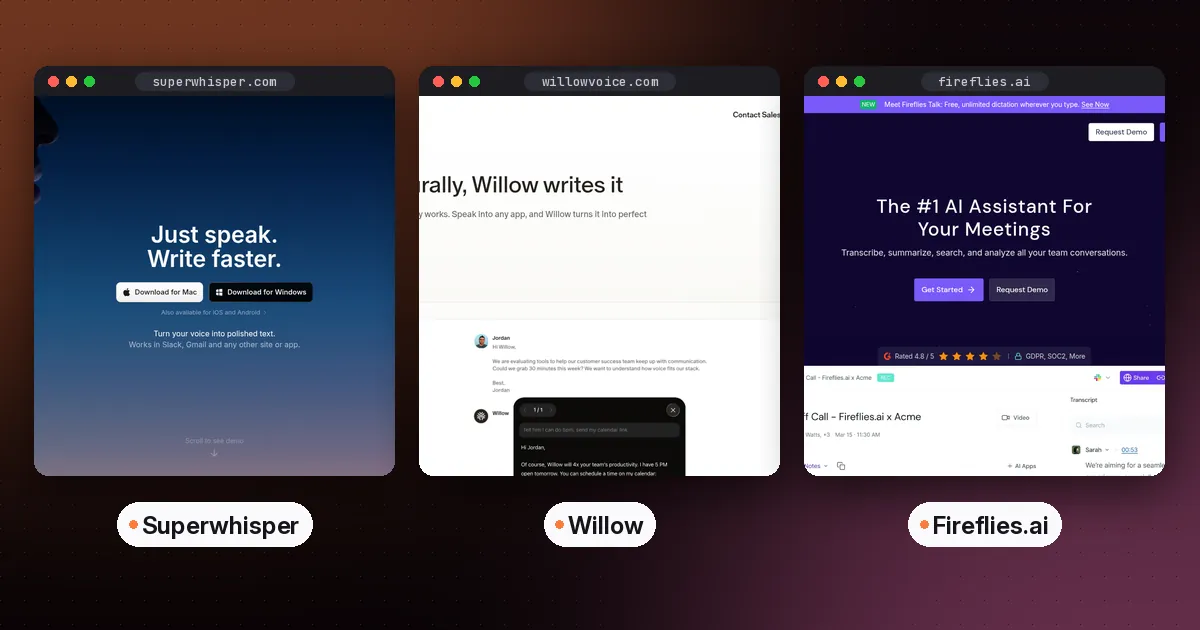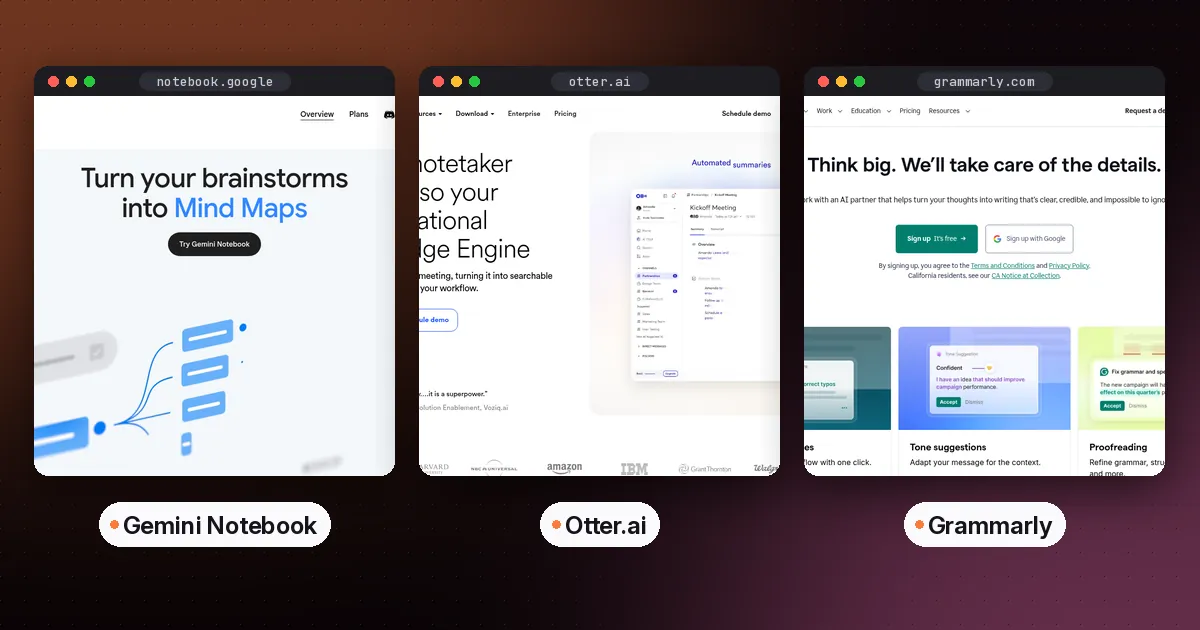
The best AI tools for students in 2026 cover five jobs. Gemini Notebook (formerly NotebookLM) helps you understand course material, Otter records lectures, and Grammarly or QuillBot help you write. Reclaim plans your study time, and Capacities or Heptabase hold your notes long term. Most have free plans. Several offer real student discounts, which we verified on each vendor's site on October 5, 2026.
Rather than a list of 30 apps, this guide gives you one strong pick per study task, explains what it's for, and shows how the tools fit into a weekly routine without crossing academic-integrity lines.
The quick list
| Study task | Best pick | Free option | Student deal (verified) |
|---|---|---|---|
| Understand readings and revise | Gemini Notebook | Yes, 100 notebooks with 50 sources each | Free plan covers most students |
| Record and transcribe lectures | Otter | Yes, 300 minutes a month | 20% off Pro with a .edu email |
| Fix grammar and tone | Grammarly | Yes | 7-day Pro trial |
| Paraphrase and summarize | QuillBot | Yes, up to 100 words at a time | Student plans linked from its premium page |
| Read and highlight articles and PDFs | Readwise Reader | 30-day free trial | 50% off for students and academics |
| Plan study time automatically | Reclaim | Yes, Lite plan | 50% off for 12 months |
| Long-term notes | Capacities | Yes, Basic plan | 40% back-to-school discount at the time of writing |
| Visual study and PDFs | Heptabase | No free plan listed | See the vendor's site |
| Presentations | Gamma | Yes | See the vendor's pricing page |
The best AI tools for students, by task
Understanding course material: Gemini Notebook
Upload your syllabus, slides, readings and lecture recordings, and Gemini Notebook answers questions with citations to your own sources. It generates flashcards, quizzes, mind maps and podcast-style Audio Overviews. Google renamed it from NotebookLM in July 2026. A September update added interactive learning overviews, an audio recorder in the mobile app and more quiz formats. It's the single most useful free study tool right now. Read our step-by-step guide on how to use NotebookLM for studying.
Lecture notes: Otter
Otter transcribes live, labels speakers and lets you search what was said. The free plan includes 300 transcription minutes a month. Students and teachers with a .edu email get 20% off Pro, which Otter's pricing page lists at $6.67 a month billed annually or $13.59 monthly. Always ask your lecturer before recording. Many institutions have rules about it.
If you'd rather write your own notes and have AI tidy them up, see our Granola vs Otter comparison.
Writing: Grammarly and QuillBot
Grammarly checks spelling, grammar and tone as you type. The free plan is enough for most coursework, and Pro adds full-sentence rewrites and citation-consistency checks. QuillBot is better for rephrasing and summarizing. Its free plan paraphrases up to 100 words at a time, and Premium costs $8.33 a month billed annually. Our Grammarly vs QuillBot guide compares them in detail.
Reading: Readwise Reader
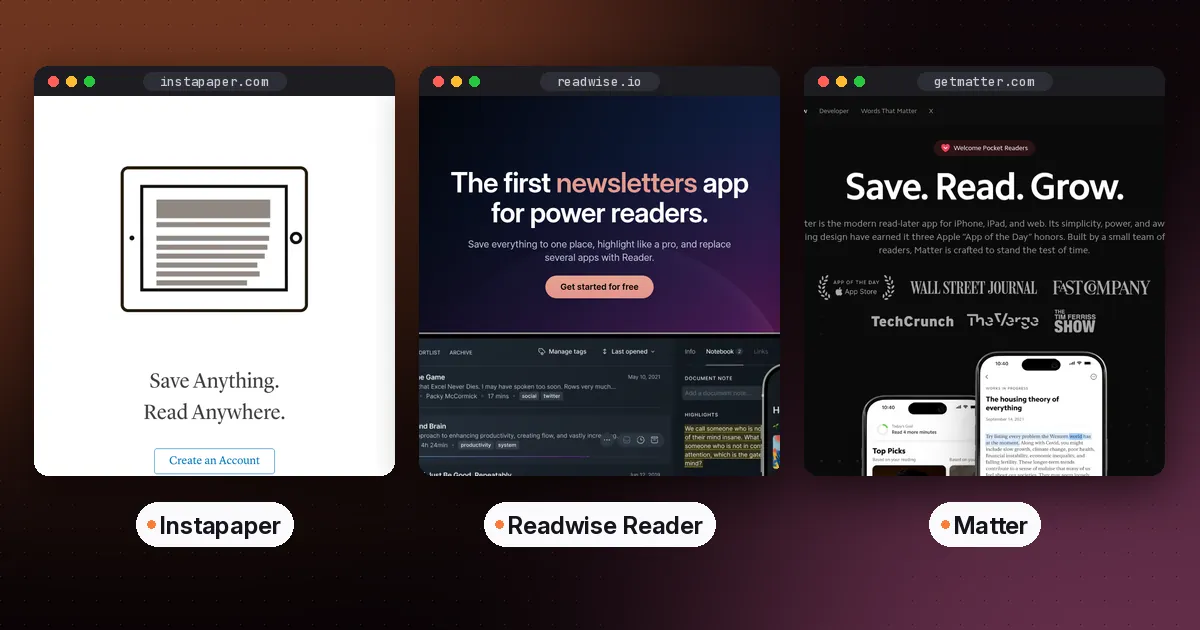
Readwise Reader saves articles, PDFs and newsletters in one place, with highlighting and an AI assistant called Ghostreader. The full Readwise subscription costs $9.99 a month billed annually, after a 30-day free trial, according to Readwise's Reader pricing page. Readwise offers 50% off to students and members of academia. Email them before you subscribe. If you want something cheaper or free, our guide to the best read-it-later app covers Instapaper and other options.
Planning: Reclaim
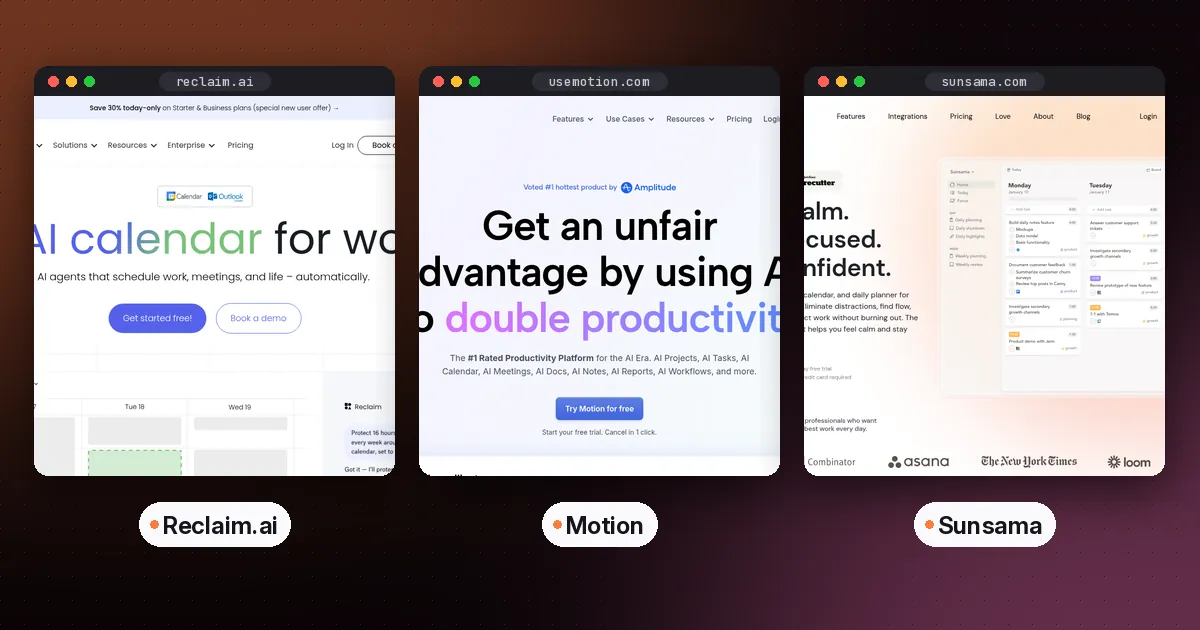
Reclaim puts study blocks, habits and assignment tasks on your Google or Outlook calendar and moves them when your week changes. The free Lite plan works for one person. Reclaim's pricing page lists a 50% discount for 12 months for students, educators and faculty. If you're deciding between AI planners, see Motion vs Reclaim.
Long-term notes: Capacities or Heptabase
Capacities has a generous free plan and organizes notes as objects like courses, people, books and ideas. Its AI assistant is part of Pro. Heptabase suits visual learners. You arrange ideas on whiteboards, highlight PDFs, and on Premium you get an AI tutor. Our guide to the best AI note-taking apps covers more options.
Presentations: Gamma
Gamma turns an outline or document into slides. According to Gamma's pricing page, its free plan creates up to 10 slides per prompt and exports to PDF, PowerPoint and Google Slides. Edit the result heavily, because generic AI slides are easy for a marker to spot.
Listening and browsing: AI readers and AI browsers
If you get through more reading by listening, compare the two leading apps in Speechify vs ElevenReader. ElevenReader's free plan covers about one book a month. Your browser can help too: Edge now has a Study and Learn mode and quizzes built in, which we cover in our guide to the best AI browser.
What a student AI stack costs
You can cover every task above for nothing. Use Gemini Notebook, Otter Basic, Grammarly Free, Reclaim Lite, Capacities Basic and Gamma's free plan. That stack costs zero dollars a month, and for many students it's enough.
If you upgrade, upgrade one thing at a time. For example, Otter Pro with the student discount ($6.67 a month billed annually) plus QuillBot Premium ($8.33 a month billed annually) comes to about $15 a month. That's a sensible ceiling for most students. Cancel anything you haven't opened in two weeks.
A weekly routine that uses these tools well
- Sunday, 15 minutes: let Reclaim schedule your study blocks for the week around classes and work.
- During lectures: record with permission, and take your own rough notes. Your notes force attention.
- Same day: upload the transcript and slides to Gemini Notebook. Ask for the three hardest ideas, then take a short quiz.
- While reading: highlight in Readwise Reader, and add the key readings to your notebook as sources.
- When writing: draft in your own words first. Use QuillBot only to understand difficult passages, and use Grammarly as a final check.
- Before exams: generate mixed quizzes across all units, and make flashcards only for what you got wrong.
Academic integrity: the rules that keep you safe
- Check each course's AI policy. They differ, even within one university.
- Never submit AI-generated text as your own work. Paraphrased text still needs a citation if the idea came from a source.
- Verify every fact and citation. AI tools can invent or misattribute sources. Gemini Notebook's citations point to your own documents, which makes checking easier.
- Keep your drafts and notes. They show your process if your work is ever questioned.
What to skip
- Tools that promise to write whole essays. They put your grades and degree at risk.
- Paying for several overlapping subscriptions. Start with free plans and upgrade only the one you use daily.
- Long AI-generated summaries in place of reading. Use summaries to preview and review, not to replace the source.
FAQ
What is the best free AI tool for students?
Gemini Notebook, formerly NotebookLM, is the strongest free study tool. It turns your own course materials into cited answers, flashcards, quizzes and audio reviews, and its free plan allows 100 notebooks with 50 sources each.
Which AI tools offer student discounts?
Verified on October 5, 2026: Otter gives 20% off Pro with a .edu email, Reclaim offers 50% off for 12 months, and Readwise gives 50% off for students and academics. Capacities was running a 40% back-to-school discount. QuillBot links to student plans from its premium page.
What is the best AI for making notes from lectures?
Otter is best for full lecture transcripts, with 300 free minutes a month. Gemini Notebook can then turn the transcript and slides into study notes, flashcards and quizzes.
Is it allowed to use AI for school work?
It depends on your institution and each course. Many allow grammar checking and AI study aids but ban submitting AI-written work. Read the policy and ask your instructor when unsure.
Can teachers tell if I used AI?
Sometimes, and detection tools are unreliable in both directions. The safest approach is to use AI to learn and to check your writing, while doing the actual writing yourself and keeping your drafts.