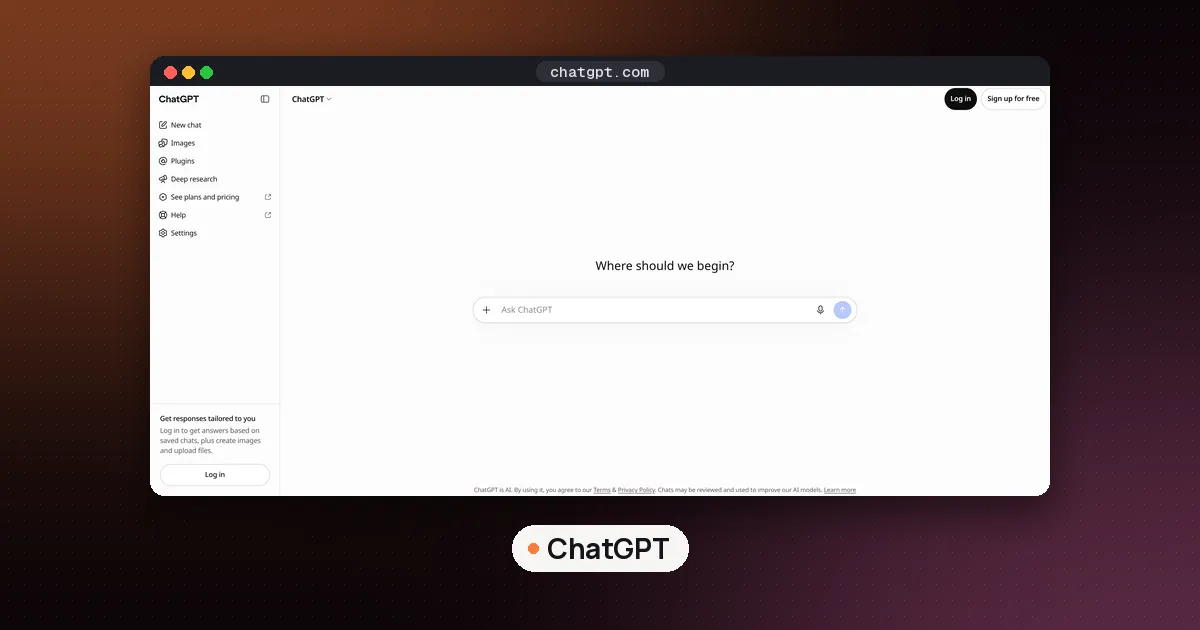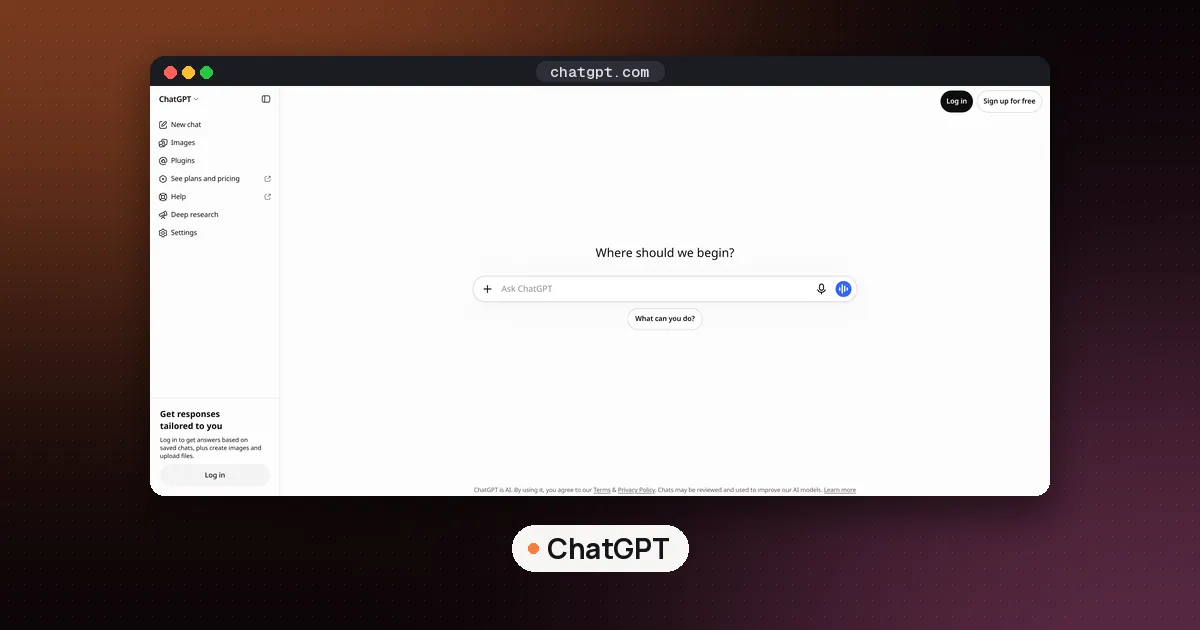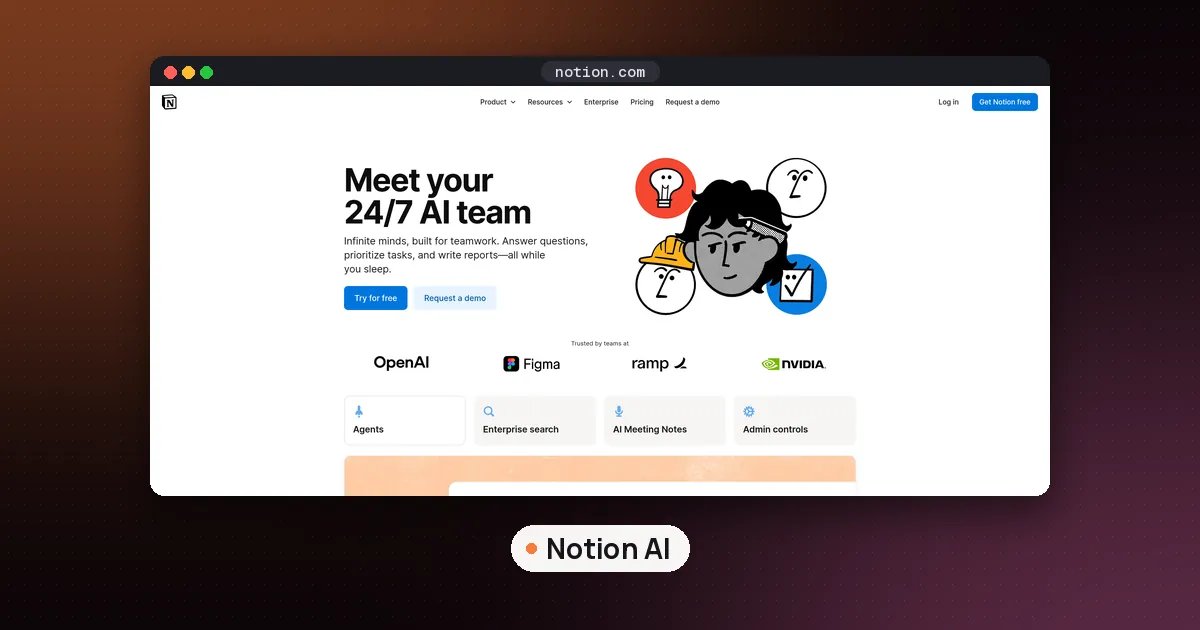
The Notion ChatGPT integration is now a plugin that puts a real Notion page in a panel next to your ChatGPT conversation. To set it up, open Settings > Plugins in ChatGPT, find Notion, select Install plugin or Connect, sign in to Notion, pick one workspace and approve the request. After that you can ask ChatGPT to open, create or edit a page, and you can type into the same page yourself while it works. The panel runs on the ChatGPT website and the desktop app, on any Notion plan, and it only reaches pages your own Notion account can already open.
Notion announced the plugin on November 6, 2026 with the line "Use the real Notion editor, right inside ChatGPT" in a post on its LinkedIn page. Before that, the Notion app in ChatGPT could mainly search and read pages. Every step was checked on November 8, 2026 against Notion's help page for the panel, OpenAI's Notion setup article and OpenAI's plugins overview. We have not installed the plugin on our own account, so if a button on your screen has a different label, follow the wording in those help pages.
What changed with the Notion plugin for ChatGPT
- The Notion app (search and read). OpenAI's help article describes the app as a way for ChatGPT to search and read Notion pages your connected account can access, so you can ask it to summarize planning pages or find an onboarding guide. OpenAI says the old "individual sync" option is gone, so there is nothing to wait for after you connect.
- The Notion plugin (the page panel). The plugin bundles the app with an interactive Notion editor and a set of skills. Notion's help page says you can open or create a page beside your chat, edit it yourself and watch ChatGPT's changes appear live. OpenAI's Notion plugin listing adds capabilities such as building databases, managing tasks, leaving comments and suggesting edits, and it lists skills like "Organize my semester," "Meeting Intelligence" and "Knowledge capture."
In short, the app reads your notes and the plugin lets you and ChatGPT write in the same page. Notion says the panel uses the same connection as Notion MCP, the standard way outside AI tools talk to Notion.
What you need before you connect
- A ChatGPT account that can install plugins. OpenAI says the plugin directory is open on every ChatGPT plan, but whether you can install or use a given plugin depends on your plan, workspace, role and region. OpenAI does not publish a plan list for the Notion panel, so the quickest test is to open Plugins in the ChatGPT sidebar and search for Notion.
- Any Notion plan. Notion's help page says the panel works on any Notion plan and is on by default. You can open pages you have access to and edit pages where you have edit access.
- The right place to use it. The panel works in ChatGPT on the web and in the desktop app. Notion does not list the phone apps.
- Single sign on, if your company uses it. If your Notion workspace requires SSO, Notion says to sign in to Notion with SSO first, then connect.
- Admin approval at work. If your employer manages ChatGPT, an admin can block or limit the plugin. On Notion Enterprise, a workspace owner can also switch the panel off for everyone.
How to connect Notion to ChatGPT, step by step
- In ChatGPT, open Settings > Plugins, or select Plugins in the sidebar.
- Search for Notion and open it. Review the apps and skills it includes.
- Select Install plugin. If Notion shows as an app with a Connect button instead, select that.
- Sign in to the Notion account that holds the pages you want to use.
- Pick the workspace. The panel works with one connected workspace at a time, so choose the one you use most.
- Read the authorization screen, which lists the workspace and content you are sharing, and approve it.
- Start a new chat. Notion's help page says the panel picks up the account and workspace you just connected in a fresh conversation.
If you connected Notion months ago for search, just open a new chat and ask for a page in the Notion panel.
How to use Notion in ChatGPT: three ways to open a page
Notion lists three routes into the panel.
- Ask in chat. Type something like "Open my project planning page in Notion" or "Turn these notes into a Notion page." The page opens beside the chat. If ChatGPT replies with a link instead, ask it to open the page in the Notion panel.
- Use the sidebar. Open Notion from the ChatGPT sidebar to browse your workspace. You can search by title, paste a page link, or pick a recent or favorite page.
- Start fresh. Select New page. In an empty workspace you can also start a blank page or database or choose a template.
You can also call the plugin directly. OpenAI's plugins article says ChatGPT uses installed plugins when they are relevant, and you can force it with an @ mention, the + menu or the Plugins button in the composer.
Good first prompts to try
- "Turn the action items from this chat into a Notion database with an owner and due date for each task." (This is Notion's own example.)
- "Leave a comment wherever this plan needs more detail."
Students can try the "Organize my semester" skill from the plugin listing to set up a course page, then link it to the study habits in our best AI tools for students guide.
Editing, comments and sharing in the panel
The panel is a live page, not a preview. Details from Notion's help page:
- Suggested edits. On Notion Business and Enterprise, you can ask ChatGPT to suggest wording instead of rewriting. The text stays the same until you, or a teammate with edit access, accepts the suggestion.
- Comments. ChatGPT can leave comments on the page.
- Sharing. Copy link at the top of the panel copies the page address without changing who can see it. If someone needs access, select Give access when it appears; that opens Notion's share menu, where you can grant access if you have permission.
- Jumping back. Open in Notion takes the page to the full Notion app.
What you still have to do in Notion
The panel does not do everything. Notion says you need to open the page in Notion to manage members, billing or connections, to change sharing and permissions, and to use Notion AI. Link previews that need a connected account, such as a private GitHub link, also have to be added in Notion; a plain pasted link still works in the panel.
That Notion AI line matters if you are paying for both. The panel brings ChatGPT into a Notion page; it does not bring Notion Agent into ChatGPT. If you want the reverse, Notion lets you connect a ChatGPT Plus, Pro or Go plan to your personal Notion Agent. We explain how that affects your monthly allowance in our Notion AI credits guide.
The panel also cannot be used offline. If your connection drops, copy any unsaved text before you reload.
Privacy: what ChatGPT can see in your Notion
Connecting Notion does not open your whole company wiki to ChatGPT. OpenAI says access depends on the Notion account you connect, the workspace and content you authorized, and the permissions that account already has. A ChatGPT admin can make the app available but cannot grant access to a page your Notion account cannot view. Notion's FAQ says ChatGPT can find other pages you can access in the connected workspace, even if they are not open in the panel. If that worries you, connect a workspace that only holds personal notes.
Training is the other question. OpenAI's connected apps article says it does not use information from apps to train models by default for ChatGPT Business, Enterprise and Edu. For Free, Plus, Go and Pro users, OpenAI may use information accessed from apps for training if the "Improve the model for everyone" setting is on. Check that setting before you connect private notes.
You can also choose how often ChatGPT asks first. OpenAI lists permission options that include Always ask, Allow read actions and Allow low risk actions, and it warns that the Allow all actions option carries extra risk because supported actions may run without another confirmation. For a notes workspace, Allow read actions keeps searches quick while edits still need your approval. We suggested the same setup for mail in our guide to connecting iCloud to ChatGPT.
Notion ChatGPT connector not working? Common fixes
These come from Notion's troubleshooting list and OpenAI's setup article.
- The panel will not open. Start a new chat and ask ChatGPT to open a specific page in the Notion panel. If that fails, check the plugin is connected, then disconnect and reconnect Notion in ChatGPT and try a fresh chat.
- A page is missing or the wrong page opens. Open the page in Notion with the same account and confirm it lives in the workspace you connected. If it does, paste its link into the panel search. If it sits in another workspace, connect that workspace or edit the page in Notion.
- Notion cannot sign you in. If the message mentions SAML single sign on, sign in to Notion with SSO, then close and reopen the panel.
- "Disabled by admin" or the panel is switched off. Select Open in Notion to keep working, and ask your workspace owner. On Enterprise, owners control it under Settings > Notion MCP > Manage workspace clients with the Open Notion pages in ChatGPT toggle. Even with the panel off, Notion says members can still use Notion in ChatGPT through chat if ChatGPT is allowed to connect.
- Slow or blocked page. Close and reopen the panel, or open the page in Notion.
For help, Notion says to contact OpenAI about installing the plugin or chat errors, and Notion about pages that will not open or save.
How to disconnect or switch workspaces
To stop using Notion in ChatGPT, open Settings > Plugins, select Notion and use the disconnect option. OpenAI notes that uninstalling the Notion plugin can disconnect all Notion accounts. To add a second account or workspace, select Notion, choose Connect another account and finish the sign in for the workspace you want.
Is the Notion plugin worth using?
If you draft in ChatGPT and paste the result into Notion, yes: one shared page removes the copy step, and suggested edits keep you in control. It is less useful in a huge workspace full of other people's pages, because ChatGPT's search reach is as wide as your account's.
If you are still choosing a notes app, our best AI note taking app roundup compares Notion with Mem, Capacities and others, and Heptabase vs Notion covers the visual alternative. Calendar users can pair this with how to use Notion AI calendar. And if you work in Google Docs instead, how to use Claude in Google Docs covers a similar setup with Claude.
FAQ
Is the Notion ChatGPT plugin free?
Notion says the panel works on any Notion plan, including Free. On the ChatGPT side, OpenAI says the plugin directory is open on all plans but installing or using a plugin depends on your plan, workspace and region, and app use may count toward your ChatGPT limits. Neither company lists a separate fee for the plugin.
Can ChatGPT create and edit Notion pages?
Yes, through the plugin. Notion's help page says you can ask ChatGPT to create a page or database, edit an open page, leave comments, and on Business and Enterprise suggest edits that someone must accept. OpenAI adds that available actions depend on your connection and settings, and some Notion features, such as repeating templates or buttons, still have to be set up in Notion.
Does the Notion panel work on the ChatGPT phone app?
Notion's help page lists only ChatGPT on the web and the desktop app, so use a computer for editing pages.
Can ChatGPT see my whole Notion workspace?
Only what your connected Notion account can already see in the workspace you authorized. That can include pages you never opened in the panel, so connect a workspace whose contents you are comfortable searching.
Can I use Notion AI inside the ChatGPT panel?
No. Notion lists Notion AI among the things you must open Notion to use. The panel brings ChatGPT into the page, not Notion's own agent.
Can I connect more than one Notion workspace?
The panel works with one connected workspace at a time. OpenAI's setup article lets you add another account under Settings > Plugins > Notion > Connect another account, then pick the workspace you want for a given task.