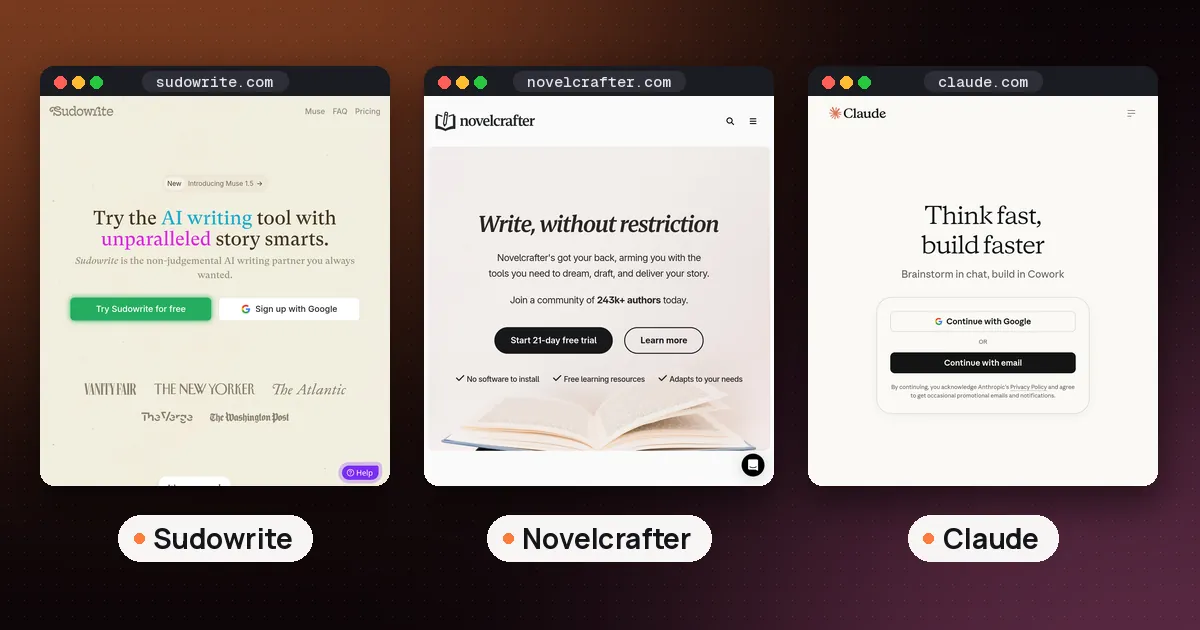
The best AI writing assistant for fiction for most novelists is Sudowrite: it was built for stories, it keeps track of your characters and plot in a Story Bible, and it can draft, expand and critique scenes in your own voice. If you want more control and a cheaper base price, Novelcrafter is the strongest alternative, because it lets you plug in the AI model of your choice. And if you only need a brainstorming partner, a free general chatbot such as Claude or ChatGPT will take you surprisingly far.
This guide compares the five tools we'd actually consider for writing a novel, short story or screenplay in 2026, explains what each costs, and covers the questions writers ask most: what's free, who owns the words, and what you have to disclose when you publish. Prices and features come from each vendor's official pages, checked on October 14, 2026.
The best AI writing assistant for fiction, at a glance
| Tool | Best for | Free option | Paid plans start at |
|---|---|---|---|
| Sudowrite | Drafting and revising novels with story aware AI | Free trial, no card | $10 a month |
| Novelcrafter | Planning a series and choosing your own AI model | 21 day free trial | $4 a month (no AI), $8 with AI |
| Claude | Brainstorming, feedback and long manuscripts in chat | Free plan | $17 a month billed yearly, $20 monthly |
| ChatGPT | Quick ideas, names and outlines on any device | Free plan | See OpenAI's pricing page |
| Grammarly | Line level polish once the draft is yours | Free plan | See Grammarly's plans page |
The short version: pick a fiction specific tool if you're writing something long, because general chatbots forget your world between sessions unless you keep feeding it to them. Pick a general chatbot if you mostly want ideas and feedback and would rather not pay yet.
Sudowrite: the best pick for most novelists
Sudowrite is an AI writing app made specifically for fiction. Its features are named after the jobs novelists actually do. Write suggests the next stretch of prose based on your characters, tone and plot; Sudowrite says it offers around 300 words at a time and gives you options. Describe adds sensory detail, Expand builds out scenes that feel rushed, Rewrite revises a passage to your direction, and Feedback reads a draft and suggests areas to improve. The Story Bible walks you from an idea to an outline, then to chapter beats and draft text.
Under the hood, Sudowrite uses a mix of models. Its FAQ says that includes recent Claude models, OpenAI models, open source models and Muse, its own model built for fiction. You don't have to choose or manage any of that.
Pricing. According to Sudowrite's pricing page, the Hobby & Student plan is $10 a month with 225,000 credits, aimed at people who write for fun or for school. The Professional plan ($22 a month) is pitched at novels and screenplays and adds developmental edits, line edits and beta read style feedback, and the Max plan ($44 a month) is for authors who publish several times a year, with unused credits rolling over for 12 months. The page also offers up to 50% off on yearly billing, so check which billing period you're looking at. You can start a free trial without a credit card.
Your rights. Sudowrite's FAQ says it claims no rights over what you write or what it generates for you, and that it doesn't use your writing to train its own or OpenAI's models. If you cancel, you can still open your projects; you just lose the AI features.
Who it suits: novelists who want help getting words on the page and revising them, without building their own setup. The catch: it's credit based, so heavy drafting can push you toward a bigger plan.
Novelcrafter: best for planners and series writers
Novelcrafter is a browser based writing workspace first and an AI tool second. Its centerpiece is the Codex, a wiki for your characters, places and lore that links itself to your manuscript and can be shared across every book in a series. Planning views help you spot plot holes and continuity slips.
The AI side is "bring your own key": you connect your own account with a provider such as OpenAI, Anthropic, Google or OpenRouter, or run local models through LM Studio or Ollama. That means you choose the model, and your AI costs depend on what you use with that provider.
Pricing. Novelcrafter's pricing page lists four plans: Scribe at $4 a month (writing and planning, no AI), Hobbyist at $8 (adds AI with your own key, scene summaries, character extraction and generating prose from scene beats), Artisan at $14 (adds the AI chat) and Specialist at $20 (adds collaborative writing and teams). There's no free plan, but there is a 21 day free trial with every feature included and no card required. If you cancel, your work stays readable and exportable.
Who it suits: writers who outline heavily, write in a shared universe, or want to pick their own model. The catch: setting up an API key is one more step, and the model bill is separate from the subscription.
Claude and ChatGPT: the free AI writing assistant route
If you're asking for a free AI writing assistant, the honest answer is a general chatbot. Both work in a browser and on phones, so they double as an AI writing assistant online with nothing to install.
Claude is a strong choice for fiction feedback and for working with long manuscripts. Anthropic's pricing page shows a free plan with chat on web, desktop and mobile, memory across conversations, and up to five Projects, which are handy for keeping a story's notes and chapters in one place. Pro is $17 a month billed yearly ($200 up front) or $20 month to month, and adds more usage and more Claude models. We cover Claude's built in document tools in our Claude Docs, Slides and Design guide.
ChatGPT is the easiest place to start: OpenAI's pricing page says the free version is available to everyone, and free accounts include Projects too. Paid tiers add more usage, stronger reasoning models and features like custom GPTs. Check that page for current prices.
Where chatbots shine: brainstorming premises, names and twists, talking through a plot problem, playing a character so you can hear their voice, and giving blunt feedback on a chapter you paste in. Where they fall short: they don't keep a structured story bible for you, so on a long project you'll spend time reexplaining your world, and their prose suggestions can drift into a generic style unless you give them samples of yours.
Grammarly: polish, not plot
Grammarly isn't a story tool, but it earns a place at the end of the process. Its free plan catches spelling and grammar mistakes and, according to Grammarly's plans page, includes 100 AI prompts a month, while Pro adds full sentence rewrites, tone adjustment and 2,000 prompts a month. Be careful with fiction: style checkers like to "fix" deliberate fragments, dialect and voice. Accept suggestions one at a time. If you're weighing editors, see our Grammarly vs QuillBot comparison and whether Hemingway Editor is free.
Best AI tools for writing a novel: how to choose
Most writers end up combining two tools rather than one. A few common setups:
- The all in one: Sudowrite for drafting and revision, plus Grammarly's free plan for a final proofread.
- The control freak: Novelcrafter for planning and the Codex, connected to a model you already pay for.
- The zero budget start: Claude or ChatGPT on a free plan for ideas and feedback, with your manuscript in whatever editor you already use.
When you compare the best AI tools for writing, ask four questions:
- Does it remember my story? Fiction tools with a Story Bible or Codex beat chatbots on long projects.
- Does it sound like me? Paste in a few pages of your own prose and see whether suggestions match your rhythm and vocabulary.
- What happens to my words? Read the training and ownership terms before you upload a manuscript.
- What does heavy use cost? Credit and usage limits matter more than the sticker price once you're drafting daily.
You can also try dictating rough scenes and cleaning them up later; our AI dictation app roundup covers the best voice to text options.
What about NovelAI?
NovelAI is another long running option for storytellers. Its homepage now leads with anime style image generation alongside its writing space, and says subscriptions start at $10 a month with a trial for new users. It's worth a look if you write interactive or genre fiction and also want character art, but for most prose novelists Sudowrite or Novelcrafter is the better fit.
Publishing a book you wrote with AI help
If you plan to self publish on Amazon, read the AI section of the Kindle Direct Publishing content guidelines. KDP asks you to tell it about AI generated content (text, images or translations created by an AI tool, even if you edited it heavily afterward) when you publish or republish a book. AI assisted content, where you wrote the text yourself and used AI to brainstorm, edit, refine or error check it, doesn't need to be disclosed. Either way, you're responsible for making sure the book follows KDP's rules, including intellectual property.
In practice, that's one more reason to use AI as a brainstorming partner and editor rather than a ghostwriter: the book stays yours, and the disclosure question is simpler.
FAQ
What is the best AI writing assistant overall?
For fiction, Sudowrite is our pick because it's built around stories. For general writing such as emails, essays and work documents, a chatbot like Claude or ChatGPT plus a checker like Grammarly covers more ground.
Is there a free AI writing assistant for fiction?
Claude, ChatGPT and Grammarly all have free plans. Sudowrite and Novelcrafter don't have free plans, but both offer free trials that don't need a credit card.
Can AI write a whole novel for me?
Tools like Sudowrite can generate thousands of words from an outline, but the result still needs heavy revision to read like a real book. Under KDP's guidelines, a book whose text was created by AI counts as AI generated even after substantial edits, so you'd need to disclose it.
Will an AI writing tool steal or train on my manuscript?
It depends on the tool. Sudowrite says it claims no rights over your writing and doesn't use it to train its or OpenAI's models. Claude's pricing page shows model training as an opt out setting on individual plans. Check each tool's privacy settings before you upload anything.
Is Sudowrite better than ChatGPT for fiction?
For a long project, usually yes. Sudowrite keeps your characters, outline and style in one place and has fiction specific tools for drafting and revising. ChatGPT is cheaper to start with and great for quick ideas, but you have to manage the story context yourself.
What is the best AI writing assistant for students?
Students writing fiction for a class can start with Sudowrite's Hobby & Student plan or a free chatbot. For study tools more broadly, see our guide to the best AI tools for students.