Claude Meetings is Anthropic's new feature that adds Claude to a video call as a visible participant, so it can draft the plan, build a timeline and answer questions while people are still talking, then leave the notes and action items in Claude afterward. Anthropic announced it on November 10, 2026. On November 12, Anthropic confirmed that the beta is rolling out on Team and Enterprise plans and works with Google Meet only for now. If you are on Free, Pro, Max or Ultra, nothing published so far says you get it yet.
This guide sorts out what Anthropic has actually confirmed, what the launch coverage adds, how Claude Meetings differs from a normal AI note taker, and what you can use today while it rolls out. We checked every claim against Anthropic's pages and two news reports on the morning of November 11, 2026. We have not used Claude Meetings ourselves.
What's new (November 13, 2026): Anthropic's beta announcement and the Help Center release notes for November 12 confirm the rollout on Team and Enterprise plans in Claude and Claude Desktop, Google Meet only. During the beta, notes, transcripts and in call answers are free on those plans unless an answer uses a connected tool, which counts toward plan usage, and the docs and whiteboards Claude makes in a call are free through February 10, 2027. Claude saves a transcript, summary and screen descriptions, not audio. The beta is not available to organizations with zero data retention, a HIPAA ready configuration or customer managed encryption keys. An admin can now allow Claude on calls with outside guests. The sections below are updated to match.
What Claude Meetings does in a call
Anthropic's announcement post, More ways to work with Claude, describes it in one line: Claude Meetings "will let you add Claude to a call to take notes and update the documents your team is working on during the conversation."
The launch coverage fills in the details Anthropic shared with reporters. According to TechCrunch, once you add Claude to a call it can:
- follow the conversation and draft the plan being discussed
- map out a timeline on a Claude Whiteboard as people talk
- answer questions in the meeting chat
- pull information from connected work apps, such as last year's figures
- leave the meeting notes, action items and anything else it made in claude.ai after the call
Axios adds that Anthropic tested the feature internally for about two months, and that its product lead for knowledge work says Claude now sits in nearly all of the company's meetings. He also said Claude mostly waits to be asked for things for now, and that Anthropic expects to make it more proactive over time. That matters for expectations: think of it as a teammate you give instructions to during the call, not one that runs off and does work on its own.
Is Claude Meetings out yet?
The honest answer is "partly, for some business accounts". The sources do not fully agree, so here is what each one says.
| Source | What it says about availability |
|---|---|
| Anthropic announcement (Nov 10) | "Claude Meetings is coming soon." No date or plan list |
| TechCrunch (Nov 10) | Launching in beta on Team and Enterprise plans, Google Meet at launch |
| Axios (Nov 10) | Launching in beta for Team and Enterprise customers, joins Google Meet calls |
| Claude Help Center (checked Nov 11) | No setup article for Meetings yet; the Whiteboards article covers boards only |
| Anthropic beta post and release notes (Nov 12) | Rolling out in beta on Team and Enterprise plans, Google Meet only, other platforms coming soon |
Our reading: Anthropic is turning the feature on for Team and Enterprise organizations in stages, and its November 12 beta post confirms that staged rollout. If you are on a Team or Enterprise plan and don't see it, that is expected during a staged beta. Ask your Claude admin, because some features in this launch are off by default on Enterprise (more on that below).
Which plans and meeting apps it works with
Every report points to the same limits at launch:
- Plans: Team and Enterprise only. TechCrunch says support for more plans is expected later. Nothing says when Pro, Max or Ultra will get it.
- Meeting app: Google Meet only. A report on CNA says Anthropic plans to expand to other meeting platforms, without naming them.
- Zoom and Microsoft Teams: not supported at launch. If your company meets in Zoom, look at Zoom My Notes; if it meets in Teams, Copilot is the native option (see how to transcribe a meeting with Copilot).
- Price: free during the beta for notes, transcripts and most in call answers (see the update above). Check Claude's pricing page for current Team and Enterprise rates.
Privacy rules: who knows Claude is there
Anthropic built a few guest rules into the beta, according to TechCrunch:
- Claude identifies itself as a meeting participant and posts a notice in the meeting chat.
- It won't join a call that includes external guests unless an admin has authorized that.
- If an external guest joins a call Claude is already in, Claude leaves automatically.
That last rule is stricter than most note takers, and it shapes how useful the beta is. Internal planning, standups and retros fit well. Sales calls, interviews and vendor calls with outside people will kick Claude out unless your admin changes the default, and those are also the calls where you should ask for consent before any AI joins. Recording and consent laws vary by place; our guide to the best AI note taker for meetings covers the basics.
Anthropic's beta post now answers what Claude keeps from the call: a transcript, a summary and screen descriptions, not audio, on a separate meeting page that people from your organization on the invite can see and edit. It does not say how long that page is kept, so treat meeting content like anything else you share with Claude on a work plan, and check your organization's data retention settings.
Claude Meetings vs a regular AI note taker
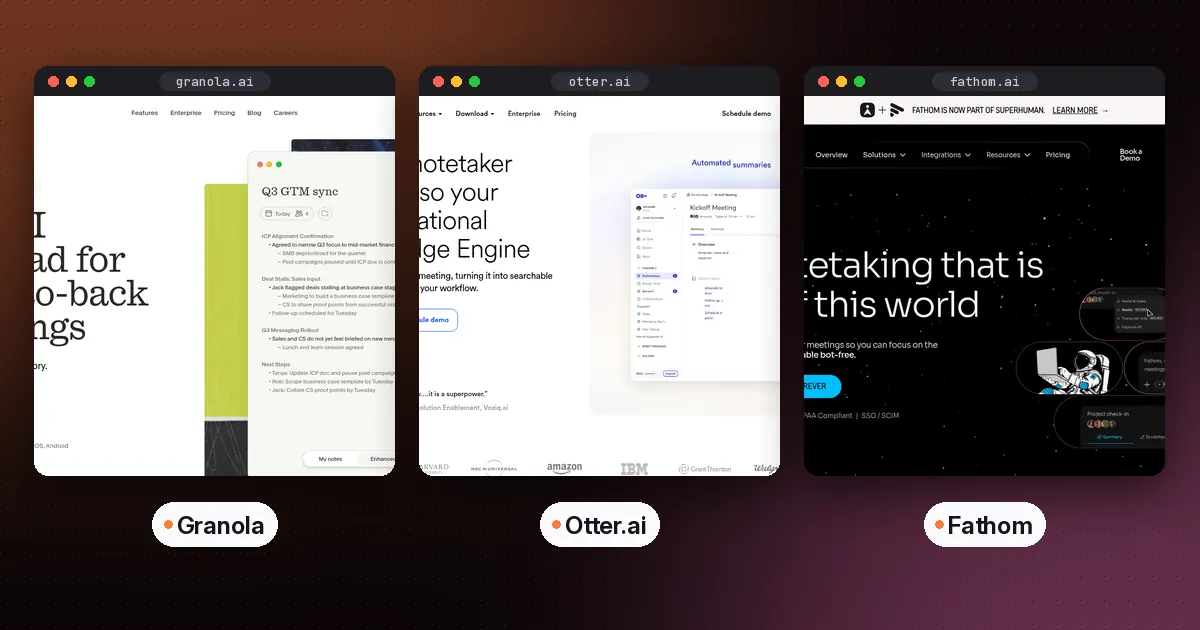
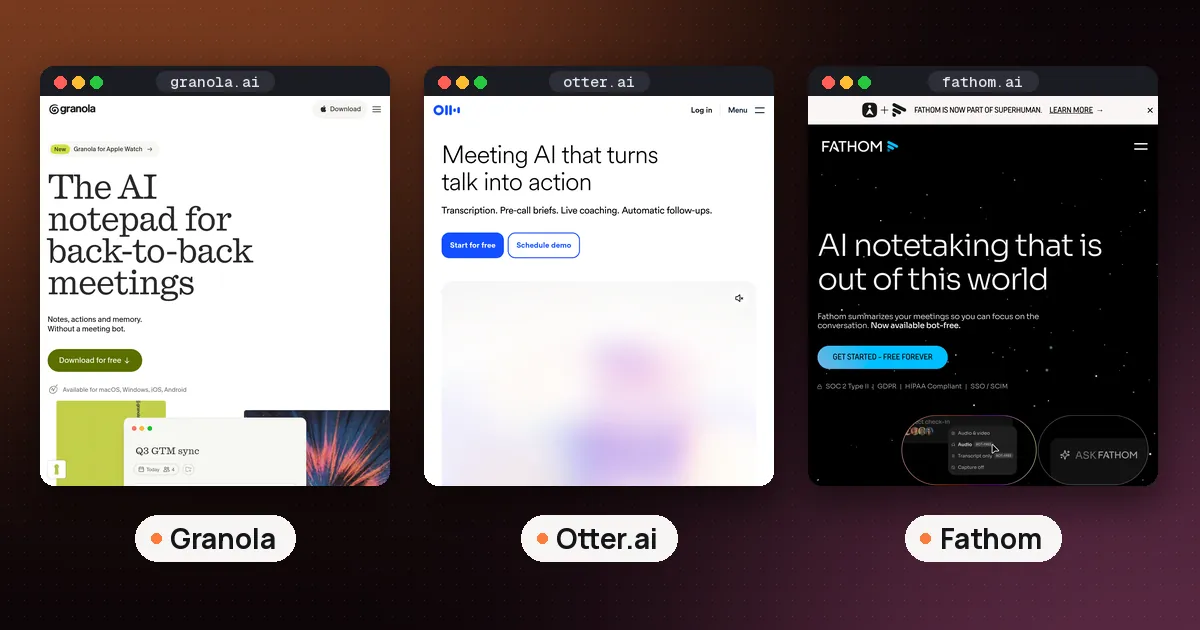
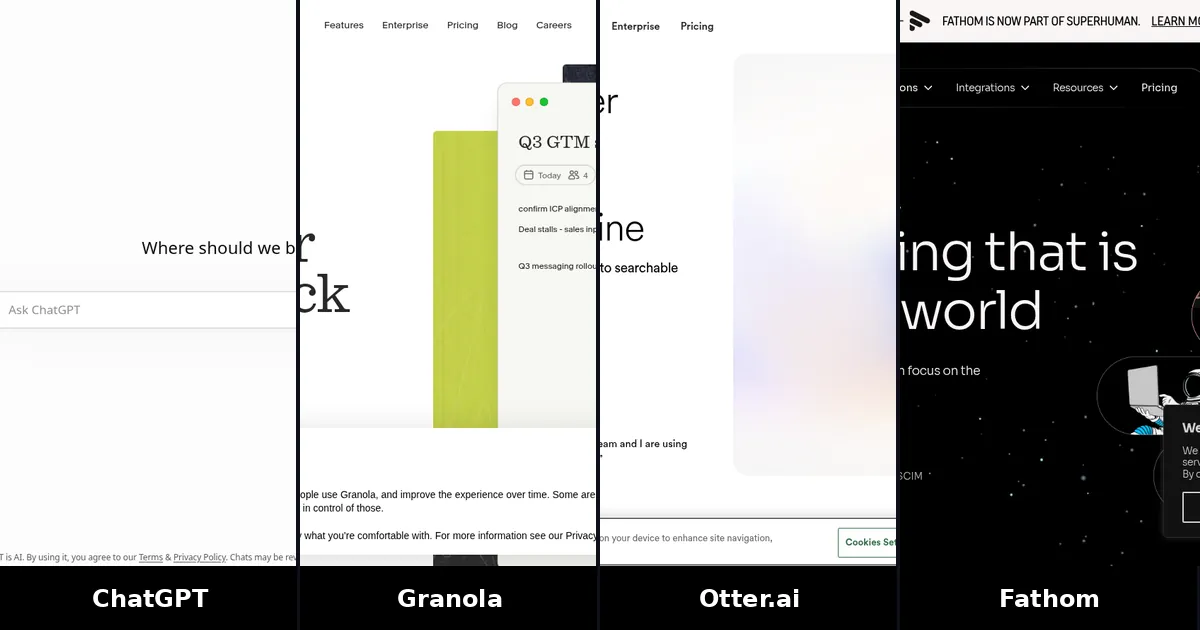
Most AI note takers, including Gemini's Take notes for me in Google Meet, Otter, Fathom and Granola, listen to the call and hand you a summary, transcript and action items when it ends. Claude Meetings aims at a different job: producing the work during the meeting. You can ask it to draft the plan you are discussing, lay out a timeline on a shared board, or fetch a number from a connected app, and everyone sees the result before they hang up.
| Item | Claude Meetings (beta) | Typical AI note taker |
|---|---|---|
| Main output | Plans, boards and documents built during the call, plus notes after | Summary, transcript and action items after the call |
| Takes requests mid call | Yes, in the meeting chat | Varies; some answer questions about the transcript |
| Meeting apps | Google Meet only at launch | Usually Meet, Zoom and Teams |
| Calls with outside guests | Leaves unless an admin allows it | Usually joins if invited |
| Who can use it | Team and Enterprise plans | Many have free plans |
So it does not replace a note taker for everyone. If you mostly need a searchable record of client calls across Zoom and Teams, a dedicated tool still fits better. Our best AI note taker for Google Meet guide compares the Meet options, including when Gemini's built in notes are enough.
Claude Whiteboards and Sheets: the parts you can use now
Claude Meetings launched alongside two new artifact types that you can open today, and one of them is built to work inside meetings.
Claude Whiteboards is a shared board where you talk, type or sketch and Claude arranges the ideas into shapes, arrows, sections and groups. The Claude Help Center says it is in beta on Pro, Max, Ultra, Team and Enterprise plans on the web, Claude Desktop and Claude Mobile. You can start one by asking for a whiteboard in any chat, or from the Whiteboards tile in the Artifacts tab. Other useful details from that page:
- You can dictate a brain dump with the microphone next to the send button, and Claude groups and orders it.
- You can ask Claude to regroup the board by theme, turn it into a timeline, or suggest what is missing between two steps.
- When the thinking is done, Claude can turn the board into a doc or deck, send it to Lucid, Miro or Zoho Vani, or you can export it as a PNG.
- It counts toward your plan's usage limits.
- In the beta, Claude works only from what is on the board and does not use context from your connected apps. It is not available to organizations with HIPAA ready configurations.
TechCrunch reports that Whiteboards also work inside Claude Meetings, so the board fills in while people talk.
Claude Sheets lets Claude build and edit a spreadsheet with your team, with multiple tabs, formulas, formatting and dropdown menus, and Claude outlines each change it makes. Anthropic's launch article for Sheets, Whiteboards and Data says both are in beta on all paid plans. Our guide to Claude Sheets covers how to start a sheet, the 100,000 cell limit and when Excel is the better tool. For how these fit with Claude Docs, Slides and Design, see our guide to Claude Docs, Slides and Design.
What to use until Claude Meetings reaches you
You can get close to the same result today with tools you may already have:
- Capture the call. Use Gemini's Take notes for me if your Google plan includes it, or a note taker such as Granola, Otter or Fathom. ChatGPT users have their own route, covered in ChatGPT meeting notes.
- Hand the notes to Claude. Paste the summary or transcript into a chat, or connect Google Drive. Claude's Google Workspace connectors for Gmail, Calendar and Drive are available to all users; on Team and Enterprise plans an Owner or Primary Owner has to switch them on first.
- Ask for the output you wanted in the room. For example: "Start a whiteboard from these notes with owners and dates", "Turn these action items into a tracker in Claude Sheets", or "Draft the follow up email". With the Calendar connector, Claude can also find mutual availability and set up the next meeting, asking your approval before each action by default.
- Edit the real document. If your team works in Google Docs, Claude can edit Docs, Sheets and Slides live beside the chat; our guide on how to use Claude in Google Docs covers the add on route.
The difference is timing. This workflow produces the plan after the call, while Claude Meetings tries to produce it during the call with everyone watching.
ElevenLabs opened early access to a different kind of tool on November 11: ElevenAI records Google Meet calls from your Mac instead of joining as a participant, and makes notes and transcripts available to other AI tools, Claude included, through MCP.
Settings admins should check
If you run a Claude Team or Enterprise organization, a few defaults from this launch are worth a look in Organization settings > Artifacts, according to Anthropic:
- On Team plans, Whiteboards, Sheets and Claude Data are on by default.
- On Enterprise plans, Whiteboards and Sheets are off by default, and Claude Data turns on by default on November 19, 2026.
- Sharing a whiteboard with people outside your organization by email needs the "Email invitations outside your organization" setting on.
- Claude Meetings will not join calls with external guests unless an admin authorizes it.
FAQ
Is Claude Meetings available now?
Yes, for some business accounts. Anthropic began rolling out the beta on Team and Enterprise plans on November 12, 2026, with Google Meet as the only supported meeting app. Rollout is staged, and on Enterprise an admin has to turn it on. Free, Pro, Max and Ultra users have no announced access date.
Can Claude join a Zoom or Microsoft Teams meeting?
Not at launch. Google Meet is the only meeting app reported so far, and Anthropic says it plans to add other platforms without naming them or giving a date. For Zoom, Zoom's own My Notes is the native choice; for Teams, Copilot is.
Will other people know Claude is in the meeting?
Yes. Claude joins as a visible participant and posts a notice in the meeting chat. It also stays out of calls with people from outside your organization unless an admin allows it, and it leaves if an outside guest joins.
Does Claude Meetings replace an AI note taker?
Not for everyone. It focuses on doing work during the call, such as drafting plans and timelines, and it only works in Google Meet on business plans for now. A dedicated note taker still makes sense for calls with clients, for Zoom or Teams, or if you need a free plan.
Does Claude Meetings cost extra?
Not during the beta. Anthropic says notes, transcripts and in call answers are free on Team and Enterprise plans, unless an answer uses one of your connected tools, which counts toward your plan's usage. Docs, whiteboards and other artifacts Claude makes in a call are free through February 10, 2027. Anthropic has not said what they will cost after that.
Can I use Claude Whiteboards without Claude Meetings?
Yes. Whiteboards is in beta on Pro, Max, Ultra, Team and Enterprise plans. Ask for a whiteboard in any chat or open the Whiteboards tile in the Artifacts tab, then share the board so your team can edit it live.