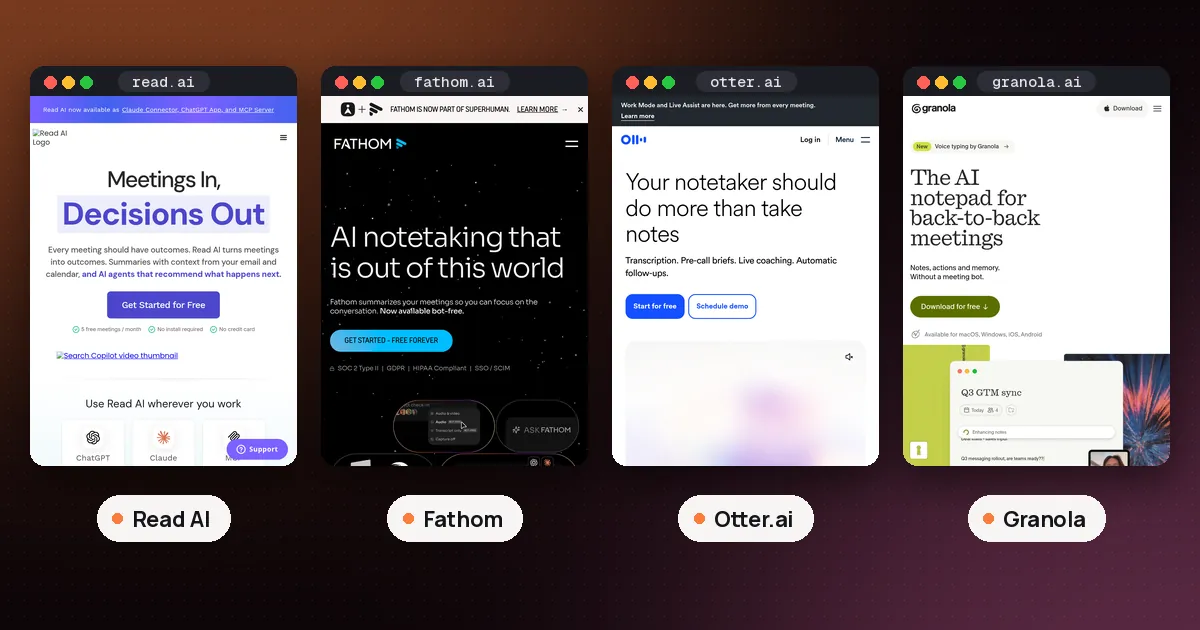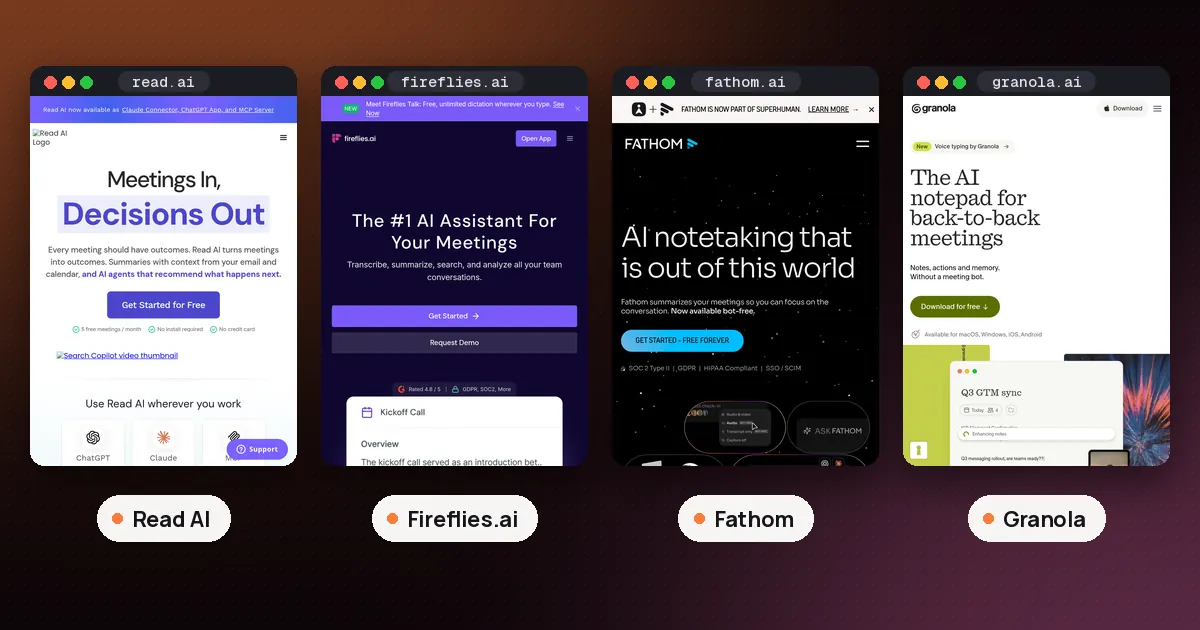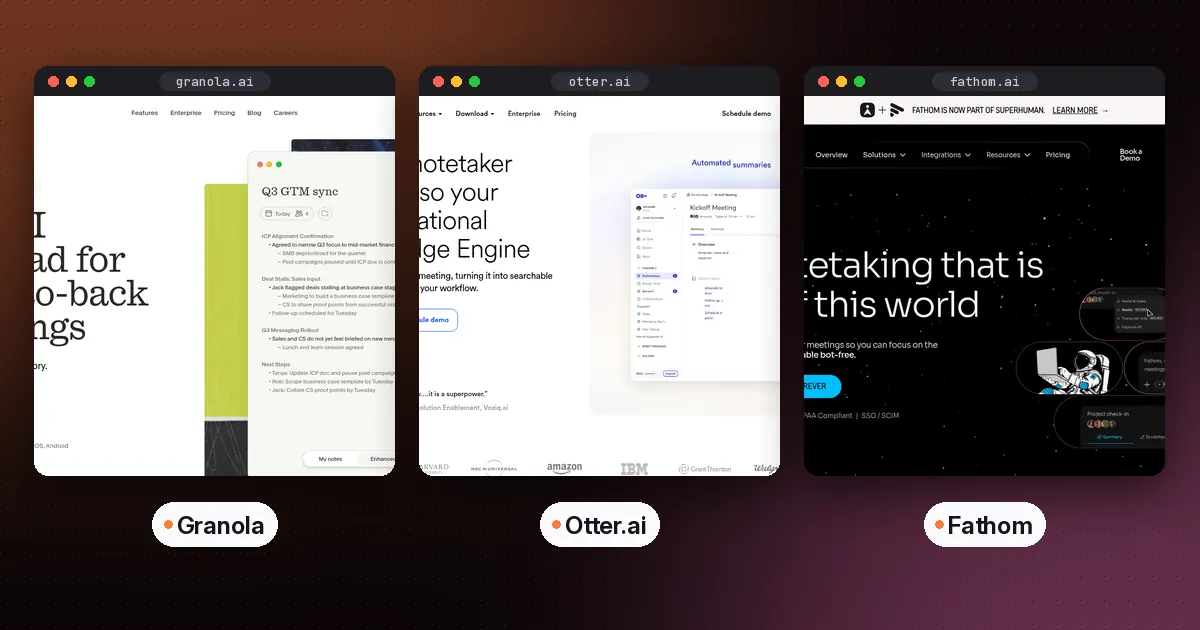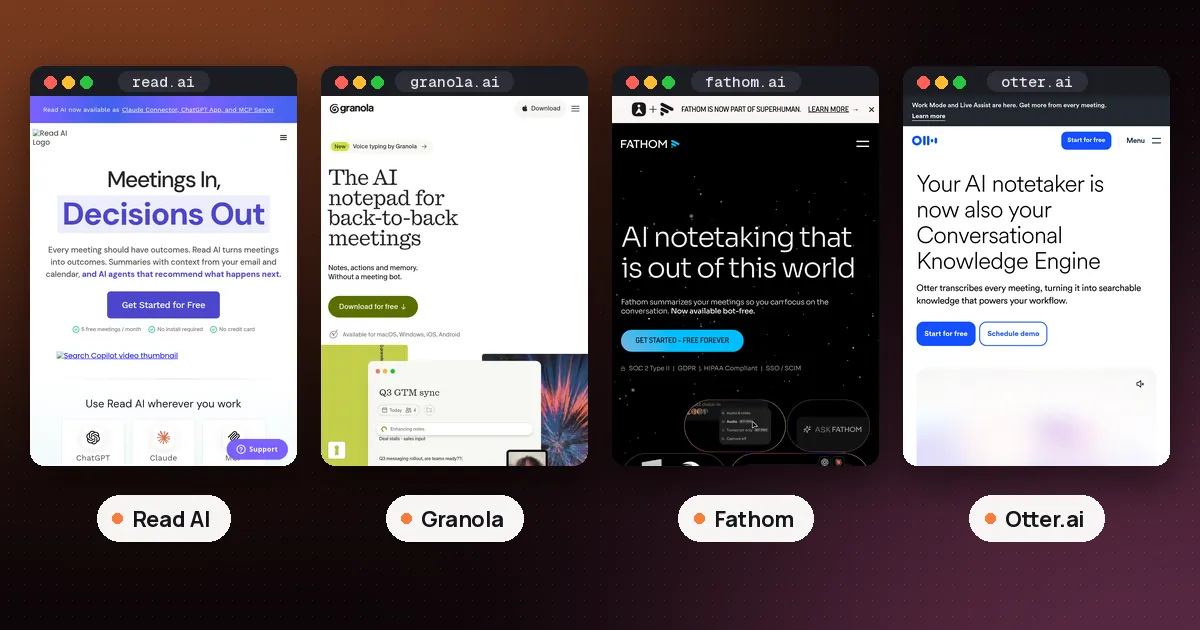
In the Read AI vs Granola choice, pick Granola if you attend your own meetings on a laptop and want good notes with no bot in the call and nothing to pay. Pick Read AI if you need a note taker that can show up to Teams or Google Meet calls without you, want playback of the recording, or want one search box across meetings, email and chat. Granola's free plan has no monthly meeting cap but shows only 30 days of history; Read AI's free plan keeps everything but covers only 5 meetings a month of up to an hour each.
The two tools are built on different ideas. Read AI is a meeting assistant that joins calls as a participant, scores the conversation and files a report. Granola is a notepad on your computer or phone: you type rough notes during the call, and it fills them in from a live transcript of your own device audio. Everything below comes from each company's pricing page and help center, checked on November 11, 2026. We have not installed either app or recorded a test meeting for this guide.
Read AI vs Granola at a glance
| Item | Read AI | Granola |
|---|---|---|
| How it captures | Bot joins the call; desktop Record button; Google Meet native recording | Your computer's mic and system audio, no bot |
| Free plan | 5 meetings a month, up to 1 hour each | No meeting cap listed, 30 days of history |
| Main paid plan | Pro, $15 a user a month billed annually ($19.75 monthly) | Business, $14 a user a month |
| Covers calls you skip | Teams and Google Meet yes, Zoom no | No, it runs on your own device |
| Keeps the audio | Playback on Enterprise and up | No, audio is deleted after transcription |
| Upload old recordings | Paid plans, MP4 or M4A up to 5 GB | No, live transcription only |
| Phone apps | Android and iOS listed on the Free plan | In person notes and outbound calls |
Prices are per user. The sections below explain the rows where the fine print matters.
How each one gets into your meeting
This is the biggest difference, and it decides most of the rest.
Read AI sends a participant. Its platform support article says Read joins Microsoft Teams as a participant and joins Zoom as a participant, but only if you have connected your Zoom account and you are in the meeting, signed in to that same account. On Google Meet it can join as a participant or record through Google Meet native recording, which uses Google's API so nothing shows up in the participant list. Read's native recording guide adds a consent step: someone in the meeting must approve a dialog before Read starts. In a Google Workspace meeting that person has to be from the host's Workspace; in a meeting hosted by a gmail.com account it is the person who invited Read.
Read also has a desktop app with a Record button. The desktop app guide says it records audio straight from your computer, which covers Slack huddles, Webex and dialer calls. It needs 64 bit Windows 10 or 11, or macOS 14 or later. Those desktop reports have no video, coaching or detailed participant metrics.
Granola never joins. Its help page on how transcription works says the desktop app captures audio from your device, so it works the same way in Zoom, Google Meet, Microsoft Teams and any other call app. It starts only when you click a meeting notification, open the meeting's note after the start time, or start a new note. It stops when it detects the call has ended, after 15 minutes with no new audio, or when your computer sleeps. Speaker tags with participants' display names work for Google Meet, Zoom and Teams on macOS and Windows; elsewhere you see "Me" and "Them."
Verdict: if a visible bot is a problem for your clients or your company, Granola is the cleaner fit, and Read's Google Meet native recording is the middle ground. If you need a note taker in the room when you are not, only Read AI can do that.
Granola free plan vs Read AI free plan
The free plans ration different things.
Granola's pricing page lists Basic at $0 per user per month with AI meeting notes, bot free device audio capture, the desktop, iOS, Android and Apple Watch apps, speaker tagging, templates, voice typing, shared folders and a Slack integration. The limit is history: Basic shows 30 days of meetings. AI chat across meetings runs on "Auto" only, and the MCP connection for tools like Claude and ChatGPT covers personal notes from the last 30 days.
Read AI's pricing page lists a Free plan with 5 meeting transcripts a month, each with a summary, transcription and search. It also includes unlimited enterprise search (Read calls it Ask Read), a personal meeting coach, basic integrations, Topic Readouts, support for more than 20 languages, and apps for Windows, macOS, Android and iOS. Read's plan overview adds that free meetings stop at 1 hour and that uploads are not included. When you upgrade, Read reprocesses your reports from the past 30 days, including ones that went over the free limit.
So Granola's free plan suits someone with many calls who mostly needs this week's notes. Read AI's free plan suits someone with a few important meetings a month who wants full reports and coaching on each one. Our guide on whether Read AI is free with Teams covers how the 5 report quota plays out in practice.
Paid plans and prices
Granola lists three plans:
- Basic: $0, with the limits above.
- Business: $14 per user per month. Unlimited notes and history, advanced AI models with model selection in chat, pre meeting briefs, follow up emails, a workspace dictionary, integrations with Attio, Notion, HubSpot, Affinity and Zapier, MCP access to workspace notes, and API access.
- Enterprise: $35 per user per month. Adds SSO (for workspaces of 50 or more users), SCIM, workspace wide retention and sharing policies, an audit API, HIPAA compliant workspaces and admin enforced notices that Granola is in use.
Read AI lists four:
- Free: $0, 5 meetings a month.
- Pro: $15 per user per month billed annually, or $19.75 monthly. Unlimited reports, meetings up to 4 hours, 100 upload minutes a month, premium integrations (Notion, Salesforce, HubSpot, Jira, Confluence, Zapier and webhooks) and direct access to Claude and GPT models inside Ask Read.
- Enterprise: $22.50 billed annually, or $29.75 monthly. Adds audio and video playback, video highlights and 200 upload minutes.
- Enterprise+: $29.75 billed annually, or $39.75 monthly, with a 5 license minimum. Adds HIPAA compliance, SAML and SCIM, custom retention, 8 hour meetings, 300 upload minutes and EU and Canada hosting.
At the first paid step the two are close: $14 for Granola Business against $15 for Read AI Pro on annual billing. The gap is what you buy. Granola Business mainly removes the history limit and adds integrations. Read AI Pro removes the meeting cap, lengthens meetings and adds uploads, but you need Enterprise to replay a call.
Privacy and what each tool keeps
Granola keeps less. Its transcription help page says audio goes straight to its transcription provider and that Granola "does not record or save audio or video at any point during the call." Its pricing page lists SOC 2 Type II on every plan, per user transcript retention and auto deletion, and a data processing agreement. Granola says it does not let outside AI companies train on your data, while it trains on anonymized data itself unless you opt out in Settings; on Enterprise that training is off by default. Our explainer on whether Granola records audio goes through what stays on your device and for how long.
Read AI keeps more because playback is a feature. Enterprise and Enterprise+ users can play back audio and video, and paid plans include unlimited storage. Custom retention policies are an Enterprise+ feature.
Both companies put consent on you. Granola recommends asking permission before transcribing anyone and offers an automated message at the start of each meeting. Read's desktop app reminds you before each recording and gives you a disclosure message with a link anyone can use to opt out and delete the recording. A Read bot is also visible and easy for other people to remove, which some teams see as a plus.
Uploads, search and phones
If you have old recordings, Read AI is the only option of the two. It takes MP4 or M4A files of 5 GB or less on paid plans. Granola's help center says it handles live meetings only and does not accept uploaded files such as MP3s.
Search is a Read AI strength. Ask Read searches your meeting reports and any apps you connect, and it is unlimited even on the free plan. Granola has AI chat within and across meetings, but on Basic it only reaches your 30 day window.
On phones, Granola's mobile guide says the iPhone and Android apps are built for in person meetings and outbound calls placed through its own dialer. Phones do not let apps capture audio from other apps, so Granola cannot transcribe a Zoom or Teams call on mobile. Read AI lists Android and iOS apps on every plan; we did not find a Read help page on in person recording to confirm how its mobile capture compares, so check before you rely on it.
Which should you choose?
- You attend your own calls on a laptop and want free notes: Granola Basic.
- You are double booked on Teams or Google Meet: Read AI, because it can join without you.
- Your calls are mostly Zoom and you want coverage when absent: neither. Read needs you in Zoom meetings, and Granola runs on your device. Look at our Read AI vs Fireflies.ai comparison instead.
- You need a replay of the call: Read AI Enterprise. Granola never keeps audio.
- You want to transcribe old files: Read AI on a paid plan.
- No bot, ever: Granola, or Read on Google Meet through native recording.
If neither fits, Fathom is another free option with unlimited recordings; see our Read AI vs Fathom matchup. For Granola against a tool that keeps the audio, read Granola vs Otter or Plaud vs Granola. Our best AI meeting note taker roundup covers the wider field, including Otter.
FAQ
Is Granola better than Read AI?
For notes on calls you attend yourself, Granola is simpler: no bot, no monthly meeting cap and a free plan that only limits history. Read AI is better when you need coverage of meetings you skip, a recording to replay, uploads or one search across meetings and connected apps.
Does Granola send a bot to meetings like Read AI?
No. Granola's desktop app listens to your computer's microphone and system audio, so nothing joins the call. Read AI joins Teams and Zoom as a participant, and on Google Meet it can either join or record through Google Meet native recording without a visible bot.
Is Read AI or Granola cheaper?
On paper, Granola. Business is $14 per user per month, while Read AI Pro is $15 billed annually or $19.75 monthly. The plans buy different things, though: Granola Business mainly lifts the 30 day history limit, while Read AI Pro lifts the 5 meeting cap and adds uploads.
Can Read AI or Granola record a meeting when I am not there?
Read AI can join Microsoft Teams and Google Meet meetings without the license holder attending. On Zoom you must be in the meeting and signed in to your connected Zoom account. Granola cannot, because it captures audio on your own device.
Which is better for Microsoft Teams meetings?
Both work with Teams. Read AI joins scheduled Teams meetings as a participant, even when you are absent, but it cannot join calls started from the Chat tab or get past Teams CAPTCHA checks; its desktop Record button covers those. Granola's desktop app transcribes any Teams call you are on, with speaker names on macOS and Windows.
Does Read AI or Granola keep a recording of my meeting?
Granola deletes the audio after transcription on every plan and keeps the transcript and notes. Read AI lets Enterprise and Enterprise+ users play back audio and video; Free and Pro users get text reports without playback.