The best AI tools for executive assistants are the ones that work inside your executive's mailbox and calendar, not just your own. For a Microsoft 365 office, start with Copilot in Outlook, which now summarizes and drafts from shared and delegated mailboxes; add Reclaim's Business plan for calendar defense with delegated access, and ChatGPT's Outlook apps for briefings across a delegated calendar. On Google Workspace, plan around one gap: Gemini in Gmail cannot read a delegated inbox, so you need a workaround or a different tool for that job.
This guide sorts the options by the work an executive assistant actually does (inbox, calendar, briefings, meetings and the text you type many times a week) and checks each one against the question most roundups skip: does it see the executive's data through your delegated access, or only your own account? Every fact below was checked on the vendor's own pages on November 12, 2026. We did not test these tools hands on for this guide.
The short list
| Tool | Best EA job | Works through delegated access? | Starting price |
|---|---|---|---|
| Copilot in Outlook | Summaries and drafts in the boss's mailbox | Yes, summarize and draft; no send, triage or scheduling yet | Microsoft Copilot license |
| ChatGPT (Outlook apps) | Briefings, search, delegated calendar reading | Yes, with your existing Microsoft permissions | Free tier; paid plans for exact times |
| Reclaim | Calendar defense, scheduling links | Delegated Access on Business and Enterprise | Business $15 a seat a month, billed yearly |
| Fyxer | Drafts and labels in an inbox you connect | Connects the inbox you sign in with | Pro $37 a person a month, billed yearly |
| Lindy | Delegated errands by text, daily briefs | Connects 2 to 5 inboxes depending on plan | $49.99 a user a month |
| Raycast | Snippets and quick rewrites on your desktop | Not an inbox tool | Free; Pro $96 a year |
| Gemini in Gmail | Your own Gmail only | No, cannot read delegated inboxes | Included in eligible plans |
The rest of the guide explains each pick and where it stops.
The test that matters: delegated mailboxes and calendars
Most AI email tools are built for the person who owns the inbox. An executive assistant usually works one step removed, through delegate permissions on someone else's mailbox and calendar. That is where the big suites differ most.
Microsoft 365 Copilot in Outlook
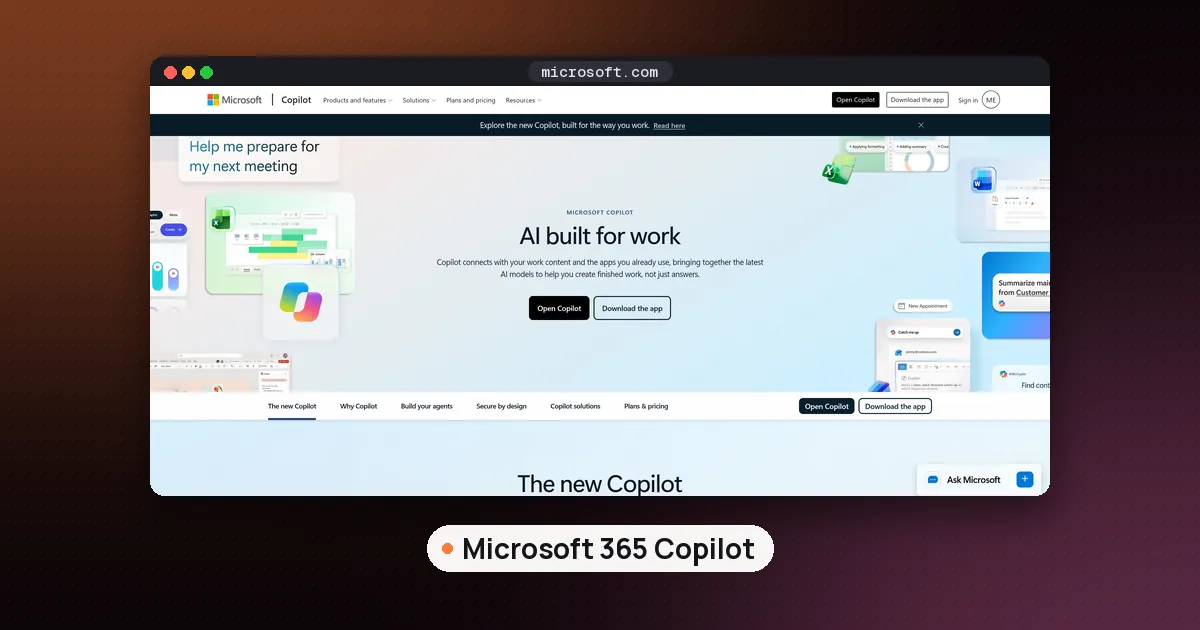
Microsoft's support page on Copilot Chat in shared and delegated mailboxes says you can now use Copilot Chat directly while working in a shared or delegated mailbox, without switching accounts or adding special prompt text. Summarize and Draft work for those mailboxes, and a question such as "What meetings do I have today?" returns results for the delegate calendar you are viewing. Folder level permissions are supported along with Full Access, and Copilot only sees what your permissions already allow.
Three things are listed as not supported yet (marked coming soon): triage actions such as marking read, deleting, categorizing, flagging or applying rules; sending email on the executive's behalf; and scheduling or updating meetings. So today Copilot reads and drafts for you, and you still click Send and move the meeting yourself. Your Copilot Chat history stays on your own account, so other people using the same shared mailbox don't see your conversations.
If you work from the separate Microsoft Copilot app instead of Outlook, Microsoft's page on using Copilot in shared and delegate mailboxes adds two conditions: you need a Microsoft Copilot license, and you need full delegate access, because shared folder permissions alone aren't enough there. Name the mailbox in your prompt (for example, "Summarize recent emails in Dana's mailbox"). For prices, our Read AI vs Copilot guide lists the current Microsoft business plans, and how to use AI in Outlook calendar covers Copilot's calendar features in your own account.
Gemini in Gmail
Google is direct about the limit. Its Workspace page on what controls Gemini's access to Workspace data says that if someone has given you delegated access to their inbox, Gemini doesn't have access to those messages, only the messages in your own inbox. Gemini follows the same access rules as you for Drive and Calendar, so it can use calendar events you can view, but the executive's delegated Gmail is out of reach.
For an EA in a Google office that means Gemini in Gmail helps with your own mail, while the executive's inbox needs another approach: the executive connects their own account to a drafting tool, or you work from forwarded threads. If you manage Gemini settings for someone, our guide on turning off Gemini in Gmail explains the controls.
ChatGPT with the Outlook apps
OpenAI's help page for the Outlook Email and Calendar apps in ChatGPT explains the delegated setup clearly. You connect the Microsoft account that already has access to the shared or delegated mailbox, and give ChatGPT the exact mailbox address in your request. ChatGPT does not grant any Microsoft permissions itself.
For supported shared or delegated mailboxes, the page lists reading messages, browsing folders, marking read or unread, moving messages and sending plain text email from or on behalf of the mailbox, all depending on your Microsoft permissions and your workspace's app settings. The Calendar app can read delegated or shared calendars and suggest meeting times, and it can create, update or cancel events on supported shared calendars when those actions are enabled. Two limits to know: attachments from delegated mailboxes can't be retrieved yet, and supported actions can differ between personal, shared and delegated calendars. In a company workspace, an admin may need to approve the Microsoft permissions first.
Best AI tools for executive assistants, job by job
Inbox drafts and labels: Fyxer or Lindy
Fyxer works inside Gmail or Outlook. On its pricing page, Pro costs $37 a person a month billed annually ($49 monthly) and adds replies drafted in your tone and automatic labeling; the Free plan does not sort your inbox or draft replies. Team costs $64 billed annually ($99 monthly). A seat is one paid member however many inboxes or calendars they connect, and Fyxer says it does not send email for you: it drafts, and you decide. New accounts get a 14 day trial of the Team plan. Our SaneBox vs Fyxer comparison covers its credits in detail.
Lindy works more like a delegate. Its pricing page lists inbox management, replies drafted in your voice, meeting scheduling, prep and follow up, daily briefs, and iMessage with your assistant. You can connect 2 to 5 inboxes depending on plan, which suits an EA who handles their own mail plus one or more executives. You start with $50 in free credits for 7 days, no card required; after that it is $49.99 per user a month for 5,000 credits, with top ups at $10 per 1,000. Lindy says anything with outside impact, such as sending an email, waits for approval.
Calendar defense and scheduling: Reclaim
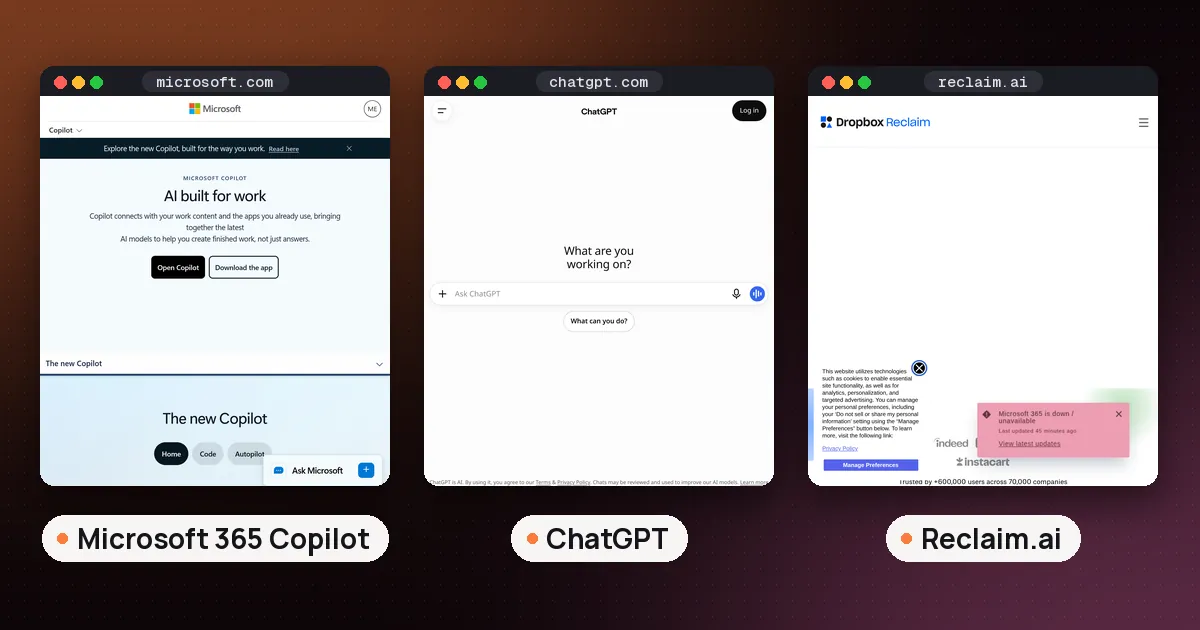
Reclaim is the one tool here that names executive assistants on its pricing page. Reclaim's pricing lists Delegated Access ("for EAs/admins"), which lets team members manage a Reclaim account on someone's behalf. It is included on Business ($15 a seat a month billed yearly, $18 monthly) and Enterprise ($22 billed yearly), not on the free Lite plan or Starter. Business also adds unlimited scheduling links, a 12 week scheduling range and a team out of office calendar. Reclaim works with Google Calendar and Outlook Calendar and protects focus time, buffers and travel time around meetings.
If you mostly send booking links rather than defend a calendar, compare it with Calendly in our Reclaim vs Calendly guide, and see the best AI calendar planner roundup for Motion and the other options.
Briefings and recurring jobs: ChatGPT scheduled tasks
A morning briefing for your executive is the easiest recurring win. ChatGPT can run one time or recurring tasks, according to OpenAI's scheduled tasks help page. Active task limits are 3 on Free and Go, 5 on Plus, 10 on Business and Edu, and 15 on Pro and Enterprise. Free tasks run at most once a day in a flexible window, so exact times such as 7:00 AM need a paid plan. Event triggered tasks, which react to a new Gmail message or a Slack channel message, need Plus, Pro, Business, Enterprise or Edu. An action that sends a message or changes data may pause the task until you approve it.
One caution for EAs: a shared task link shows the full task instructions to anyone who opens it, so keep executive names, travel details and account numbers out of task titles and instructions.
Meeting notes
When your executive is in back to back calls, an AI note taker covers the meetings you can't attend. The right one depends on the platform, and our best AI note taker for meetings guide compares the options. Microsoft offices should also read our Read AI vs Copilot guide, because Copilot does not work in meetings hosted outside your organization.
Snippets and quick rewrites: Raycast
Raycast is a launcher for Mac and Windows rather than an inbox tool, but EAs type the same directions, dial in numbers and replies all day. Its pricing page says the free personal plan covers built in extensions such as Clipboard History and Calendar, and the free Team plan allows 30 shared Snippets, which is enough for a small admin team to share standard replies. Raycast AI needs a paid plan: Pro is $96 a year for individuals, or $144 per user a year on a team. See Raycast and our Raycast vs Alfred comparison.
Where Pi fits
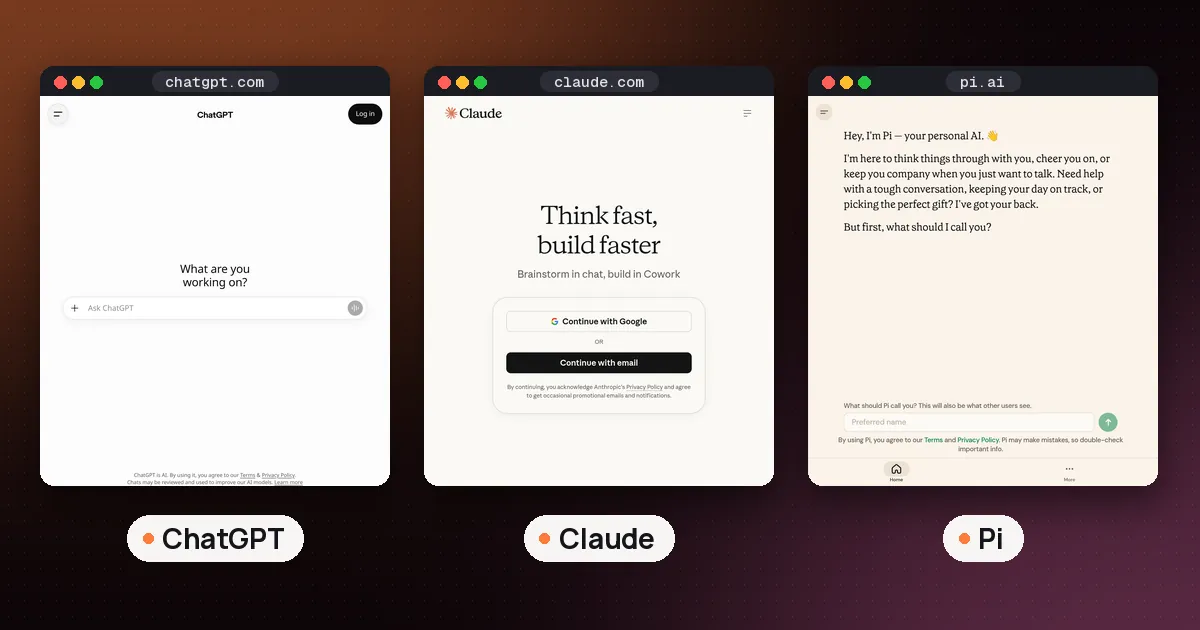
Pi from Inflection AI is a conversation partner. Its official site pitches it for thinking out loud, preparing for a hard conversation and setting reminders and to dos. It does not connect to anyone's inbox or calendar, so it is a personal tool for an EA, not a way to manage an executive's work.
How to use AI as an executive assistant: a first week plan
- Confirm your permissions first. Ask IT whether you have Full Access or folder level delegate rights, because Copilot's app and ChatGPT's Outlook apps behave differently depending on which you have.
- Pick one daily output. A briefing of the executive's next day (meetings, attendees, open threads) is easy to judge and saves time from day one.
- Draft, never send, for the first month. Copilot can't send from a delegated mailbox yet anyway, and Fyxer and Lindy both keep you in control of sends.
- Protect the calendar. Set focus time and buffers in Reclaim with Delegated Access, so new meetings land where your executive wants them.
- Write down what the AI may touch. Agree with your executive which folders, calendars and contacts are in scope, and review connected app permissions every quarter.
For a general walkthrough of assistants that act for you, read how to use an AI virtual assistant, and for more inbox tools see the best AI email assistant guide.
FAQ
What is the best AI tool for an executive assistant?
In a Microsoft 365 office, Copilot in Outlook, because it summarizes and drafts inside shared and delegated mailboxes. Pair it with Reclaim's Business plan for calendar work. In a Google office there is no single tool that reads a delegated Gmail inbox through Gemini, so pick a drafting tool the executive connects to their own account.
Can Copilot send email from my executive's mailbox?
Not through Copilot Chat in Outlook yet. Microsoft lists sending on someone's behalf, triage actions and scheduling or updating meetings as not supported in shared and delegated mailboxes, marked coming soon. Copilot can summarize and draft, and you send.
Does Gemini work in a delegated Gmail inbox?
No. Google's Workspace help says Gemini has no access to messages in an inbox someone delegated to you, only to your own inbox.
Can ChatGPT manage a delegated Outlook calendar?
It can read delegated and shared calendars and suggest meeting times. Creating, updating or cancelling events is listed for supported shared calendars when your Microsoft permissions and workspace settings allow it, and actions can differ by calendar type.
Which Reclaim plan includes access for executive assistants?
Delegated Access is on the Business plan ($15 a seat a month billed yearly, $18 monthly) and Enterprise ($22 billed yearly). The free Lite plan and Starter don't include it.
Is it safe to give an AI tool access to an executive's email?
It can be, with limits. Use tools that follow your existing permissions (Copilot and ChatGPT's Outlook apps both say they do), keep approval on for anything that sends, and keep sensitive details out of saved prompts and shared tasks.