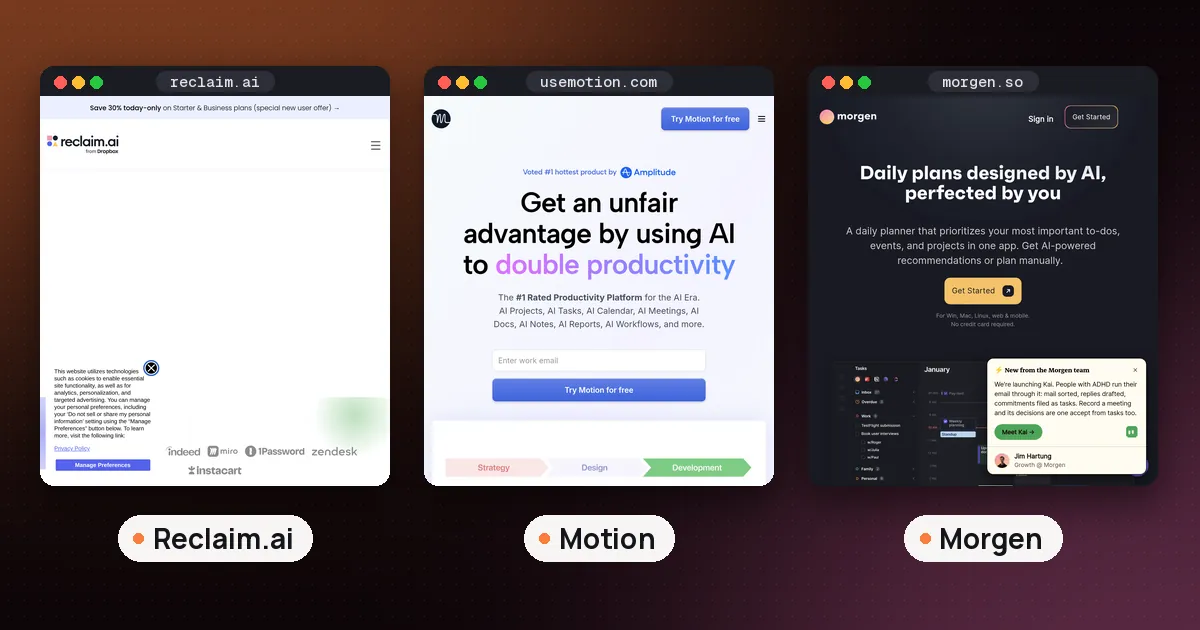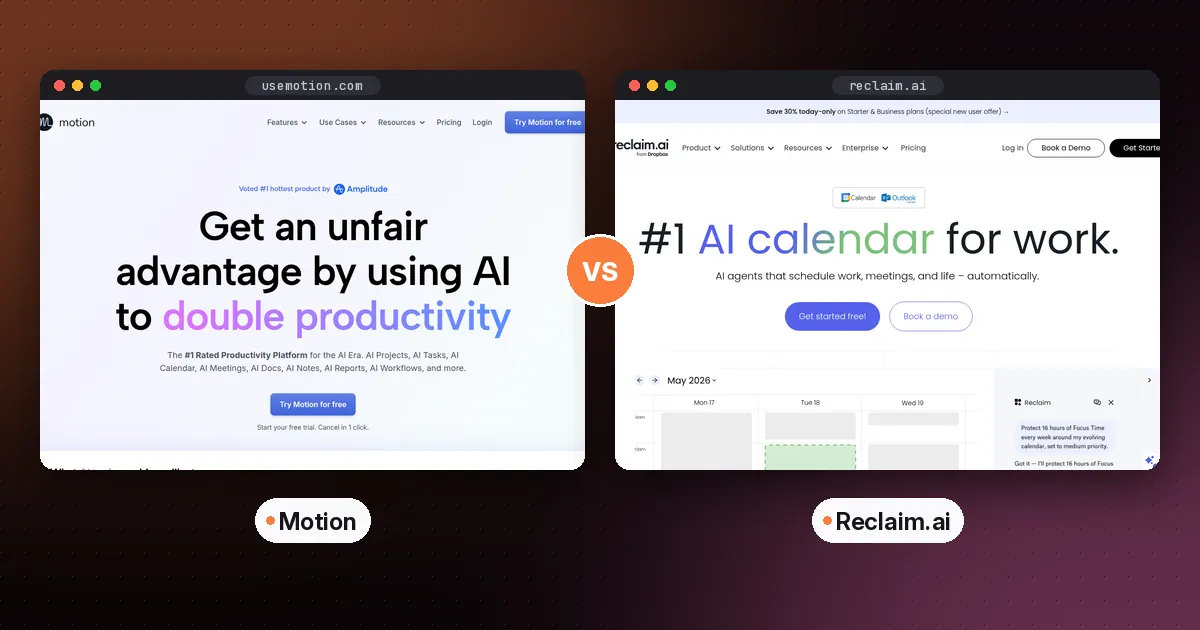
The best Clockwise alternative for most people is Reclaim. It's the tool Clockwise itself recommended when it shut down, and it covers the same core jobs: AI protected focus time, flexible meetings that move themselves, and team scheduling on Google Calendar or Outlook. Pick Motion if you also want AI to plan your tasks and projects, Morgen if you want an AI plan you approve before it lands, and Sunsama or Akiflow if you'd rather plan your day yourself with a little AI help. For a wider ranking, see our best AI calendar planner guide.
Clockwise announced on March 19, 2026 that its product would shut down on March 27, 2026, according to Reclaim's announcement post. Every price and plan limit below was rechecked on the vendors' own pricing pages on November 19, 2026. We did not test these tools first hand for this guide.
What happened to Clockwise
Clockwise's own shutdown notice says the team is joining Salesforce and that the product stopped being available on March 27, 2026. A few details from its FAQ matter if you are still cleaning up:
- Calendar events: Smart Hold events Clockwise created (Focus Time, Travel Time, Meeting Breaks and synced personal events) are removed from your calendar. Flexible Meetings stop moving.
- Scheduling links: Clockwise Scheduling Links no longer work, so any link in an email signature or website now points nowhere.
- Your data: Clockwise says no data transfers to Salesforce and user data is deleted shortly after March 27, 2026, with no confirmation of the deletion. Questions go to the Clockwise support address listed on that page.
- Refunds: prepaid subscriptions that ran past March 27 are refunded on a prorated basis.
So there is nothing to export or import. You rebuild your preferences by hand, which is usually a handful of settings.
Clockwise alternatives compared
| Tool | Closest to Clockwise for | Calendars | Free plan | Paid from |
|---|---|---|---|---|
| Reclaim | Focus time, flexible meetings, team scheduling | Google, Outlook | Yes (Lite) | $10 per seat per month billed yearly |
| Motion | AI planning of tasks, projects and meetings | Connected inside Motion | No (trial) | $19 per seat per month (Pro AI) |
| Morgen | AI daily plans you approve first | Many, including Google and Outlook | No (14 day trial) | $15 per month billed yearly |
| Sunsama | Guided daily planning and timeboxing | Google, Outlook | No (14 day trial) | $17 per month billed yearly |
| Akiflow | Task inbox plus time blocking | Google, Outlook | No (7 day trial) | $19 per month billed yearly |
| Google Calendar focus time | Basic focus blocks with auto decline | Google (eligible Workspace plans) | Included with eligible plans | Part of Workspace |
| Viva Insights focus plan | Daily focus blocks booked automatically | Outlook | Depends on your Microsoft 365 setup | Part of Microsoft 365 |
Map your Clockwise features to a replacement
Start by listing what you actually used Clockwise for. Most people relied on three or four features.
- Automatic focus time: Reclaim's Focus Time agent sets a weekly goal and defends hours around your meetings. It has a proactive mode that books toward your goal every week and a reactive mode that only steps in when your week gets too full. An optional setting declines invites during focus blocks.
- Flexible meetings that move to better slots: Reclaim's Smart Meetings reschedule recurring meetings around attendees' priorities and resolve conflicts.
- Lunch and breaks: Reclaim Habits, such as a lunch habit, plus Buffer Time after meetings.
- Team availability and scheduling links: Reclaim Scheduling Links, including team and round robin links on higher plans. Calendly and Cal.com are alternatives if you only need booking pages. Calendly's pricing page lists a free plan with one event type and one calendar connection, Standard at $10 per seat per month billed yearly, and Teams at $16. Our Reclaim vs Calendly comparison covers that choice.
- Slack status sync: Reclaim's Slack integration syncs your status with your calendar.
- Company wide analytics: Reclaim's team and enterprise analytics on focus and meeting time.
If your list is mostly about tasks rather than meetings, Motion or a daily planner may suit you better than a direct replacement. If you mainly need to book time with other people, our guide on how to use AI to schedule meetings walks through four approaches.
The best alternatives in detail
Reclaim: the direct replacement
Reclaim is the closest match feature for feature. Reclaim's pricing page lists these plans:
- Lite (free): one week of automated scheduling ahead, two connected calendars, one Calendar Sync and one Scheduling Link, with Focus Time, Habits, Buffer Time and Smart Meetings.
- Starter: $10 per seat per month billed yearly or $12 monthly, with an 8 week scheduling range and three Scheduling Links.
- Business: $15 billed yearly or $18 monthly, with a 12 week range, unlimited links and syncs, a team out of office calendar and delegated access for assistants.
- Enterprise: $22 per seat per month on yearly billing only, adding SSO and SCIM provisioning, domain capture and security reviews.
Two limits trip up former Clockwise users. First, Lite connects only Google Tasks, Slack, Zoom and Google Meet; Todoist, Asana, ClickUp, Jira and Linear need a paid plan. Second, Smart Meetings with three or more people count each attendee without a paid Reclaim seat as an "attendee user", and paid plans sell extra attendee users in packs. Clockwise teams that let one organizer move big recurring meetings should check this before converting them.
The special Clockwise price match offer ran through June 30, 2026 and has ended. The pricing page still lists a 20% discount for 6 months when switching from Clockwise, Motion or Calendly, and 50% off for 12 months for students, educators and faculty.
- Best for: individuals and teams who loved Clockwise's focus time defense.
- Watch out for: the one week range and missing task integrations on the free plan.
Motion: if you want AI to plan your tasks too
Motion goes further than Clockwise ever did. It schedules tasks and projects as well as meetings, and replans your day when things change. Motion's pricing page lists Pro AI at $19 per seat per month with 7,500 AI credits per seat each month, and Business AI at $29 with 15,000 credits, plus team capacity planning, Gantt charts and time tracking. The page says annual billing saves 33%. There's no free plan, only a trial.
- Best for: people with many deadlines who want one app for tasks and calendar.
- Watch out for: you need to move your task list into Motion to get the benefit. Our Motion vs Reclaim comparison covers this in depth.
Morgen: an AI plan you approve
Morgen is a calendar app whose AI Planner turns your task list into time blocks inside recurring windows you define, then waits for you to accept the plan. Morgen's pricing page lists Pro at $15 per month billed yearly or $30 monthly, and Pro for Teams at $10 per seat per month billed yearly or $25 monthly with a two seat minimum. The trial is 14 days with no card, and the page offers a full refund within 30 days.
- Best for: people who want help planning but want the final say on every block.
- Watch out for: it won't defend focus time for a whole team automatically.
Sunsama: calm daily planning
Sunsama is a guided daily planner. Each morning you pull tasks from your inbox and tools onto a timeline, and it helps you avoid overcommitting. It's $17 per month billed yearly ($204 a year) or $22 monthly, with a 14 day free trial and no credit card required, according to Sunsama's pricing page. The plan includes AI, MCP and Zapier, and each teammate you invite is billed as another person.
- Best for: people who want intention and control rather than automation.
- Watch out for: it won't automatically defend focus time across a team the way Clockwise did.
Akiflow: a task inbox with time blocking
Akiflow collects tasks from email, Slack and other tools into one inbox, then lets you drag them onto your calendar. Its Aki AI assistant and MCP connector are included. Pro is listed on Akiflow's pricing page at $19 per month billed yearly ($228 a year, marked as a promotion) or $34 monthly, with a 7 day trial. The FAQ says eligible university students and researchers get 40% off Pro Yearly after verifying an academic email, and that prices can vary by country.
- Best for: people drowning in tasks from many sources.
- Watch out for: it's priced above most calendar assistants on monthly billing.
Free and built in options
- Google Calendar focus time: on eligible work or school accounts (Workspace Business Standard and Plus, Enterprise, Education and Nonprofits), you can create focus time events that mute Chat notifications and automatically decline meetings, according to Google's help page. You create them from Day or Week view, can set them to repeat, and can choose to decline only new invites instead of new and existing ones. It's manual, with no AI rescheduling, but it costs nothing extra.
- Outlook and Viva Insights: if your organization has Viva Insights, its focus plan books up to four hours of focus time a day on your Outlook calendar. Microsoft's page on how Viva Insights books your time says it books two weeks ahead and never books over an existing event. Our guide on how to use AI in Outlook calendar covers Copilot's newer calendar features too.
- Notion Calendar: Notion Calendar is included in Notion's free plan. It's useful if your tasks and notes already live in Notion, though it doesn't defend time automatically. Our guide on how to use Notion AI calendar features shows the setup, and our best AI note taking app guide compares Notion with other places to keep that work.
- Task app plus calendar: a task manager like Todoist plus Reclaim covers a lot of what Clockwise users needed, but the Todoist sync needs a paid Reclaim plan. On Lite, Google Tasks is the free task source.
Rebuilding a Clockwise week: an example setup
Here is how a typical Clockwise user's week might translate into Reclaim settings. Treat the numbers as a starting point, not a rule.
- Working hours and meeting hours. Set them first, because every agent schedules inside them.
- Focus goal. Pick a weekly target such as 10 hours, and start in reactive mode if your team is used to finding you free. Switch to proactive once colleagues get used to the blocks.
- Lunch habit. Add a flexible lunch window, for example 30 to 60 minutes between noon and 2 PM, and let Reclaim pick the slot each day.
- Buffers. Add a short break after video calls so back to back meetings get breathing room.
- Two recurring meetings. Convert one weekly one to one and one team sync to Smart Meetings, then watch how they move for a week before converting more.
Migration checklist
- Check for leftover events. Clockwise says it removes its own Smart Holds, but look for anything still marked as Clockwise, and remove its access from your Google or Microsoft account settings if it still appears. Reclaim's own guidance warns against running two scheduling tools on one calendar at once.
- Recreate your rules, not your events. Set your working hours, a weekly focus goal, a lunch habit and meeting buffers in the new tool, and let it rebuild the blocks.
- Convert recurring meetings one at a time. Start with one to ones you own, and check that attendees are comfortable with automatic rescheduling.
- Replace scheduling links in email signatures, websites and templates.
- Reconnect Slack status sync and video conferencing defaults.
- Check after one week. Did you get the focus hours you set? If not, raise the priority of your focus time or switch from reactive to proactive mode.
Who should pick what
- You want Clockwise back as closely as possible: Reclaim.
- You want AI to plan your whole workload: Motion.
- You want AI suggestions but the final say: Morgen.
- You want a calm morning planning ritual: Sunsama.
- Tasks arrive from everywhere: Akiflow.
- You're on a tight budget: Reclaim Lite, plus Google Calendar focus time or the Viva Insights focus plan if your work account includes them.
FAQ
What happened to Clockwise?
Clockwise announced on March 19, 2026 that its product would shut down on March 27, 2026. Its notice says the team is joining Salesforce, and it recommended Reclaim as the primary alternative for its users.
Can I still export my Clockwise data?
No. Clockwise says user data is deleted shortly after March 27, 2026, with no transfer to Salesforce and no confirmation of the deletion. You have to recreate focus goals, habits and scheduling links by hand in your new tool.
What is the closest alternative to Clockwise?
Reclaim is the closest. It offers AI defended focus time, flexible Smart Meetings, Habits, Buffer Time, scheduling links, Slack status sync and team analytics, and like Clockwise it works on both Google Calendar and Outlook.
Is there a free Clockwise alternative?
Reclaim's Lite plan is free forever for one user, with a one week scheduling range. Google Calendar's focus time feature is included with eligible Workspace work and school plans, and Viva Insights can book focus time in Outlook, though neither moves meetings for you.
Does Reclaim still match Clockwise pricing?
No. The price match for migrating Clockwise customers ran through June 30, 2026. Reclaim's pricing page still lists a 20% discount for 6 months for people switching from Clockwise, Motion or Calendly.
Should I choose Motion or Reclaim to replace Clockwise?
Choose Reclaim if you mainly used Clockwise for focus time and meetings. Choose Motion if you also want AI to schedule your tasks and projects, and you're happy to manage your work inside Motion.