The best AI note taker for a YouTube link is Gemini Notebook (formerly NotebookLM): paste a public video's link as a source and it turns the captions into notes, answers and flashcards with citations, free with a Google account. For a quick summary, paste the same link into the Gemini app. If you want to watch and highlight as you go, Readwise Reader shows the video beside a transcript that scrolls with it, and Heptabase imports captions into a visual card library.
Almost every one of these tools reads the video's captions, not the picture. So a link works well for lectures, talks, interviews and tutorials where the useful part is spoken, and poorly for videos without speech or captions. This guide compares the tools on what they do with a link, what they need, and what they cost. We checked each one against its official help pages and pricing on November 13, 2026. We did not test these apps first hand, so treat this as a sourced comparison rather than a hands on review.
How an AI note taker reads a YouTube link
Before you pick a tool, it helps to know where the text comes from. YouTube's help page on viewing video transcripts says any video that has captions has a full transcript: click Show transcript in the video description, and you can click any line to jump to that moment. AI note takers grab that same caption text.
That leads to three practical rules:
- No captions, no notes. If a video has neither creator captions nor YouTube's automatic ones, a link based tool has nothing to read.
- Visuals are invisible. Slides, code on screen and diagrams are not in the captions unless the speaker reads them aloud.
- Automatic captions are messy. They often lack punctuation and paragraph breaks, which some tools clean up for you.
The other route is recording your computer's audio while the video plays and transcribing it, which some note apps offer. That works even without captions, but it takes as long as the video.
Quick comparison
| Tool | What you do with the link | Cost to start | Best for |
|---|---|---|---|
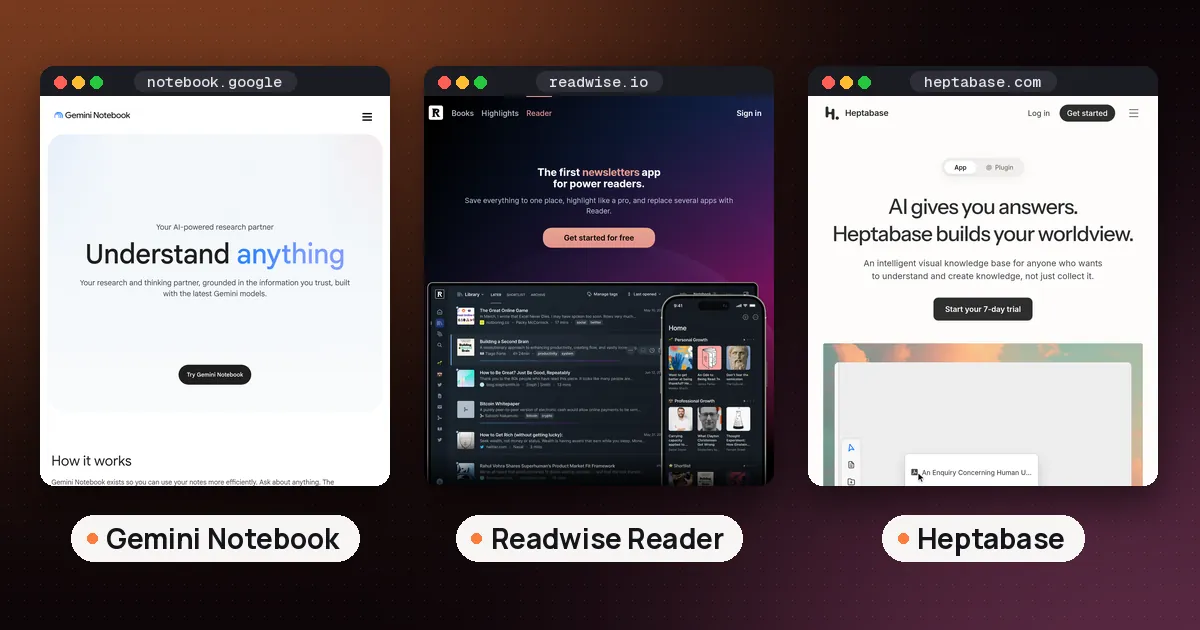
| Gemini Notebook | Add as a source, chat with citations, make study material | Free (50 sources per notebook) | Students and anyone studying several videos |
| Gemini app | Paste link, ask for a summary or steps | Free | One quick summary |
| Readwise Reader | Save, watch beside a synced transcript, highlight | Paid after a 30 day trial | Heavy highlighters |
| Heptabase | Import captions to a video card, generate insights | Pro from $8.99 a month billed yearly | Visual learners and researchers |
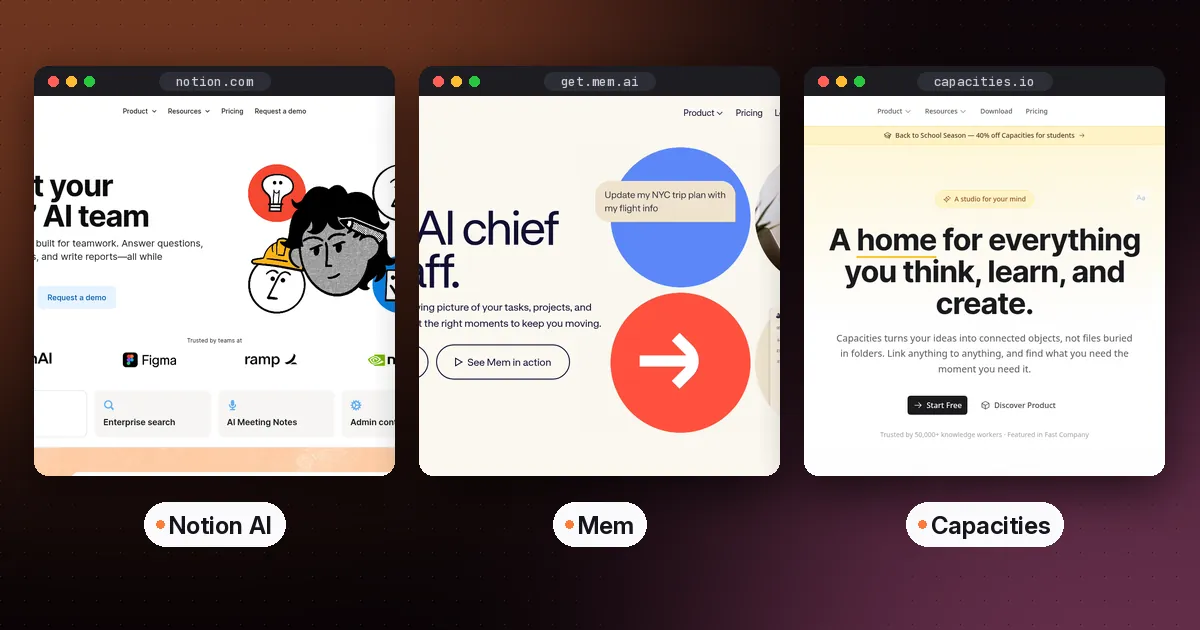
| Mem | Clip the video page to a summarized note | See Mem's pricing page | People who already keep notes in Mem |
| Notion AI | Paste the transcript into a page, then ask | Notion plan with AI | Teams that live in Notion |
Gemini Notebook: the best free AI note taker for YouTube videos
Gemini Notebook is Google's source grounded research notebook. Google's help page on adding sources lists "YouTube URLs of public videos" as a source type. Click Add sources, paste one or more links (separate several with a space or a new line), and each video becomes a source you can question.
The rules on that page are specific:
- Only public videos with captions, uploaded by the creator or generated automatically, are supported.
- Only the text transcript is imported.
- Videos uploaded less than 72 hours earlier may not import yet.
- Videos without speech aren't supported.
- If a video is later deleted or made private, the source is removed from your notebook within 30 days.
- There is no length limit unless the caption file passes 500,000 words.
The source limit is the main difference between plans. Google's plans page lists 50 sources per notebook without an AI plan, 100 with Plus, 300 with Pro, and 500 or 600 with the two Ultra plans. One video uses one source slot, so the free plan holds a full course of short lectures.
Why it's the top pick: answers come with citations back to the transcript, and you can turn a set of videos into flashcards, quizzes, mind maps or an audio review. Our guide to using NotebookLM for studying walks through a weekly routine, and how to make flashcards with AI covers checking the cards it writes.
The catch is that a pasted video arrives as plain text. You read notes about the video, not the video itself, so jump back to YouTube to check anything that depends on what was on screen.
Gemini app: fastest for one summary
If you just want to know whether a 40 minute video is worth your time, the regular Gemini app is quicker than building a notebook. Google's help page on YouTube content in Gemini Apps says Gemini uses public YouTube information to find videos and help you understand what is in them.
Two requirements trip people up. You must be signed in, and Keep Activity must be on, because the feature isn't available when that setting is off. It also doesn't work in Gemini Live chats or in Gemini inside Google Messages.
Ask for something specific rather than "summarize this": the steps in order, the tools mentioned, or the part that answers one question. Then save the answer somewhere you keep notes, because a chat history is not a notebook.
Readwise Reader: watch, read and highlight together
Readwise Reader is a reading app first, and it treats a YouTube video like an article. Readwise's YouTube help page says a saved link plays alongside a time synced transcript, and you can take highlights and notes as it plays. On the web you can click any part of the transcript to jump the video there.
When a creator didn't upload captions, Reader uses YouTube's automatic ones and offers an enhanced transcript that fixes punctuation and paragraph breaks. You can also pick another caption language if the video has one, and Reader saves that as a separate document.
The Reader pricing page lists Reader only at $7.99 a month and the full Readwise bundle at $9.99 a month, both on yearly billing, after a 30 day free trial. Students and academics can ask for a 50% discount by email before subscribing. Reader also has Ghostreader AI for summaries and questions about any document.
Pick Reader if you want your video notes in the same place as your articles and newsletters. Our Readwise Reader vs Raindrop comparison and our best read it later app roundup cover the rest of the app.
Heptabase: captions on a visual card board
Heptabase is a note app built around whiteboards. Its December 2024 update, described on the Heptabase public wiki, lets you add a YouTube video to your card library, import its captions, generate insights from the transcript, and turn those into cards. Heptabase says importing YouTube captions does not count toward the monthly transcription limit that applies to podcasts.
The Heptabase pricing page lists YouTube transcripts in the Pro plan at $8.99 a month billed yearly, with 100 AI credits a month and an AI agent that uses Gemini models. Premium at $17.99 a month billed yearly adds 1,800 credits and more model choices.
This suits people who learn by arranging ideas: put three videos and two papers on one whiteboard and link the cards that agree or disagree. See Heptabase vs Notion for how it compares as a daily note app.
Mem: clip the video into a note
Mem offers two routes. Its web clipper page says clicking the extension on a page captures the full page, YouTube videos included, and summarizes it into a note, filed into a matching collection if Mem finds one. You can type instructions such as "make a bulleted list of key topics" before saving. The extension is Chrome only for now.
The second route is Voice Mode. Mem's Voice Mode help page says the Mac and Windows desktop apps can record your computer's audio, so you start Voice Mode, play the video, and Mem writes a transcript and summary into the note. That works for videos without captions, but the page notes that Voice Mode only works in English, and system audio capture needs Windows or an Apple silicon Mac.
Notion AI, Capacities and Reflect: workable with a workaround
These three appear in lots of searches for video notes, but none reads a YouTube link as directly as the tools above.
- Notion AI: Notion's Notion Agent help page says the agent can't answer questions using content in a non PDF embed, such as a transcript from a video. The fix is manual: open Show transcript on YouTube, copy it into a page under the embedded video, then ask Notion AI to summarize or pull out action items.
- Capacities: its weblinks documentation says you can watch YouTube videos directly inside Capacities as an embed, and Pro users can run AI analysis on saved weblinks. The documentation describes that analysis for articles and webpages, so plan on adding your own notes under the embedded video.
- Reflect: Reflect released a separate free Chrome extension, Reflect Webchat, that can chat with YouTube video transcripts while you watch. It needs your own OpenAI or Anthropic API key, and Reflect says its code is open source.
If you save lots of videos as bookmarks rather than notes, Raindrop.io Pro keeps YouTube transcripts in its web archive, as our Raindrop.io guide explains.
Which one should you use?
- Studying a course or playlist: Gemini Notebook. Add every video to one notebook and ask questions across all of them.
- Deciding whether to watch: the Gemini app, with a specific question.
- Reading along and keeping highlights: Readwise Reader.
- Mapping ideas visually: Heptabase.
- Already in Mem, Notion or Capacities: stay there and use the clip, paste or embed route above.
Whatever you pick, check numbers, names and quotes against the video before you rely on them. A summary of automatic captions can mishear a name or a figure, and none of these tools sees what was on screen.
This guide is about videos you watch. For meetings and calls, a different kind of tool joins or records the conversation; our best AI meeting assistant and note taker guide covers those, and AI note taker for voice to text covers your own spoken notes.
FAQ
Is there a free AI note taker for YouTube videos?
Yes. Gemini Notebook is free with a Google account and accepts public YouTube links with captions, up to 50 sources per notebook without an AI plan. The Gemini app can also summarize public videos for free if you are signed in with Keep Activity on.
Why won't my YouTube link import?
Google's help page lists the usual reasons: the link is invalid, the video is flagged as potentially unsafe, it has no captions, or its language isn't supported. Private videos and videos uploaded in the last 72 hours may also fail.
Can an AI note taker see what is on screen in a video?
Generally no. Gemini Notebook imports only the text transcript, and Readwise Reader and Heptabase work from captions. Anything shown but not spoken, such as slides or code, will be missing from the notes.
Can I take AI notes from a video that has no captions?
Yes, by recording the audio instead of reading captions. Mem's desktop Voice Mode records your computer's audio while the video plays and writes a transcript and summary, in English only. It takes as long as the video runs.
Can Notion AI summarize a YouTube link?
Not from the embed itself. Notion's help page says Notion Agent can't use a transcript inside a video embed. Copy the transcript from YouTube's Show transcript panel into the page, and Notion AI can work with that text.
Is it allowed to make notes from someone else's video?
Making private study notes is a common use. Google's source help page does ask you to avoid uploading material you don't have rights to, so don't republish a creator's transcript or notes as your own work.