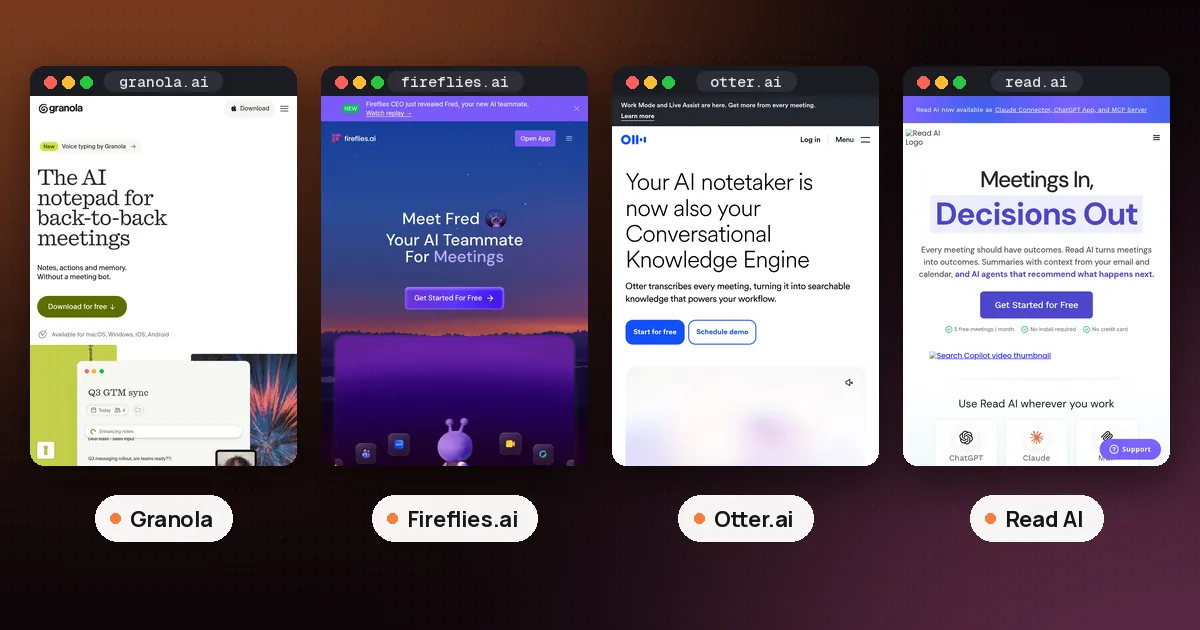
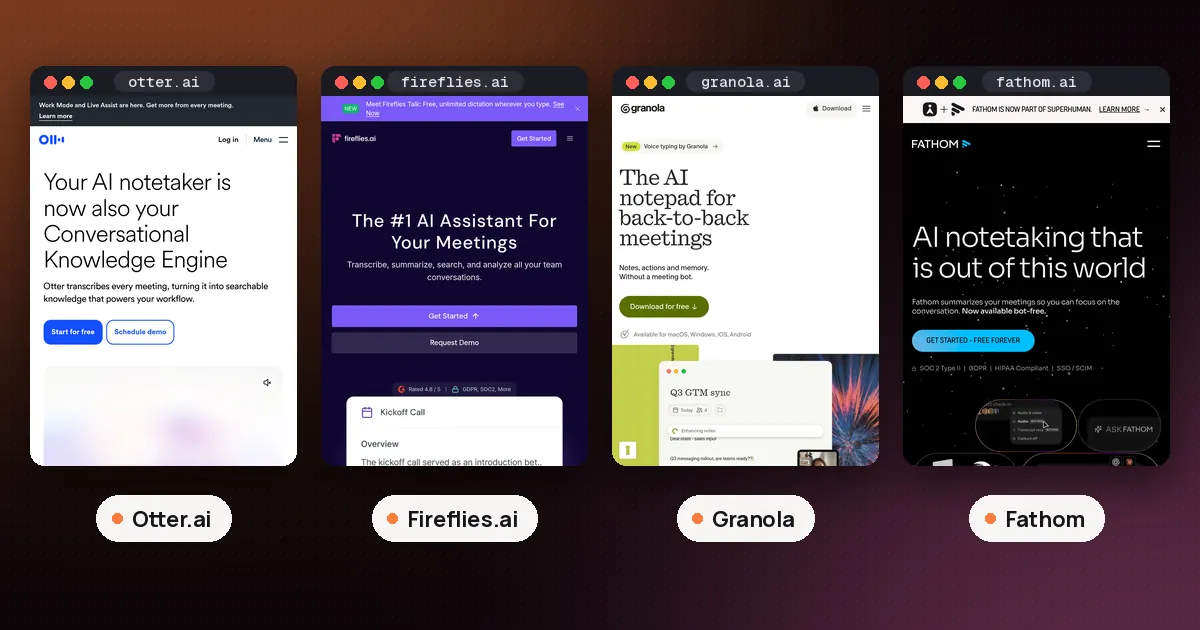
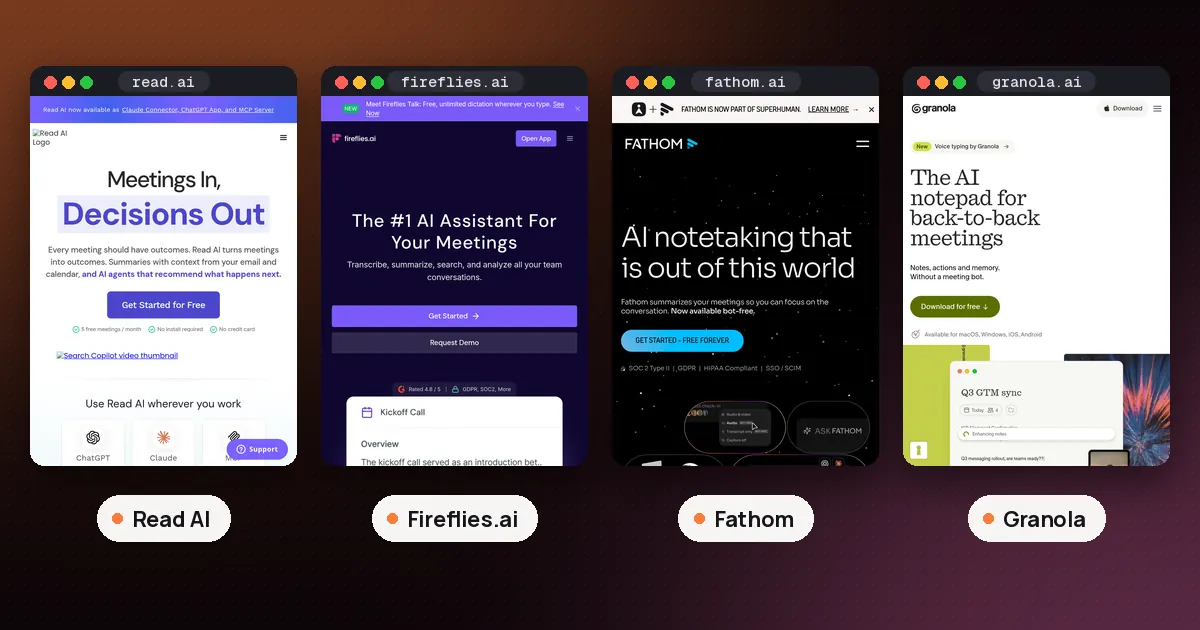
Fireflies Fred AI is the new version of the Fireflies meeting assistant, relaunched on November 11, 2026 as an "AI teammate" that sorts your email, summarizes Slack, answers questions across your connected apps and can even take phone calls for your team, on top of taking meeting notes. Some of it works today. FredBots are rolling out gradually, the free Scheduler and Clips screen recorder arrive over the next couple of weeks, and the Fireflies Fly phone call recorder is expected early next year. Voice typing stays free and unlimited, and the email and Slack assistants need a paid plan, which starts at $10 a user a month billed annually.
This guide separates what you can use right now from what is still on a waitlist, explains what the free plan covers, and helps you decide whether Fred can replace any tools you already pay for. We checked every claim against Fireflies' launch post, press release, pricing page and product pages on the morning of November 12, 2026. We have not used the new Fred features ourselves.
What Fireflies Fred AI does today
Fred used to be the name of the Fireflies note taker bot (it joins calls as fred@fireflies.ai). In the launch post, Fireflies says Fred "got a promotion" from note taker to teammate. These are the parts the post lists under "What Fred can do for you now":
- Meeting notes and Live Assist. Fred still takes notes in Zoom, Google Meet and Microsoft Teams. If you don't want a bot on the call, the Fireflies desktop app takes notes without joining. Live Assist answers questions, coaches you and translates while the call is happening.
- Daily briefs and meeting prep. Each morning Fred sends a brief built from your calendar, past meetings, emails and messages. Before a call, it looks up the people and the company you're meeting, reminds you what you discussed last time and flags anything still open.
- Fireflies Talk with Command Mode. Voice typing is free and unlimited and works in any app. Command Mode is new: you can ask Fred out loud to summarize something, find information or do a task, such as finding a document you discussed yesterday.
- Email Assistant. Fred sorts your inbox, drafts replies and follow ups for you to review, and handles routine email using rules you set.
- Slack Assistant. Fred summarizes busy channels and long threads and tells you what you missed. You can tag @Fred in Slack to research something, build a report or update another tool.
- Artifacts. Fred turns conversations into docs, decks, dashboards and reports, for example a summary of the top feature requests from a month of customer calls.
- Knowledge search in AskFred. You can ask about anything discussed in meetings, docs, email, Slack or connected apps, and the answer links back to the original source.
- Voice Agents. Fred can take calls for a team, such as candidate screenings, sales discovery, support calls and user interviews, then send a summary and scorecard.
- Connected apps. Fireflies now connects to more than 240 tools, up from more than 100, including over 100 MCP connectors, so Fred can update a CRM or a project tracker with what it learned in meetings.
Fireflies' press release lists the same suite. The company also says users turning to Fred for work beyond meeting notes grew 140% in six months, and that Fred completed nearly 100 million tasks over that period. Those are Fireflies' own figures, not independent measurements.
What is still on the waitlist
The press release reads as if everything shipped at once. The launch post is more precise, and its "Coming soon" section is the one to trust when you plan a switch:
| Feature | What it does | When, per Fireflies |
|---|---|---|
| FredBots and AI Skills | Ongoing jobs, such as watching competitors or chasing customer follow ups | Rolling out gradually from November 11 |
| Fireflies Scheduler | Free booking links, plus asking Fred to schedule or move meetings from Fireflies or Slack | Over the next couple of weeks |
| Fireflies Clips | Free screen recorder in the Chrome extension that turns a recording into a video with a transcript, notes or a step by step guide | Over the next couple of weeks |
| Knowledge Base and Fireflies Call | Not described in detail | Over the next few weeks |
| Fireflies Fly | A small recorder for phone calls and in person conversations | Expected early next year |
Each of the first three has its own waitlist, and so does Fly. If one of these is the main reason you're interested, join the waitlist and keep your current tool until the feature actually reaches your account.
FredBots are the most ambitious part. Fireflies says they use hundreds of AI Skills to research the web, operate a computer and work across connected apps. That is closer to a general agent than a note taker, so start with a narrow, low risk job (a daily digest posted to Slack, say) before you give one access to customer email or your CRM.
Fireflies Fred AI pricing: what is free
The Fireflies pricing page and the launch post together give a clear split. The free plan keeps meeting notes and the core features, and the launch post names scheduling, voice typing and screen recording among them. Paid plans add the assistants that act for you.
| Plan | Price | What matters for Fred |
|---|---|---|
| Free | $0 | Transcription (with conditions), limited AI summaries, 400 minutes of storage per team, 20 AI credits, limited AskFred, free Talk |
| Pro | $10 a seat a month billed annually, or $18 monthly | Unlimited summaries, Personal Assistant, Email Assistant, AI Skills, Voice Agents, 20 AI credits |
| Business | $19 a seat a month billed annually, or $29 monthly | Everything in Pro plus team analytics and conversation intelligence, 30 AI credits |
| Enterprise | $39 a seat a month, annual billing only | Rules engine, SSO and SCIM, private storage, custom retention, 50 AI credits |
Two details are easy to miss. First, the launch post says paid features such as the email and Slack assistants, Voice Agents, FredBots and connected tools are "subject to usage credits", so heavy use can run into limits even on a paid seat. Second, unlimited transcription on the free plan has conditions for newer accounts. Our Otter.ai vs Fireflies.ai guide explains the auto join rule and the summary credits in detail, and Read AI vs Fireflies.ai compares the free plans side by side.
Fireflies Talk and Command Mode
Talk launched in September as dictation for the Mac and Windows apps, and TechCrunch's coverage described the shortcuts then: hold Fn on a Mac or Ctrl plus the Windows key on a PC. The Fireflies Talk page now says it works on desktop, iPhone and Android, is free and unlimited on every plan, supports more than 90 languages, and keeps dictations on your device without Fireflies storing a copy.
Command Mode is the new part. Instead of only turning speech into text, you can give Fred spoken instructions. If you came to Fireflies for dictation alone, our Wispr Flow alternatives guide compares Talk with paid and offline options.
Fireflies Fly: notes for phone calls
Phone calls are the gap that meeting bots can't fill, and Fireflies says software alone couldn't solve it, so it built hardware. The Fireflies Fly page describes a device about the size of a card that snaps onto the back of a phone, sits in a pocket or lies on a table. Fireflies lists these specs:
- Up to 32 hours of continuous recording on one charge
- 50 grams and 4.8 mm thick
- 64 GB of storage, which Fireflies says holds up to 4,200 hours of audio
- More than 100 languages, detected automatically, with speaker labels
- Works with iPhone and Android, records offline and syncs later
The Fly FAQ says it works with any Fireflies plan, including Free: you install the mobile app, pair the device once, and recordings land in your existing workspace. Fireflies hasn't published a price. A light on the device shows when it's recording, and Fireflies tells buyers to inform people they are recording and follow local laws. That matters more for phone calls than for video meetings, because there is no visible bot in the participant list to warn anyone. Our AI note taker device guide covers the recorders you can buy today, and Plaud vs Granola compares a hardware recorder with a laptop app.
Privacy and admin controls
A tool that reads your email, Slack and CRM needs stricter limits than one that only hears your meetings. Fireflies says it doesn't use your content to train generative AI models, that its vendors are contractually barred from doing so, and that you can delete your data at any time. Admins decide who can access what and how long data is kept, and Enterprise customers can keep supported data in their own cloud storage buckets with Private Storage.
Before you connect Fred to your inbox, check three things in your own account: which apps it can read, whether email drafts wait for your review (Fireflies says they do), and your retention setting. If you work in a regulated field, Fireflies says HIPAA support needs Enterprise with Private Storage and a signed agreement.
Can Fred replace the tools you already pay for?
Fireflies' pitch is fewer subscriptions: meeting notes, scheduling, email help, Slack bots, voice typing and search under one plan. Here is how that maps against common single purpose tools, based on what is live today:
- Meeting note takers such as Otter and Read AI: Fred already covers this, so the comparison guides above are the place to decide.
- Dictation apps such as Wispr Flow: Talk is free and live on desktop and phones, so this is the easiest overlap to test.
- Email assistants such as Fyxer: the Email Assistant is live on paid plans. Our best AI email assistant guide covers what dedicated tools add.
- Scheduling links such as Calendly: Scheduler isn't out yet, so don't cancel anything. Our guide on how to use AI to schedule meetings covers what works now.
Fireflies isn't alone in turning a meeting assistant into something broader. Anthropic announced Claude Meetings a day earlier, aimed at producing work during the call itself.
Who should try the new Fred
Fred makes the most sense if your team already uses Fireflies for meetings, lives in Slack and wants one assistant that remembers what was said on calls. It makes less sense if you only need a note taker, since the free plan already does that, or if you can't connect email and chat to a third party tool under your company's rules.
A sensible trial: turn on Talk and the daily brief first (both cost nothing), then try the Email Assistant or Slack Assistant on a paid seat for two weeks, and only then decide which other subscriptions to drop.
FAQ
What is Fireflies Fred?
Fred is the AI assistant inside Fireflies. It started as the bot that joins meetings and takes notes. Since November 11, 2026, Fireflies calls it an AI teammate that also handles email, Slack, search across connected apps, daily briefs and phone calls through Voice Agents.
Is Fireflies Fred free?
Partly. Meeting notes, limited AI summaries, limited AskFred and unlimited voice typing are on the free plan, and Fireflies says the coming Scheduler and Clips will be free too. The Email Assistant, Slack Assistant, Voice Agents, FredBots and connected tools need a paid plan, from $10 a seat a month billed annually, and they draw on usage credits.
What is Fireflies Fly and when can I buy it?
Fly is a small recorder that attaches to the back of a phone and takes notes on phone calls, WhatsApp calls and in person conversations, then syncs them to Fireflies. It works with any plan, including Free. Fireflies expects it early next year and has opened a waitlist, with no price announced.
Can Fireflies Fred answer my email for me?
It drafts replies and follow ups for you to review, sorts your inbox and handles routine email using rules you set. The Email Assistant is a paid feature listed on the Pro plan and above.
When does Fireflies Scheduler come out?
Fireflies says Scheduler starts rolling out over the next couple of weeks from November 11, 2026, and it has a waitlist. It will give you a free booking link and let you ask Fred to schedule, move or block off meetings from Fireflies or Slack.
Does Fireflies use my data to train AI?
Fireflies says it doesn't use your content to train generative AI models and that its vendors are contractually prohibited from doing so. Admins control access and retention, and Enterprise customers can store supported data in their own cloud buckets.