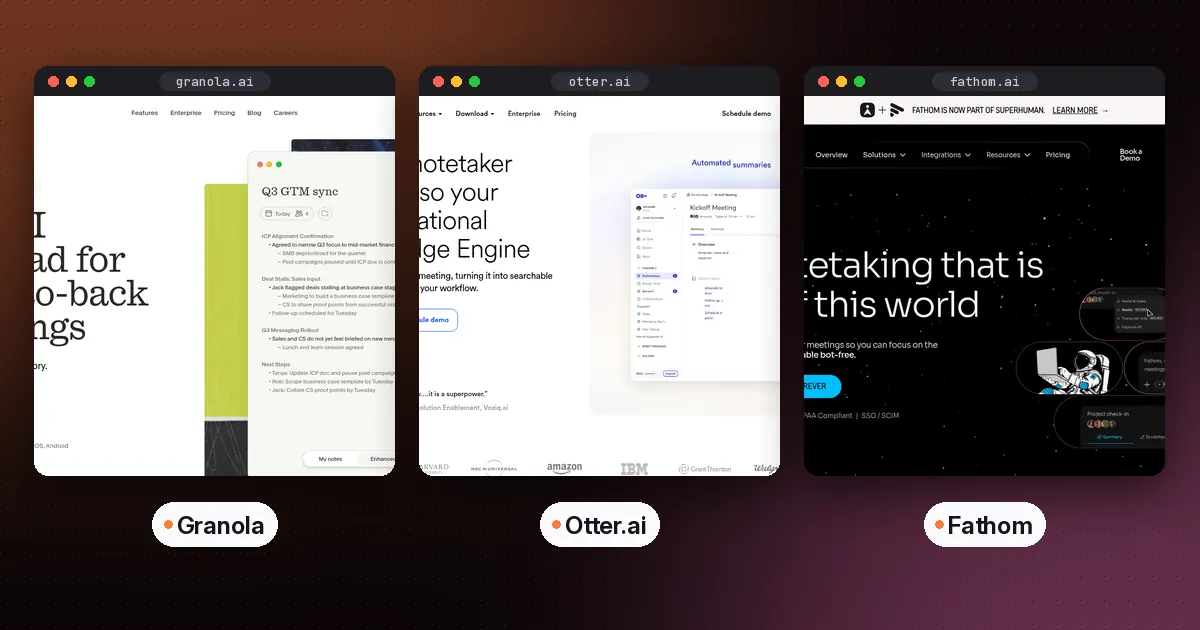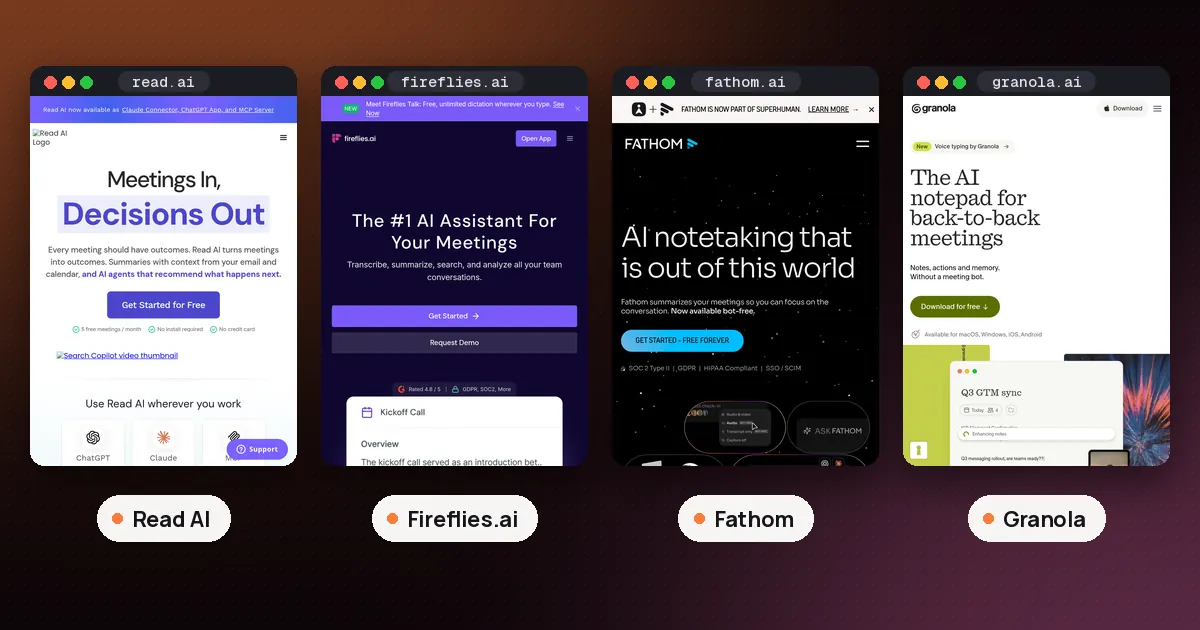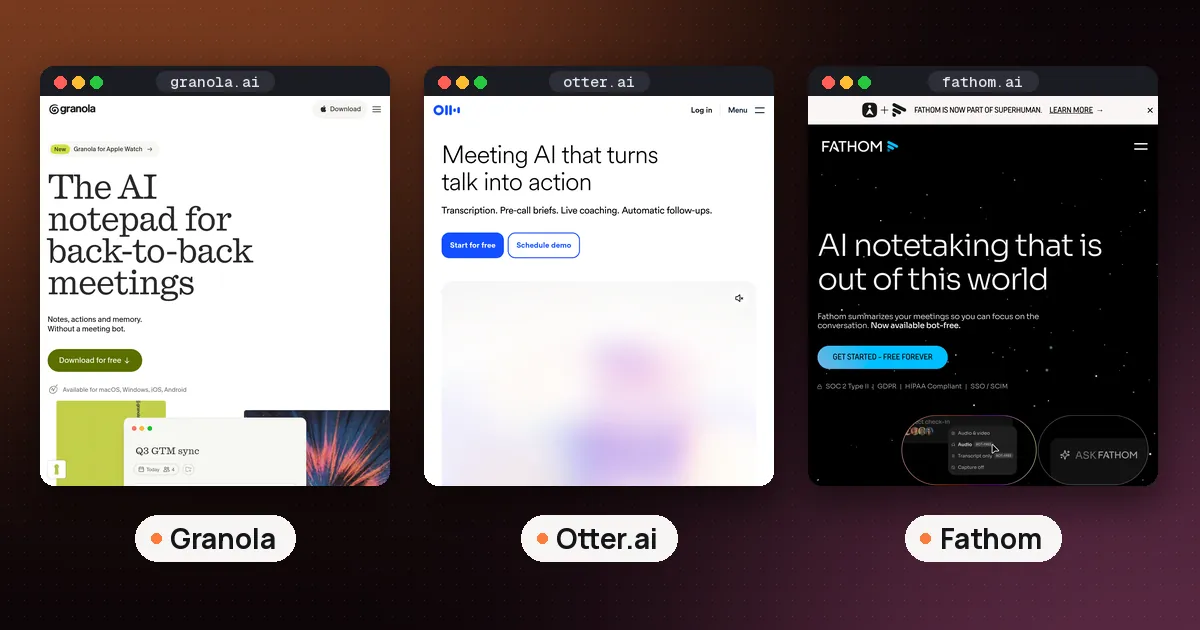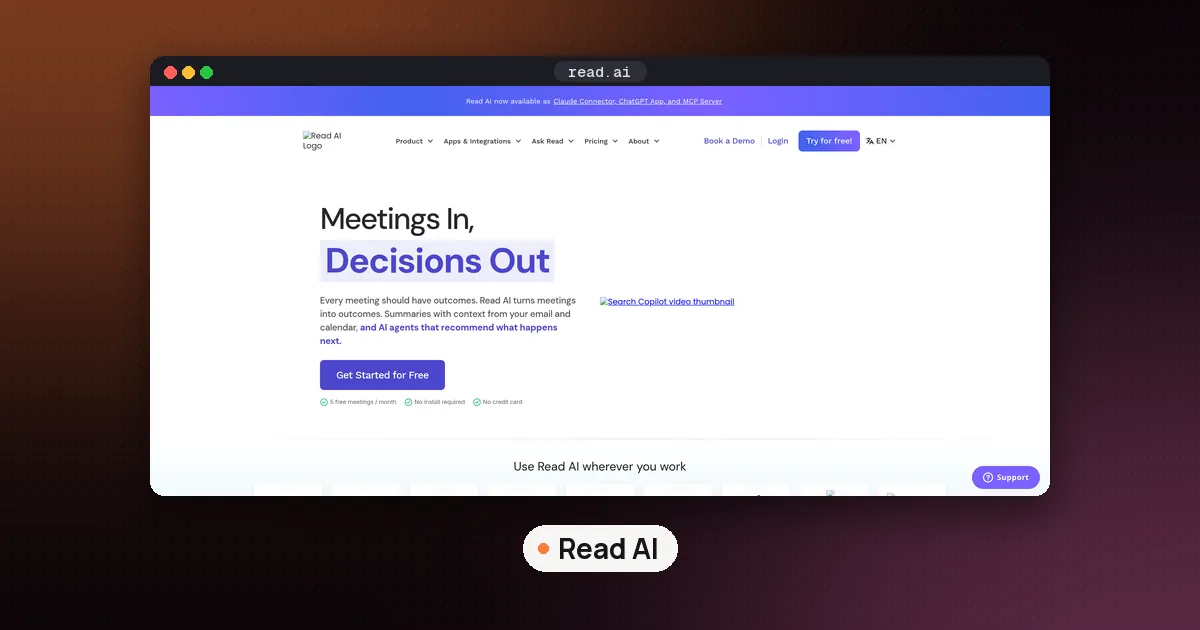
The best open source Read AI alternatives in 2026 are Meetily for private meeting notes on Windows or a Mac, Anarlog (formerly Hyprnote) for a Granola style notepad, Scriberr for transcribing recordings on your own server, and Vexa if you specifically want a bot that joins Google Meet, Teams and Zoom calls the way Read AI does. All four publish their source code under the MIT or Apache 2.0 license, and the first three can keep your audio on hardware you control. None of them copies every Read AI feature, so pick the one that matches how you meet.
Read AI is a hosted service: a Read Assistant joins your calls, and your transcripts live on Read's servers. That is convenient, but some people can't send client calls to a third party cloud, and others hit the Free plan's cap of 5 meeting reports a month. This guide compares the open source options on what they record, where your data goes and what they really cost. Facts were checked on November 7, 2026 against each project's GitHub repository, pricing page and docs, plus the Read Help Center. We did not install or run these tools for this guide.
Open source Read AI alternatives at a glance
| Tool | How it captures | Where transcription runs | License | Paid option |
|---|---|---|---|---|
| Meetily | Desktop app, no bot | On your computer (Whisper or Parakeet) | MIT | Pro $120 a year per device |
| Anarlog | Desktop app, no bot | On Apple Silicon Macs, or a provider you pick | MIT (community app) | Pro $140 per person a year |
| Scriberr | Upload or record audio files | Your own server | MIT | None listed |
| Vexa | Bot joins Meet, Teams and Zoom | Self hosted, or Vexa's hosted API | Apache 2.0 | Hosted bots $0.30 an hour |
| Whisper | Any audio file you give it | Your computer | MIT | None |
Read AI itself costs $0 on Free (5 meeting reports a month, meetings cut at 1 hour), and Pro is $15 per user a month billed annually or $19.75 month to month, per the Read Help Center on November 7, 2026.
What you give up when you leave Read AI
It helps to know what Read AI does well before you replace it. According to its plans article, Read can join Google Meet and Microsoft Teams meetings even when the license holder isn't there, which is useful when you are double booked. Its plans include a personal meeting coach, unlimited Ask Read search across your meetings, and premium integrations such as Notion, Salesforce, HubSpot, Jira and Zapier on Pro.
Most open source tools work differently. Meetily and Anarlog record the audio on your own computer, so you have to be in the meeting with the app running. That is a feature for privacy (no bot in the participant list) but a loss if you rely on Read to cover calls you skip. Only Vexa sends a bot, and it is built for developers rather than as a finished notes app.
If you mainly want a free notes app and don't care about open source, our best AI note taker for meetings guide covers hosted picks with generous free plans, and Read AI vs Fathom compares Read with one of the most generous free tiers.
Meetily: best for fully local meeting notes
Meetily is the closest thing to a drop in private replacement for a meeting assistant. It is a desktop app for Windows and macOS on Apple Silicon (Linux users build it from source) that captures your microphone and system audio at the same time, transcribes on your machine with Whisper or NVIDIA's Parakeet models, and writes a summary.
What the project says about privacy is specific. Audio and transcripts never leave your device. Summaries use a local model through Ollama by default. If you choose a cloud provider instead (Claude, Groq, OpenRouter, OpenAI or your own OpenAI compatible endpoint), only the transcript text is sent to it. The community edition can also import existing audio files and transcribe them again with a different model, a feature marked beta.
What you pay for: Meetily's pricing page lists Pro at $10 per user a month billed annually ($120 a year), with a 14 day free trial and no card needed. Pro adds speaker identification (who said what), custom summary templates, PDF and DOCX exports, automatic meeting detection, and MCP, CLI and webhook integrations. Each Pro license covers one device, and the page offers a 30 day refund.
Who it suits: people on Windows who want everything on their laptop, and anyone whose company blocks meeting bots. The Windows installer needs an x64 processor with AVX2 support, per the README.
Anarlog (formerly Hyprnote): best Granola style notepad
Anarlog started life as Hyprnote, briefly used the name Char, and is now the team's open source, local first meeting notepad. Its README describes it as an open source alternative to Granola. Like Granola, it listens to your device audio instead of sending a bot, lets you type your own notes during the call, and then writes an AI note from the transcript plus your notes.
Where things run depends on your hardware. The download page offers builds for macOS, Windows and Linux, with Windows and Linux marked beta. Built in on device transcription (Parakeet through Soniqo, Apple Speech, or a whisper.cpp model file you choose) requires a supported Apple Silicon Mac. On other platforms you point it at a local transcription server or a hosted provider. For summaries you can connect LM Studio, Ollama or Unsloth, use your own API key, or use Anarlog's paid cloud. The models and providers docs say that if your chosen local model is unavailable, Anarlog reports an error rather than quietly sending the request to its cloud.
Sessions and transcripts sit in a local SQLite database, recordings are plain files, and you can export Markdown. The community app is MIT licensed, while enterprise components in the same repository are under a commercial license. The free plan on anarlog.so covers unlimited on device transcription, bring your own keys, notes, templates, chat and exports. Pro is listed at $140 per person a year and adds cloud transcription, cloud AI, encrypted sync, dictation and shared workspaces.
Who it suits: Mac users who like taking their own notes in a meeting and want an open source tool that looks and feels like a modern notes app.
Scriberr: best open source option for recordings and Plaud users
Scriberr is not a live meeting assistant. It is a self hosted transcription app: you install it with Docker or Homebrew, open it in a browser, and upload or record audio. It transcribes with NVIDIA Parakeet, Canary or Whisper models, labels speakers, and lets you chat with or summarize a transcript through Ollama or an OpenAI compatible provider. A folder watcher can process new files automatically, which makes it handy for recordings from a phone or a voice recorder.
The author built it after buying a Plaud Note and not wanting to upload recordings to a cloud service, so it is a fair answer to "Plaud alternative open source" for the software side. You still need a recorder or phone to capture audio. If you are choosing hardware, our AI note taker device guide compares Plaud, Pocket and Comu.
One honest caveat: the latest tagged release is v1.2.0 from December 2025, and the README says development paused for a while. The maintainer's latest note says the project is not abandoned and work is starting again. Check the repository's recent activity before you depend on it.
Vexa: the open source pick if you want a bot
Vexa is the only tool here that works like Read AI's assistant. A bot joins Google Meet, Microsoft Teams and Zoom calls as a participant and streams a transcript with speaker names in real time. It is licensed under Apache 2.0, and you can run the whole stack yourself with Docker or use the hosted API.
It is a developer tool, not a notes app. You send the bot with an API call or through a web workbench that comes with the self hosted version, and the README describes meetings compiling into Markdown files in a git repository. The hosted service charges $0.30 an hour of bot time, and new accounts get $2 of free credit with no card required, per the README. Running it yourself needs Docker, and a fully air gapped setup means hosting your own GPU transcription.
Who it suits: a team with someone technical who wants Read AI's "send a bot to every call" model but on infrastructure they control.
Whisper: the engine under most of these tools
OpenAI's Whisper is an MIT licensed speech recognition model that handles multilingual transcription, translation into English and language identification. Meetily and Scriberr both offer Whisper models, and Anarlog accepts whisper.cpp model files. You can also run it directly with a Python install on any recording.
Whisper on its own gives you a transcript, not meeting notes. There's no recorder, no summary and no search, so it fits people who are comfortable on the command line and want a building block.
Which open source alternative should you pick?
- You want Read AI's notes without the cloud, on Windows or Mac: start with Meetily's free community edition.
- You take your own notes in calls and use a Mac: try Anarlog.
- You record in person meetings or lectures on a phone or recorder: run Scriberr on a home server or desktop.
- You need a bot to join calls you can't attend: Vexa is the only open source option here, and it needs technical setup. Otherwise stay with a hosted tool like Read AI or Otter.
Whichever you choose, tell people when you record. Bot free tools don't announce themselves in the participant list, and recording consent rules vary by place.
If you still want Read AI's hosted service, our guide on whether Read AI is free with Teams explains the Free plan limits and setup. For other on device meeting notes, see Google AI Edge Foresight vs Granola.
FAQ
Is there a free open source AI note taker for meetings?
Yes. Meetily's community edition is free and MIT licensed, and it transcribes and summarizes on your computer. Anarlog's community app is also free and MIT licensed, with unlimited on device transcription on supported Apple Silicon Macs.
What is the best open source Otter AI alternative?
For live meetings, Meetily is the closest match because it records system audio and writes transcripts and summaries locally. For transcribing recordings after the fact, which is how many people use Otter, Scriberr is a strong self hosted choice.
Do open source note takers join the meeting as a bot?
Meetily and Anarlog don't. They record audio on your own device, so nothing appears in the participant list. Vexa does send a bot into Google Meet, Teams and Zoom, which is the same approach Read AI uses.
Can I keep everything offline?
Mostly. Meetily needs the internet to download the app and models (and for Pro license activation), but transcription runs locally and summaries can use a local model. Anarlog can stay local on supported Macs with on device transcription and a local model through Ollama or LM Studio, though its web search in chat sends the query to a hosted endpoint.
Are there open source alternatives for other tools in a productivity stack?
Yes. For saving articles, wallabag is an open source read it later app, covered in our Readwise Reader vs Raindrop guide. For voice typing, our Wispr Flow alternatives guide lists open source dictation apps.