// guides · how to
How to
This topic holds the Ryza how to guides on AI tools for personal productivity: practical walkthroughs that start from a clear goal and end with something working. Each one lists what you need before you begin, gives the steps in order and links to the official documentation it was checked against.
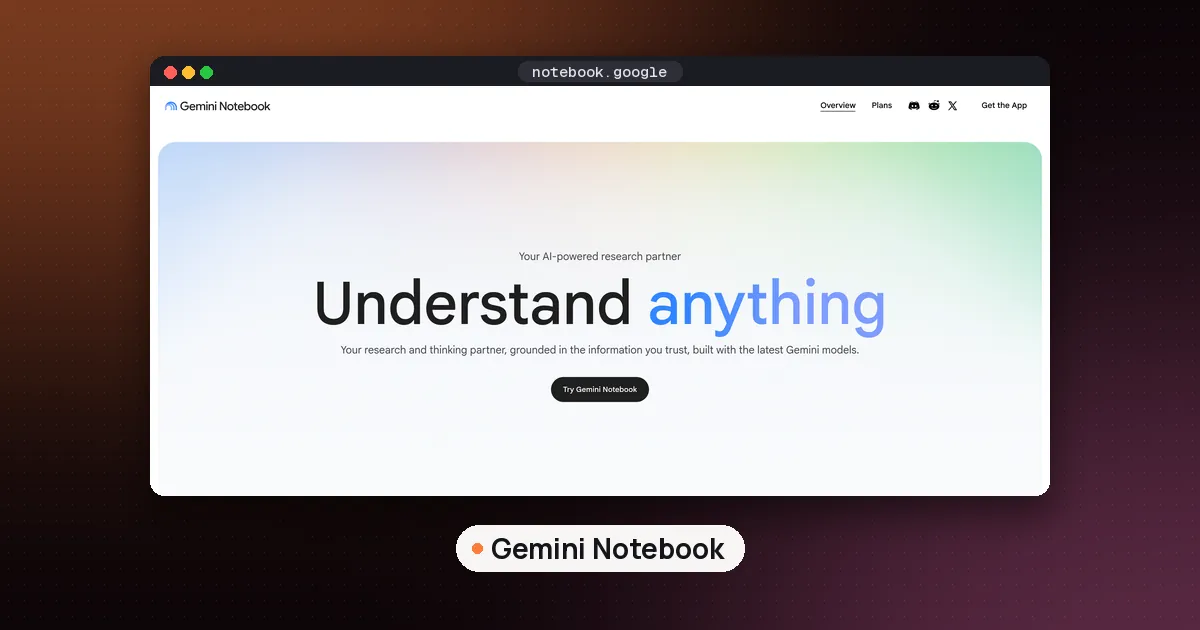
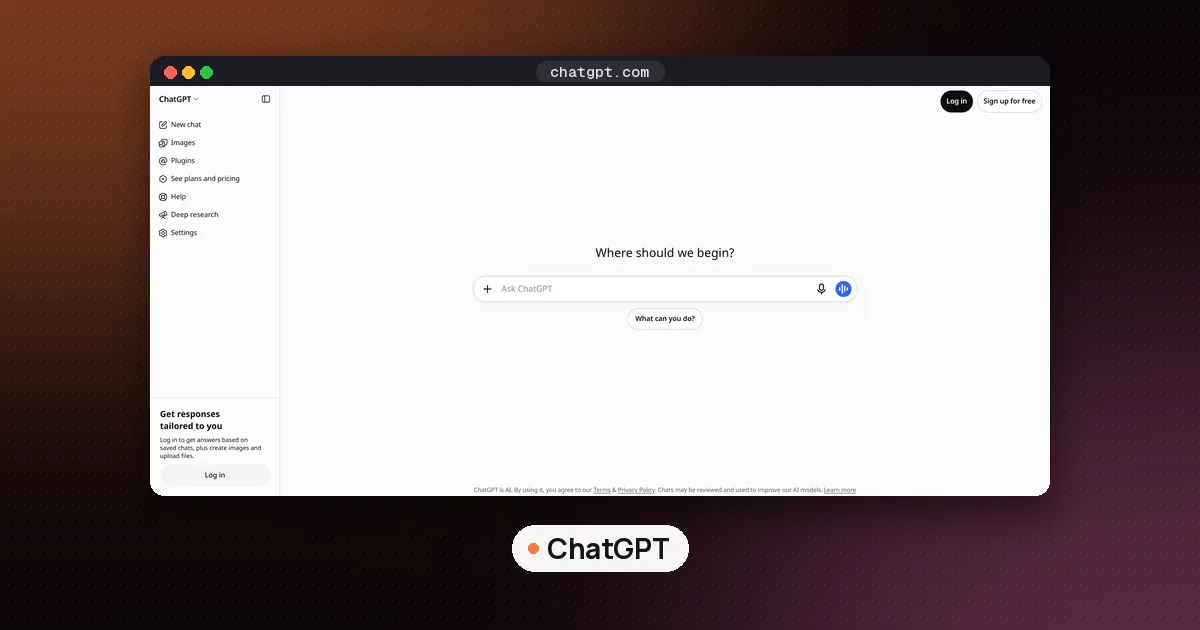
There are 45 guides here, published from Oct 05, 2026 to Nov 28, 2026. The tools they cover most often are ChatGPT, Claude and Gemini Notebook.
How to choose: pick the guide whose title matches the task, not just the tool, because many tools appear in several guides. Check the last checked date at the top, since menus and setting names change between versions. If a step no longer matches what you see, the contact page is the quickest way to tell us.
9 min readListen
Claude Install as App: Turn Artifacts Into Apps
Claude's Install as app turns an artifact into a Mac or Windows app with its own window and icon. Who gets it, how to install one, the permissions and the limits.
9 min readListen
Gemini Tasks: How to Use Them for Free
Gemini tasks hand off multistep jobs to Gemini in the background. Who gets them free, how to start and schedule one, free plan limits, and the safety settings.
9 min readListen
ChatGPT Space: What It Is and How to Use It
ChatGPT Space explained: who gets it on Plus, how pages and spaces work, Space vs Projects, sharing limits, privacy settings and what to use on Free or Go.
9 min readListen
Gemini Computer Use on Mac: Setup, Limits, Risks
Gemini computer use on Mac lets the Gemini app click and type in your Mac apps. Who can use it, how to turn it on, safe app permissions and backups.
10 min readListen
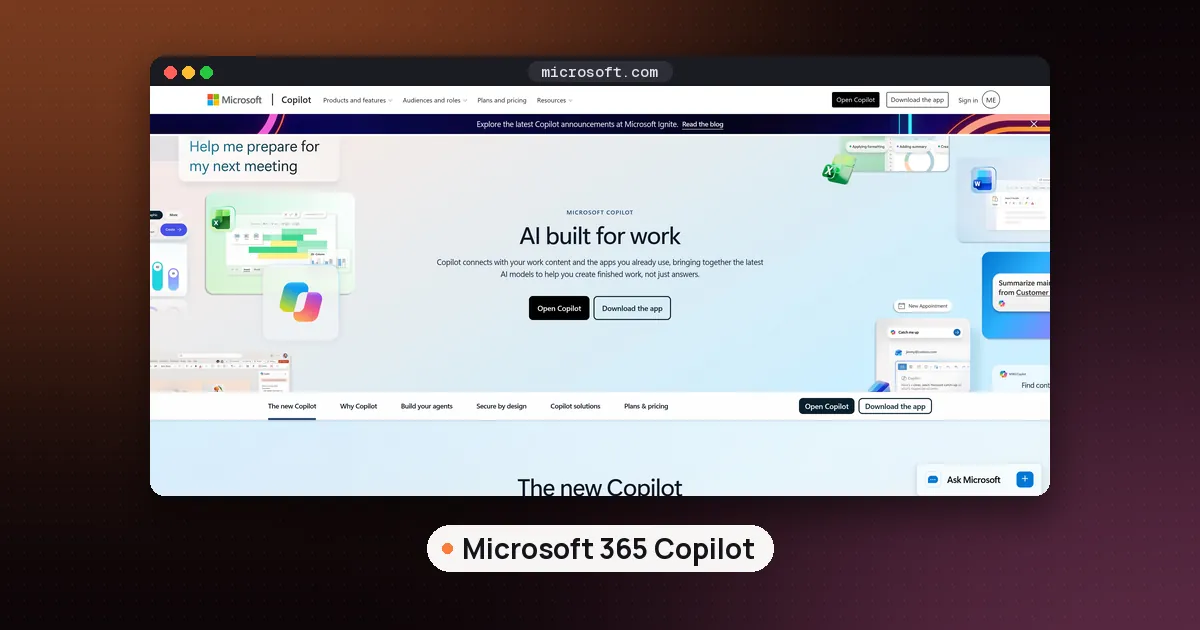
Office in Copilot: Use Word, Excel and PowerPoint
Office in Copilot puts Word, Excel and PowerPoint inside the Microsoft Copilot app. Who gets it after Ignite 2026, step by step use, costs and fixes.
· updated
9 min readListen
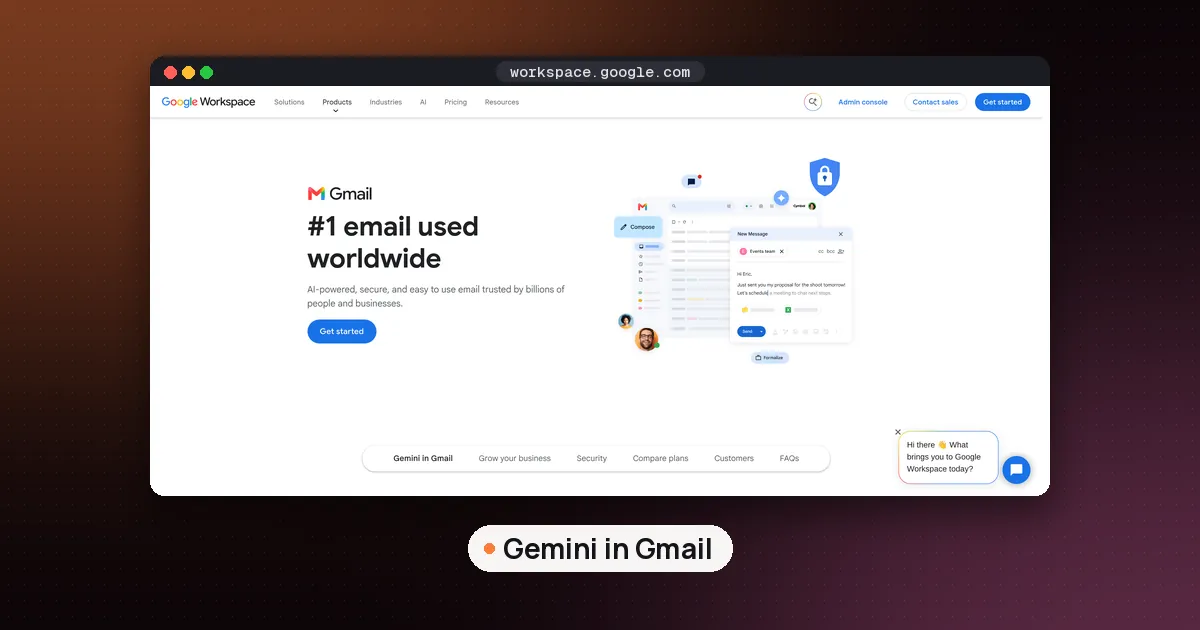
How to Use Help Me Write in Gmail
How to use Help Me Write in Gmail on a computer, iPhone or Android, who gets it after the November 2026 Workspace rollout, prompt tips and how to turn it off.
9 min readListen
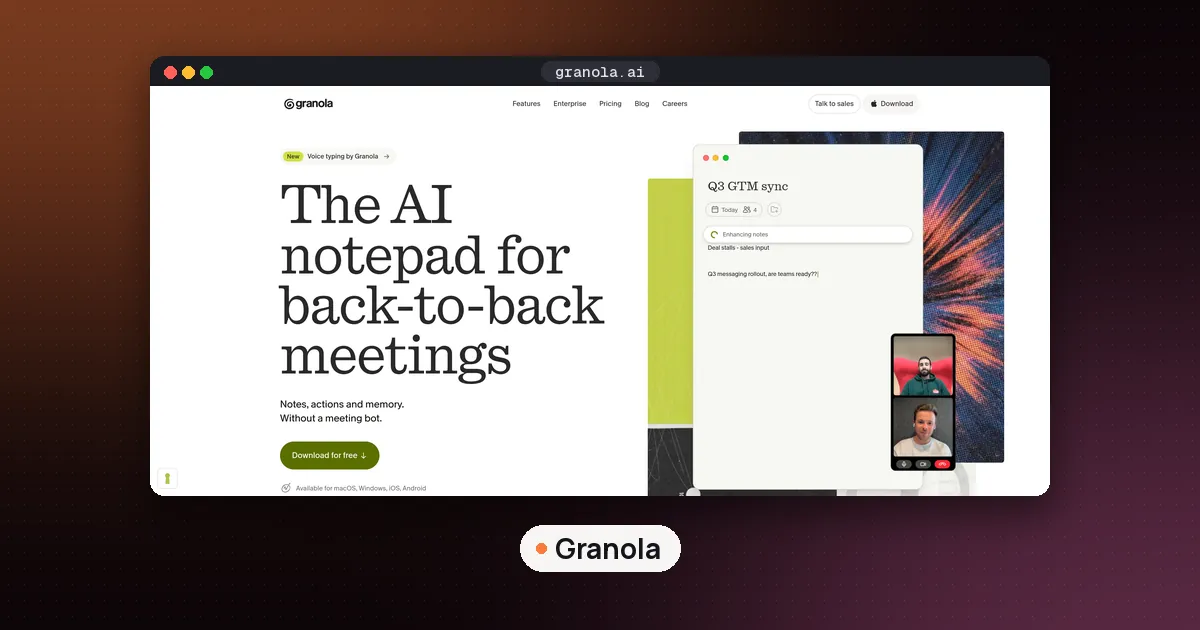
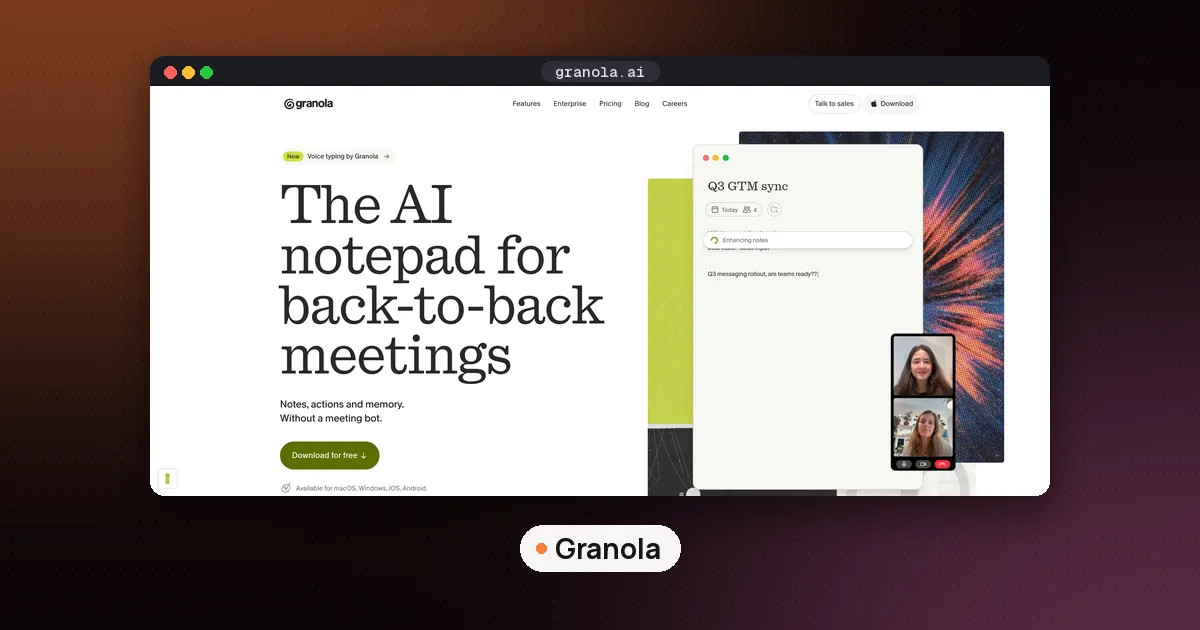
How to Use Granola AI with Zoom, Step by Step
How to use Granola AI with Zoom: install the desktop app, grant audio access, start a note, turn on Zoom speaker tags and let people know. No bot joins.
10 min readListen
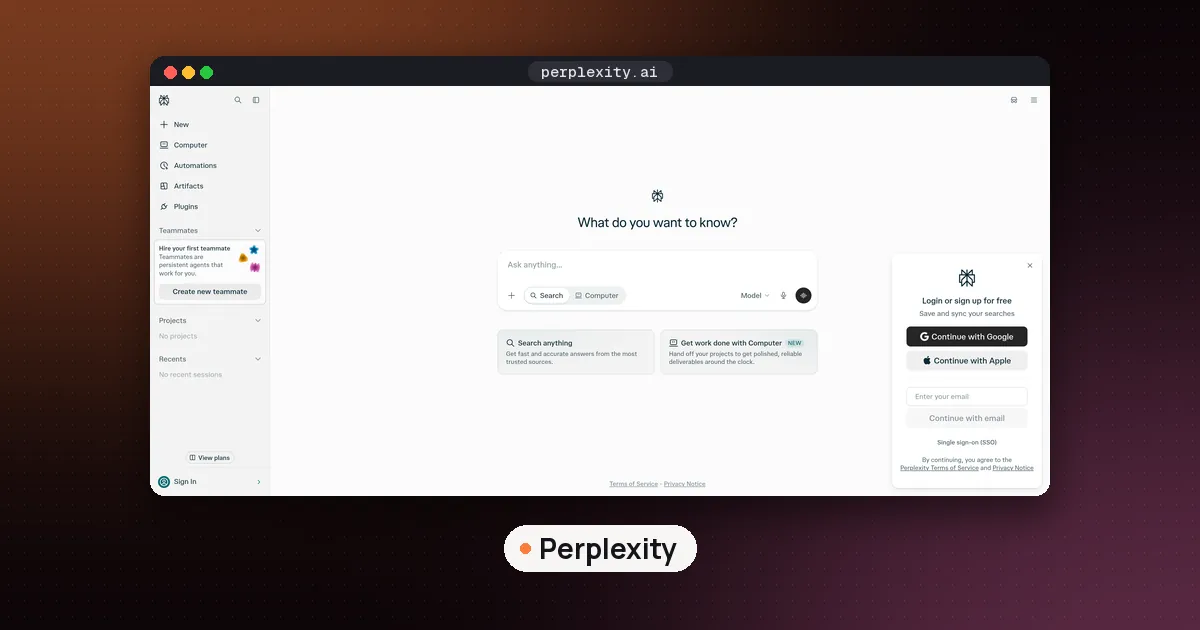
How to Use Perplexity Computer, Step by Step
How to use Perplexity Computer: open it from the Home page, describe one clear task, pick an effort level, connect only the apps you need and watch your credits.
· updated
10 min readListen
Gemini Connected Apps Privacy: What Reviewers See
Gemini Connected Apps privacy explained: when Gmail and Drive content can reach human reviewers, what Keep Activity changes, and how to disconnect safely.
· updated
8 min readListen
How to Use QuillBot in Word: Setup and Tips
How to use QuillBot in Word: install the free add in, launch the sidebar, sign in, then paraphrase or check grammar. Mac, Windows and web, plus fixes.
9 min readListen
How to Use Plaud to Record Calls
How to use Plaud to record calls on Plaud Note Pro and Plaud Note: attach it, start and stop, get both sides, transcribe in the app, free minutes and consent.
· updated
10 min readListen
Gemini Gems to Skills: What Changes on Nov 17
Gemini Gems to skills: Gems go read only on Nov 17 and disappear Dec 17. What moves over, which files get dropped, and how to rebuild a Gem as a skill now.
· updated
10 min readListen
Notion ChatGPT Integration: Use the New Plugin
How the Notion ChatGPT integration works now: install the plugin, open and edit Notion pages beside your chat, control what ChatGPT can see, and fix common errors.
· updated
8 min readListen
How to Use QuillBot for Paraphrasing
How to use QuillBot for paraphrasing step by step: enter text, pick a mode, freeze key terms and edit the rewrite. Free word limits and citation rules.
· updated
10 min readListen
Gemini Guided Learning: How to Use It to Study
Gemini Guided Learning tutors you with questions and hints instead of answers. How to turn it on, use it in Google Classroom, and how it compares to ChatGPT.
· updated
8 min readListen
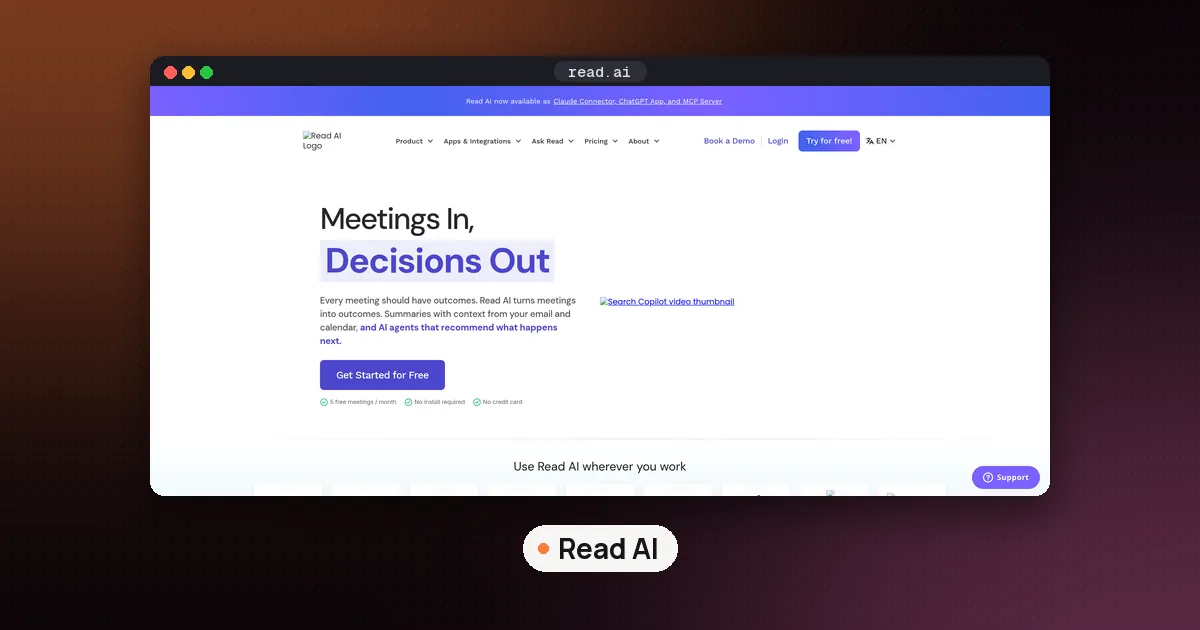
Open Source Read AI Alternatives for 2026
The best open source Read AI alternatives in 2026: Meetily, Anarlog, Scriberr, Vexa and Whisper, with what each records, where data goes and real costs.
8 min readListen
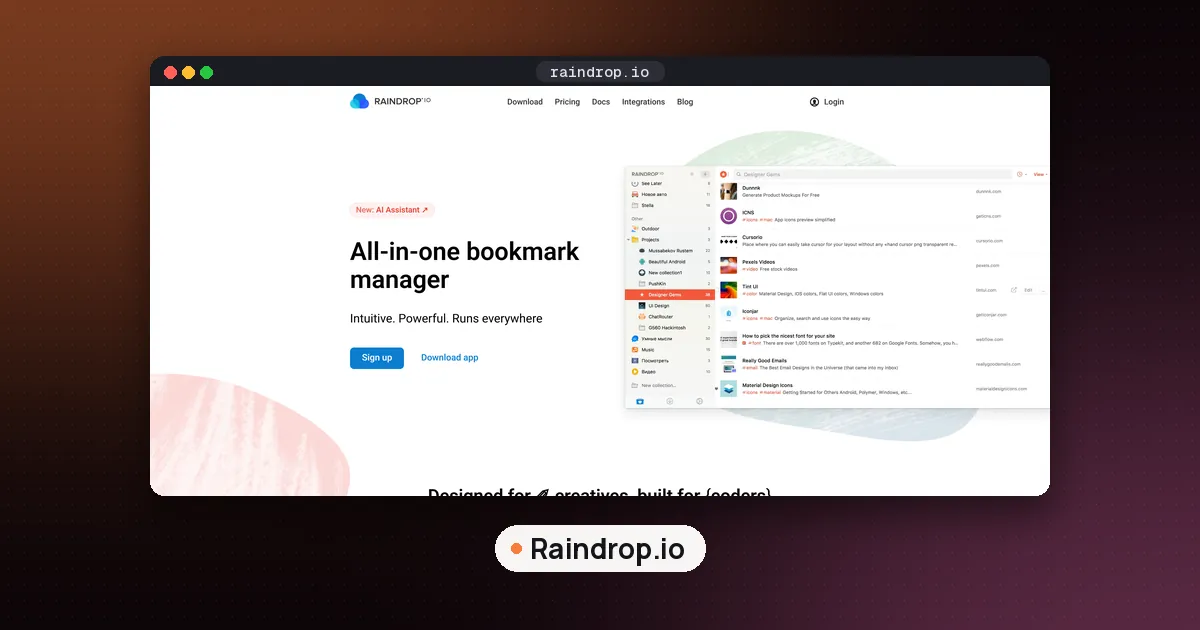
How to Use Raindrop.io: Step by Step Guide
How to use Raindrop.io: create an account, save with the browser extension or phone share sheet, organize collections and tags, and know what Free vs Pro includes.
9 min readListen
Gemini in Google Forms: Create and Analyze Surveys
Gemini in Google Forms can draft a survey from a prompt and, since Nov 5, 2026, turn responses into trends and next steps. Who gets it, steps, and limits.
10 min readListen
How to Use Otter.ai with Teams
How to use Otter.ai with Teams: connect Outlook, auto join as Notetaker, paste a meeting URL, fix lobby settings, or record bot free on desktop.
· updated
8 min readListen
How to Use Superhuman Email Assistant
Learn how to use Superhuman Email Assistant in Gmail or Outlook: setup, Auto Labels, Auto Drafts, Auto Archive, reminders, pricing and when to skip it.
9 min readListen
Gemini in Google Slides: Build and Edit a Whole Deck
Gemini in Google Slides can now build and edit a whole deck from one prompt. Who gets it, the exact steps, prompts that work, limits, and free options.
· updated
8 min readListen
Google Docs Markdown: Open and Edit .md Files
Google Docs Markdown support now opens .md files without converting them. See how to preview, edit, paste, import and export Markdown in Docs and Drive.
10 min readListen
Can Gemini Edit PDFs? How File Editing Works
Can Gemini edit PDFs? Yes, since October 29, 2026, for files it creates. See how to preview and edit PDFs, Docs, Sheets and slides in the Gemini app.
· updated
10 min readListen
Granola Voice Typing: Free Dictation in Any App
Granola voice typing is free, unlimited dictation on Mac, Windows, iPhone and Android. Setup, shortcuts, styles, privacy, and how it compares with Wispr Flow.
· updated
10 min readListen
How to Use AI in Outlook Calendar: 6 Features
How to use AI in Outlook calendar: let Copilot reschedule conflicts, prep meetings, draft agendas and plan your week, or connect ChatGPT or Reclaim instead.
· updated
9 min readListen
How to Connect iCloud to ChatGPT: Mail and Calendar
How to connect iCloud to ChatGPT: install the iCloud Mail and Calendar plugins, make an Apple app specific password, set permissions and fix sign in errors.
· updated
10 min readListen
How to Use AI to Schedule Meetings: 4 Ways
How to use AI to schedule meetings in Gmail, Outlook, Calendly and Reclaim: where the button is, what each one checks, plan limits and a reply template.
· updated
10 min readListen
How to Turn Off the AI Note Taker in Krisp
How to turn off the AI note taker in Krisp: set Note Taker to Off, disable Automatic Activation, remove Krisp Bot, stop auto sharing and delete saved meetings.
· updated
9 min readListen
Copilot Prioritize Is Retiring: What to Use Next
Copilot Prioritize in Outlook retires from October 26, 2026. What it did, when it goes, and how to rebuild a priority inbox with Focused Inbox, rules and AI.
· updated
9 min readListen
How to Make Flashcards With AI From Your Notes
How to make flashcards with AI: upload your notes to Gemini Notebook, ChatGPT or Claude, check every card against the source, then study in Anki or Quizlet.
· updated
9 min readListen
Google Docs Live: How to Write a Doc by Voice
Google Docs Live lets you talk a first draft into the Docs app on Android and iPhone. Here is who gets it, how to use it, its limits and how it compares.
· updated
10 min readListen
How to Use an AI Virtual Assistant, Step by Step
How to use an AI virtual assistant: pick the right type, give it context, connect email and calendar, schedule recurring tasks and keep approvals on.
· updated
9 min readListen
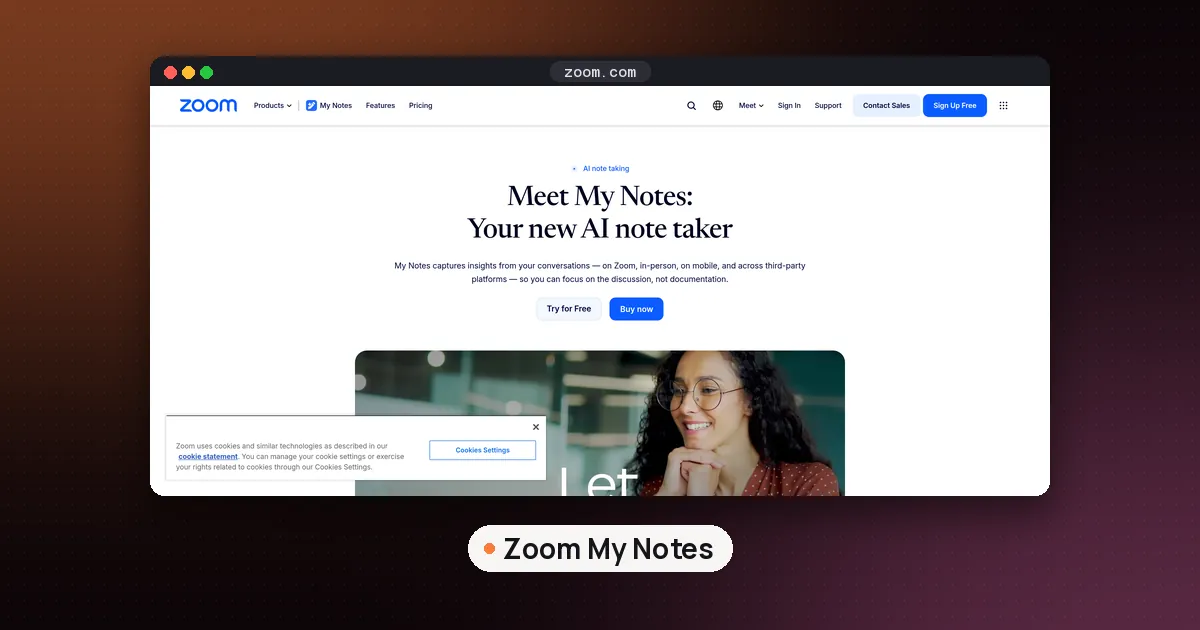
Zoom My Notes: Setup, Limits and What's New
Zoom My Notes explained: how to turn it on, which plans and apps support it, transcription limits, how to turn it off, and the Zoomtopia 2026 updates coming.
· updated
8 min readListen
Notion AI Calendar: How to Use It, Setup and Tips
How to use Notion AI calendar features: connect Notion Calendar to Notion AI, ask about your schedule, and add AI Meeting Notes to events, with plan limits.
· updated
10 min readListen
ChatGPT Slides: How to Make and Export a Deck
ChatGPT Slides explained: who can use it, how to build a deck in Space, edit it with your team, export to PowerPoint or Google Slides, and free options.
· updated
9 min readListen
Gmail AI Inbox: How to Use It or Turn It Off
Gmail AI Inbox explained: who gets it, how to turn it on, use suggested todos and topics, fix it not showing, and hide it on work or personal accounts.
· updated
7 min readListen
How to Transcribe a Meeting with Copilot
How to transcribe a meeting with Copilot in Teams: start live transcription, ask Copilot during and after, download the .docx, and when Otter fits better.
· updated
9 min readListen
How to Use Claude in Google Docs
How to use Claude in Google Docs, Sheets and Slides: install the Workspace addon, open the sidebar, edit safely, and when native Claude Docs are better.
· updated
10 min readListen
How to Use Instapaper: Save, Read and Listen
How to use Instapaper: save articles from your browser or phone, read or listen offline, connect Obsidian, Notion, Kobo or Kindle, and see what free includes.
· updated
8 min readListen
ChatGPT Prompts for Small Business: 25 Templates
25 copy and paste ChatGPT prompts for small business owners: customer emails, outreach, social posts, sales follow ups and weekly planning, with tips for each.
· updated
8 min readListen
How to Use Superhuman Go in 2026
How to use Superhuman Go free: install the Chrome or Edge extension or desktop app, turn it on in Grammarly, try agents, and when Pro is worth paying for.
· updated
10 min readListen
How to Use Claude Docs, Slides and Design Free
How to use Claude Docs, Slides and Design on the free plan: create, edit, export to Word or PowerPoint, plus what Dashboards and Motion still require.
· updated
9 min readListen
Can ChatGPT Take Meeting Notes? Record vs Meetings
Can ChatGPT take meeting notes? How Record mode, the new Meetings plugin and audio uploads work in 2026, which plans and devices get them, and the limits.
· updated
7 min readListen
How to Turn Off Gemini in Gmail on Any Device
How to turn off Gemini in Gmail on desktop, iPhone and Android, what each smart features switch removes, and how work and school accounts differ in 2026.
· updated
7 min readListen
How to Use NotebookLM for Studying (Gemini Notebook)
NotebookLM is now Gemini Notebook. Learn how to use it for studying in 2026: set up one notebook per class, then build flashcards, quizzes and audio reviews.
· updated